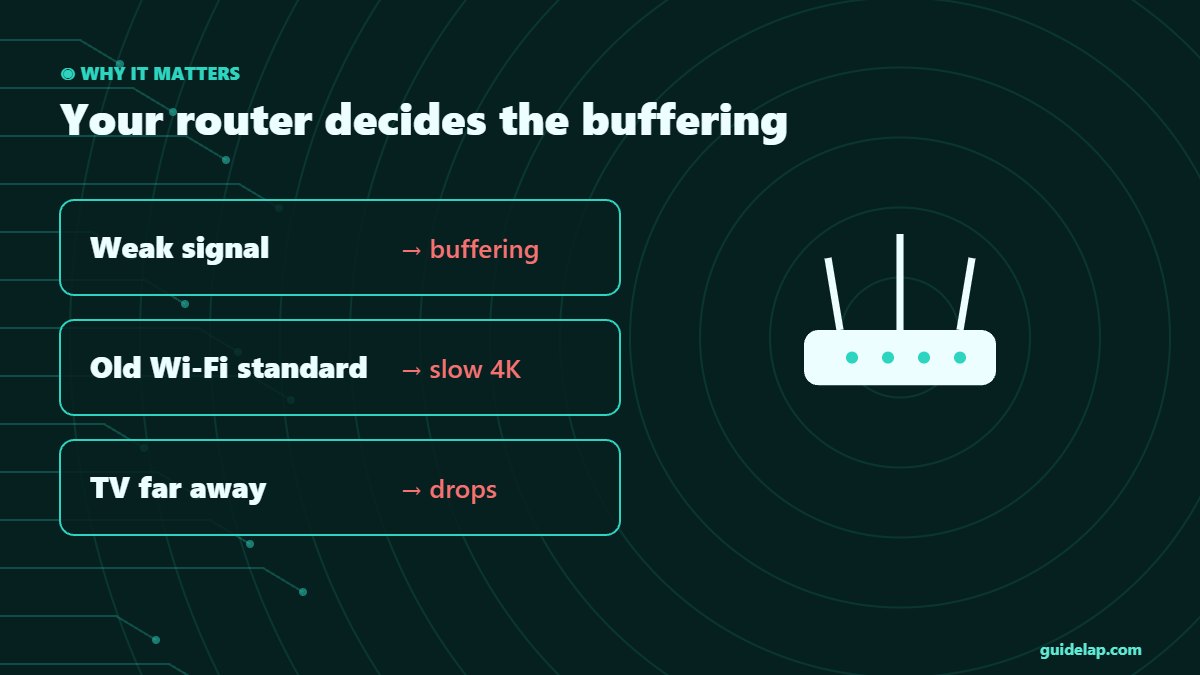
Your internet plan might be fast, but if your router is old or badly placed, 4K streams and live sports will still buffer. This guide picks the best router for streaming in 2027 — from budget Wi-Fi 7 routers to mesh systems for big homes — and shows the settings that make the biggest difference.
Best router for streaming: quick picks
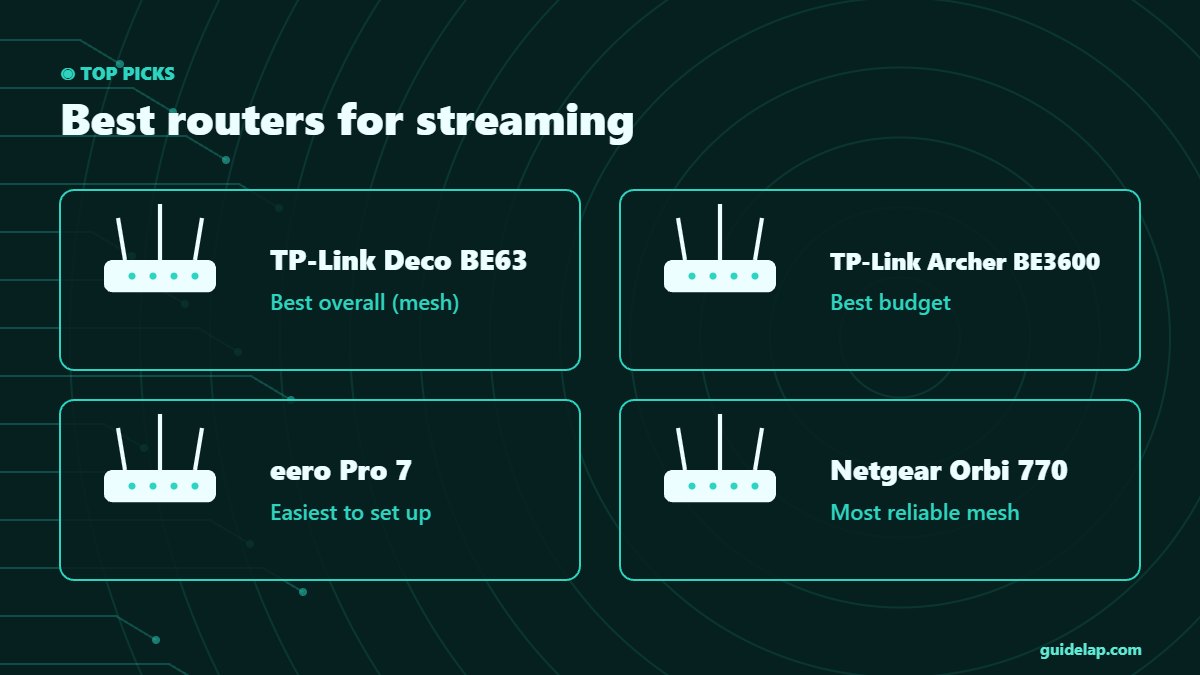
| Router | Best for | Type | Ideal home |
|---|---|---|---|
| TP-Link Deco BE63 | Best overall (mesh) | Wi-Fi 7 mesh | Large homes, many streaming devices |
| TP-Link Archer BE3600 | Best budget | Wi-Fi 7 router | Apartments and small homes |
| eero Pro 7 | Easiest to set up | Wi-Fi 7 mesh | Non-technical users, Alexa homes |
| Netgear Orbi 770 | Most reliable mesh | Wi-Fi 7 mesh | Big homes with thick walls |
| Asus RT-BE58 Go | Best travel router | Wi-Fi 7 travel | Hotels and holiday homes |
TechRadar names the TP-Link Deco BE63 the best Wi-Fi router and mesh system of 2026, RTINGS also recommends it as the best router for streaming, Tom’s Guide picks the TP-Link Archer BE3600 as its best budget router and describes the eero Pro 7 as an easy-to-use Wi-Fi 7 mesh. Prices change often, so compare current offers before buying.
Router or mesh: which do you need?
| Your home | Best choice |
|---|---|
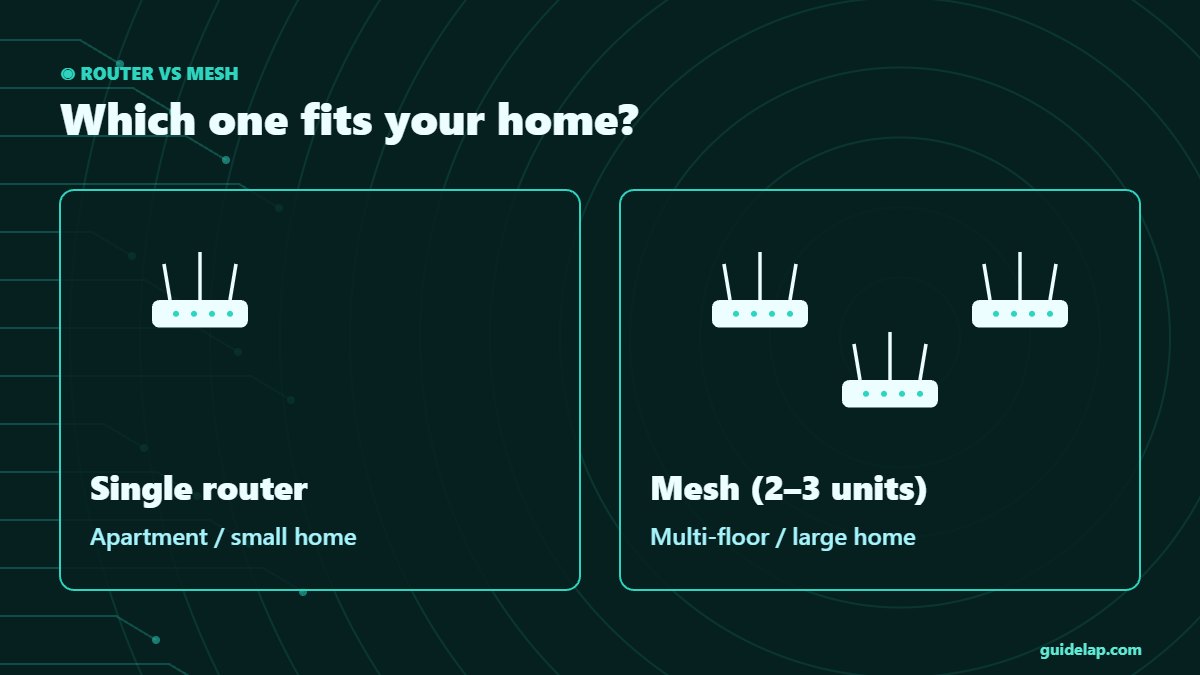
| Apartment / 1–2 rooms | Single Wi-Fi 6 or Wi-Fi 7 router |
| House with 2 floors | Mesh system (2 units) |
| Large or thick-walled house | Mesh system (3 units) or wired backhaul |
| TV far from router | Mesh node or Ethernet near the TV |
Wi-Fi 6, 6E or 7 for streaming?
- Wi-Fi 6: still excellent for 4K streaming in most homes.
- Wi-Fi 6E: adds the 6 GHz band — useful with devices like the Fire TV Stick 4K Max (Wi-Fi 6E).
- Wi-Fi 7: best for multi-gig internet and many devices; a good long-term buy as prices fall.
- Tip: the streaming device matters too — the Google TV Streamer uses Wi-Fi 5, so connect it with Ethernet for the best result.
Best router settings for streaming
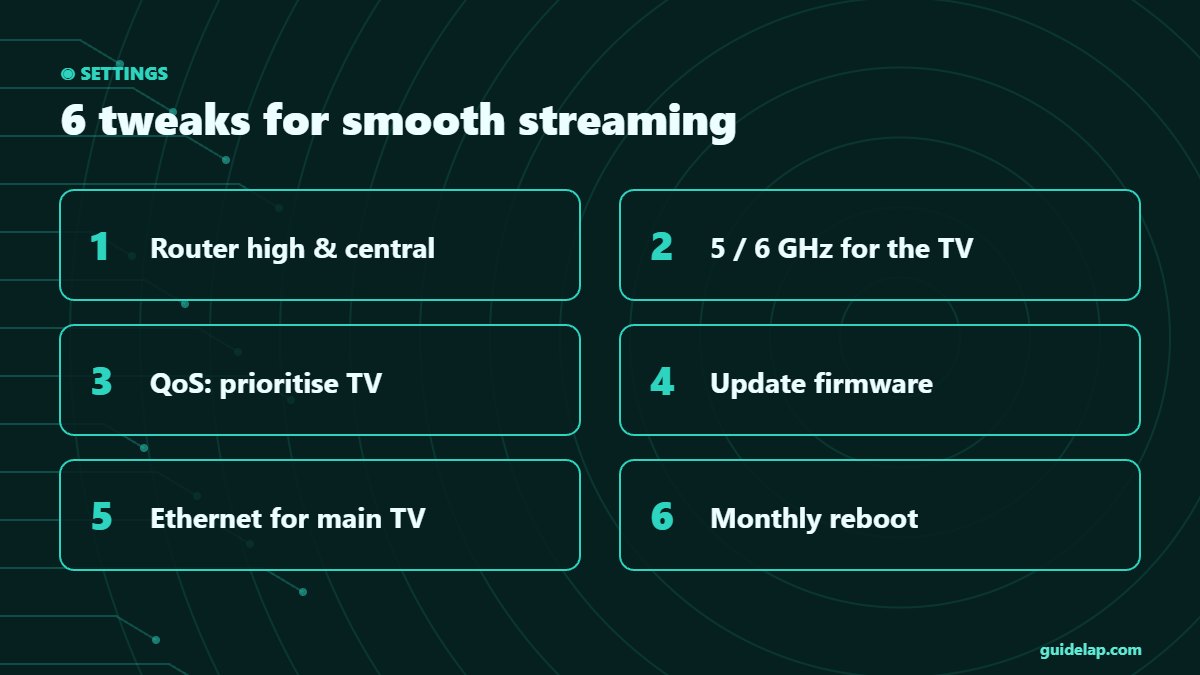
- Place the router high, central and away from metal and microwaves.
- Use the 5 GHz (or 6 GHz) band for TVs close to the router.
- Turn on QoS and prioritise your TV or streaming box.
- Update the router firmware regularly.
- Use Ethernet for the main TV whenever possible.
- Reboot the router once a month.
Still buffering after upgrading? Check your internet speed for IPTV, try these Firestick Wi-Fi fixes, and read how to fix IPTV buffering. If your provider throttles video, a VPN can help. Building a full setup? See the best devices for streaming 2027. Sources: TechRadar, RTINGS, Tom’s Guide.
Set a faster DNS for all devices — see change DNS on Firestick (router method included).
Want a wired Firestick? See how to connect Firestick to Ethernet.
Frequently asked questions
What is the best router for streaming in 2027?
The TP-Link Deco BE63 mesh is the best overall for most homes. The TP-Link Archer BE3600 is the best budget pick, and the eero Pro 7 is the easiest mesh to set up.
Do I need Wi-Fi 7 for 4K streaming?
No. Wi-Fi 6 handles 4K well. Wi-Fi 7 is best for multi-gig internet and homes with many devices.
Is mesh Wi-Fi better for streaming?
Yes in larger homes. Mesh gives strong signal in every room, which stops buffering on TVs far from the router.
Will a new router stop IPTV buffering?
It helps if the problem is weak Wi-Fi. It will not fix a slow internet plan or an overloaded IPTV server.
Should I use Ethernet for my TV?
Yes, whenever possible. Ethernet is the most stable connection for 4K and live sports.
Final thoughts
The best router for streaming is the one that covers your whole home with a strong signal: a Wi-Fi 6 or Wi-Fi 7 router for small homes, a mesh system like the TP-Link Deco BE63 or eero Pro 7 for bigger ones. Combine it with Ethernet for the main TV and smart router settings, and buffering becomes rare.