Buffering during a live match is usually a speed or stability problem. So, what internet speed for IPTV do you really need? In this guide you will find the recommended Mbps for SD, HD, Full HD and 4K, how to test your connection properly, and what to change if your speed is fine but streams still freeze.
Internet speed for IPTV: quick answer
| Quality | Netflix recommends | Our IPTV recommendation (per stream) |
|---|---|---|
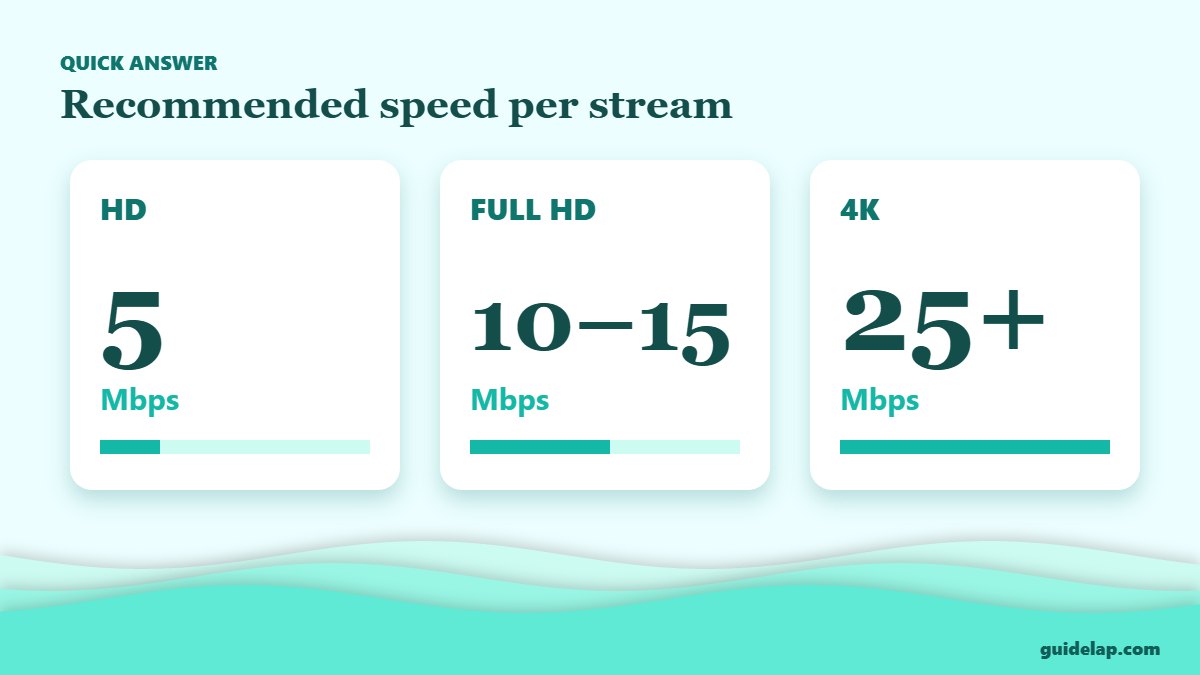
| HD 720p | 3 Mbps | 5 Mbps |
| Full HD 1080p | 5 Mbps | 10–15 Mbps |
| 4K Ultra HD | 15 Mbps | 25 Mbps or more |
Netflix’s official figures are 3 Mbps for HD, 5 Mbps for Full HD and 15 Mbps for 4K (Netflix Help Center). Live IPTV channels — especially sports — often use higher bitrates and have less buffering time, so we recommend extra headroom.
How much speed for the whole household?
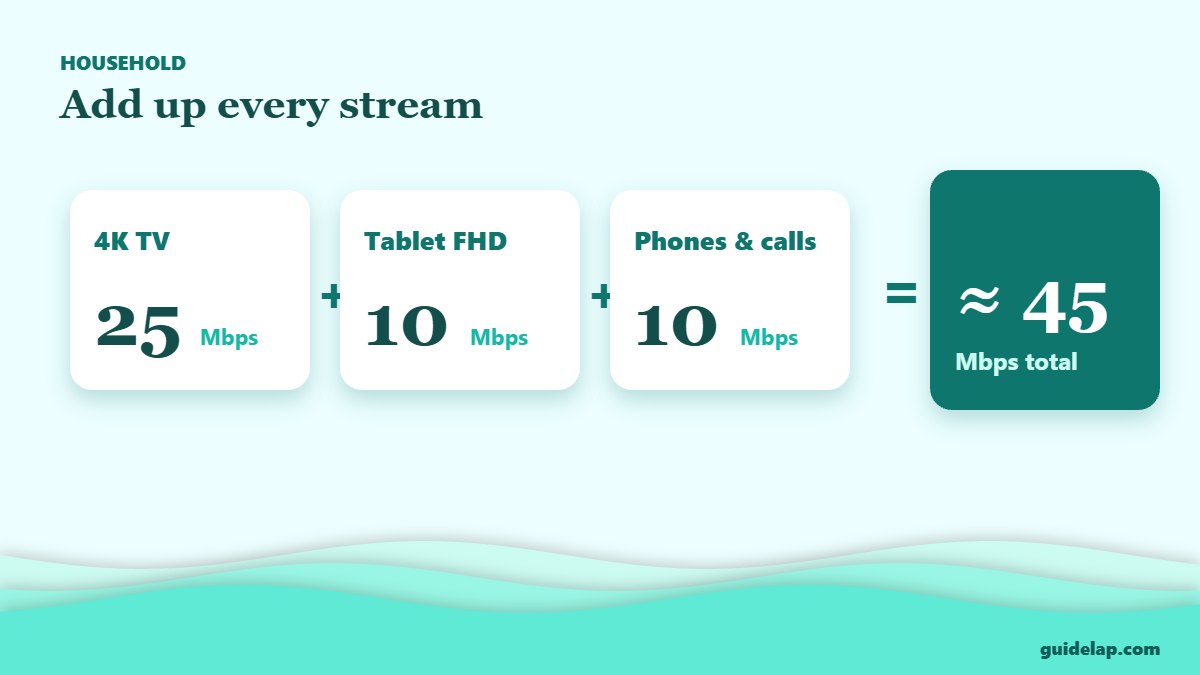
Add up every stream and device that is used at the same time. For example: one 4K TV (25 Mbps) + one Full HD tablet (10 Mbps) + phones and video calls (10 Mbps) = about 45 Mbps. A plan of 50–100 Mbps is comfortable for most families.
| Household | Recommended plan |
|---|---|
| 1 person, HD | 15–25 Mbps |
| 2–3 people, Full HD | 50 Mbps |
| Family with 4K TVs | 100 Mbps or more |
How to test your internet speed for IPTV
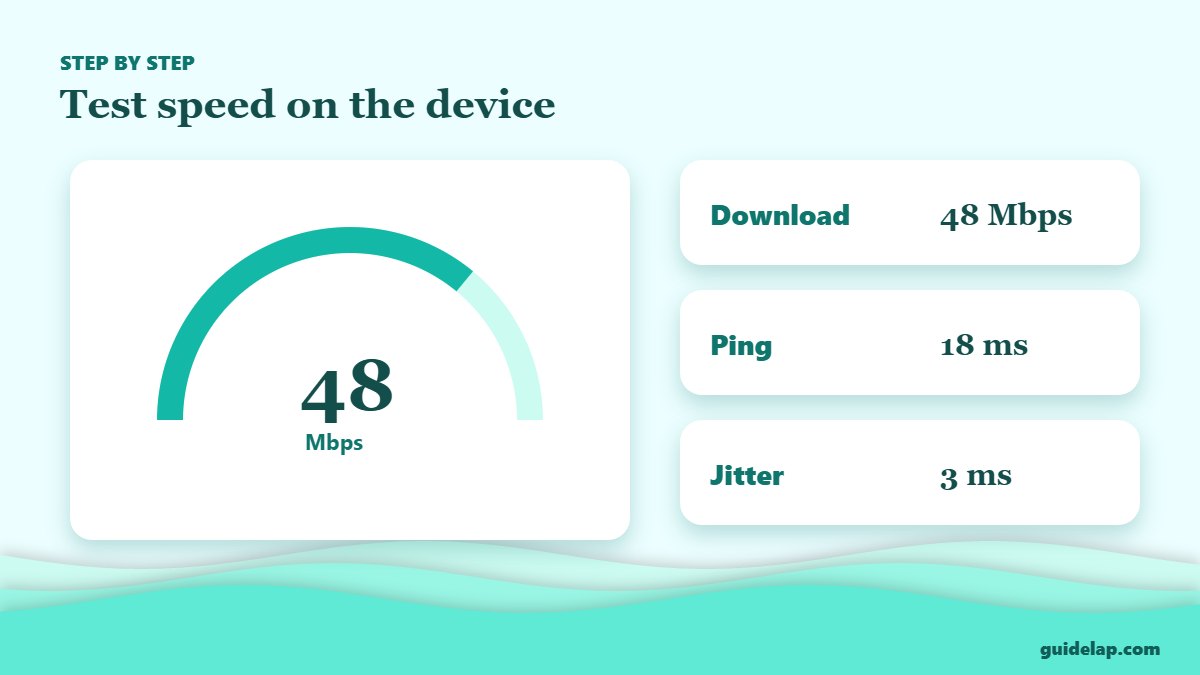
- Test on the streaming device itself, not just your phone — on Firestick, an app like Analiti or a speed-test site in the Silk browser works.
- Run the test at the time you usually watch (evenings are often slower).
- Look at three numbers: download (Mbps), ping (ms) and jitter. Low ping and jitter mean a stable stream.
- Repeat 2–3 times and use the lowest result.
You can also use Fast.com in a browser. If the result is far below your plan, restart the router and test again.
Speed is fine but IPTV still buffers?
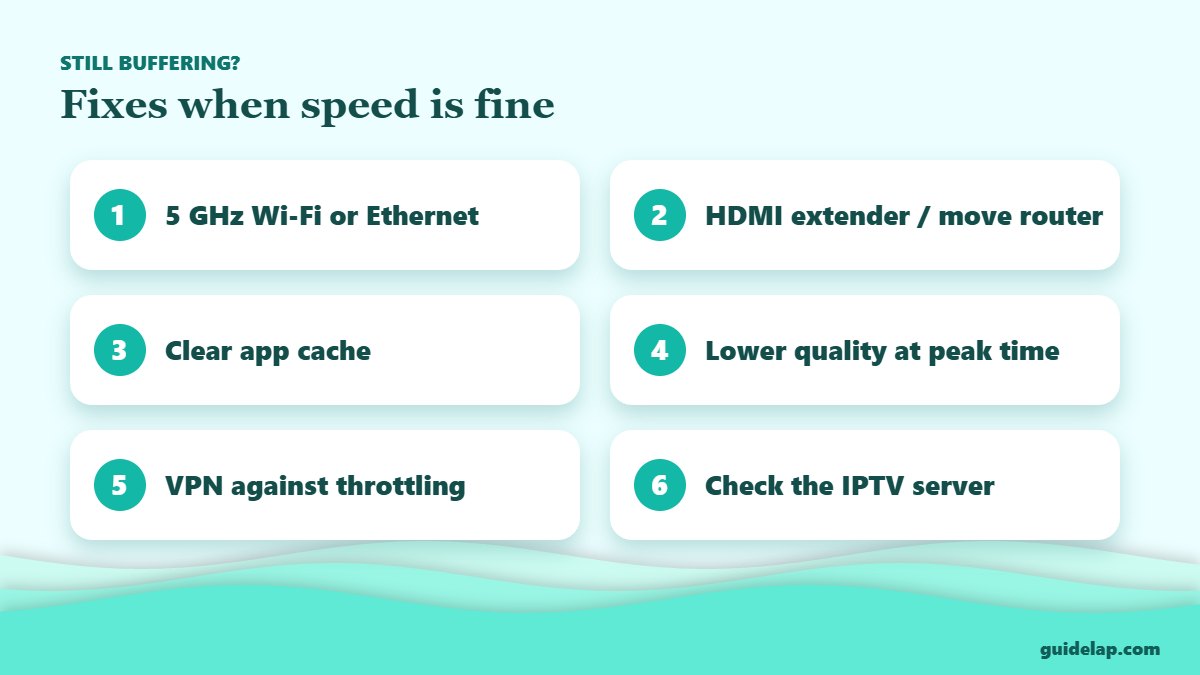
- Use 5 GHz Wi-Fi or Ethernet: 2.4 GHz is slower and more crowded.
- Move the router or use an HDMI extender so the stick is not hidden behind the TV.
- Clear cache and free up storage — see clear cache on Firestick.
- Lower the quality to HD for busy evenings.
- ISP throttling: a VPN for IPTV may help if your provider slows down video.
- Server problems: if every channel buffers at once, the IPTV server is overloaded — read how to fix IPTV buffering.
Related guides
- Wi-Fi keeps dropping on your Firestick? Follow our Firestick not connecting to Wi-Fi guide. Choosing new hardware? See the best streaming device for IPTV.
- Wi-Fi the weak link? Compare the best router for streaming.
- Planning for match day? See IPTV for live sports.
Frequently asked questions
What internet speed do I need for IPTV?
At least 10–15 Mbps per Full HD stream and 25 Mbps or more per 4K stream. Add up all streams watched at the same time.
Is 10 Mbps enough for IPTV?
10 Mbps is enough for one HD or Full HD stream, but not for 4K or several TVs at once.
Is Wi-Fi or Ethernet better for IPTV?
Ethernet is the most stable. If you use Wi-Fi, connect to the 5 GHz band and keep the device close to the router.
Why does IPTV buffer with fast internet?
Usually because of weak Wi-Fi, ISP throttling, a full device cache or an overloaded IPTV server.
How much data does IPTV use?
It depends on quality: HD uses a few GB per hour and 4K uses much more, so avoid capped mobile data plans for 4K.
Final thoughts
The right internet speed for IPTV is about 10–15 Mbps per Full HD stream and 25 Mbps or more for 4K, plus a stable connection. Test on the device itself, use 5 GHz Wi-Fi or Ethernet, and you will remove most buffering before it starts.