Choosing the best streaming device in 2027 is harder than it looks: Amazon, Google, Roku and Apple all sell 4K boxes and sticks, but they differ a lot in apps, ads and what you can install. This buying guide compares the five devices worth buying, explains which ones work best for IPTV players, and helps you pick the right one in a few minutes.
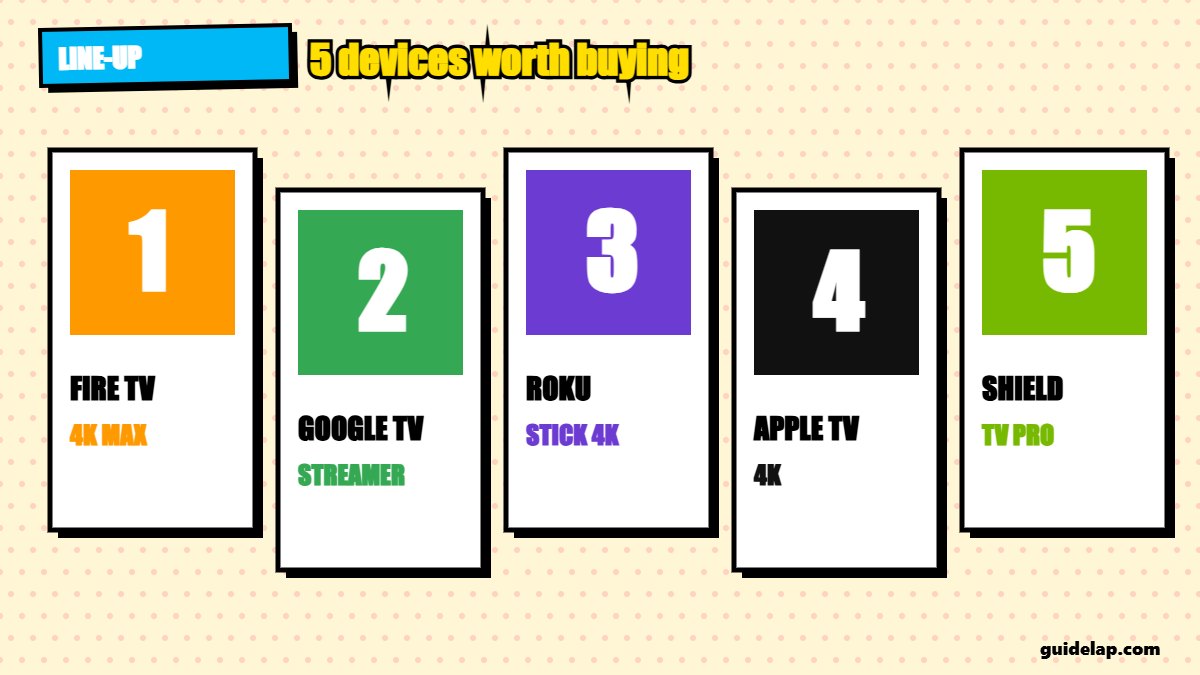
Best streaming device: quick comparison
| Device | Best for | System | Price level |
|---|---|---|---|
| Amazon Fire TV Stick 4K Max (2nd Gen) | Best for Prime Video & Alexa | Fire OS | Mid-range |
| Google TV Streamer | Best all-rounder for IPTV | Google TV (Android) | Mid-range |
| Roku Streaming Stick 4K | Best for simplicity | Roku OS | Budget |
| Apple TV 4K (3rd gen) | Best premium device | tvOS | Premium |
| Nvidia Shield TV Pro | Best for power users & Plex | Android TV | Premium |
Important for Firestick buyers: newer Amazon models such as the Fire TV Stick 4K Select, the 2026 Fire TV Stick HD and the 3rd-gen Fire TV Stick 4K (2026) run Vega OS, which cannot sideload apps. If you want to install apps like IPTV Smarters or Kodi, choose a Fire OS model such as the Fire TV Stick 4K Max (2nd Gen).
The 5 best streaming devices in 2027
1. Amazon Fire TV Stick 4K Max (2nd Gen) — Best for Prime Video & Alexa
- System: Fire OS
- Price level: Mid-range (prices change often — check the retailer)
- Highlights: Wi-Fi 6E, 16 GB storage, Dolby Vision, HDR10+ and Dolby Atmos
- IPTV apps: Yes — runs Fire OS, so IPTV apps can be installed
2. Google TV Streamer — Best all-rounder for IPTV
- System: Google TV (Android)
- Price level: Mid-range (prices change often — check the retailer)
- Highlights: Google Play apps, Chromecast built in, Ethernet port
- IPTV apps: Yes — most IPTV players are on Google Play
3. Roku Streaming Stick 4K — Best for simplicity
- System: Roku OS
- Price level: Budget (prices change often — check the retailer)
- Highlights: Simple menus, long-range Wi-Fi, Dolby Vision
- IPTV apps: Limited — no sideloading, few IPTV players
4. Apple TV 4K (3rd gen) — Best premium device
- System: tvOS
- Price level: Premium (prices change often — check the retailer)
- Highlights: Fastest, cleanest interface, great for Apple users
- IPTV apps: Yes — via App Store players like GSE or IBO
5. Nvidia Shield TV Pro — Best for power users & Plex
- System: Android TV
- Price level: Premium (prices change often — check the retailer)
- Highlights: USB ports, Plex server, AI upscaling
- IPTV apps: Yes — full Android TV app support
Which streaming device is best for IPTV?
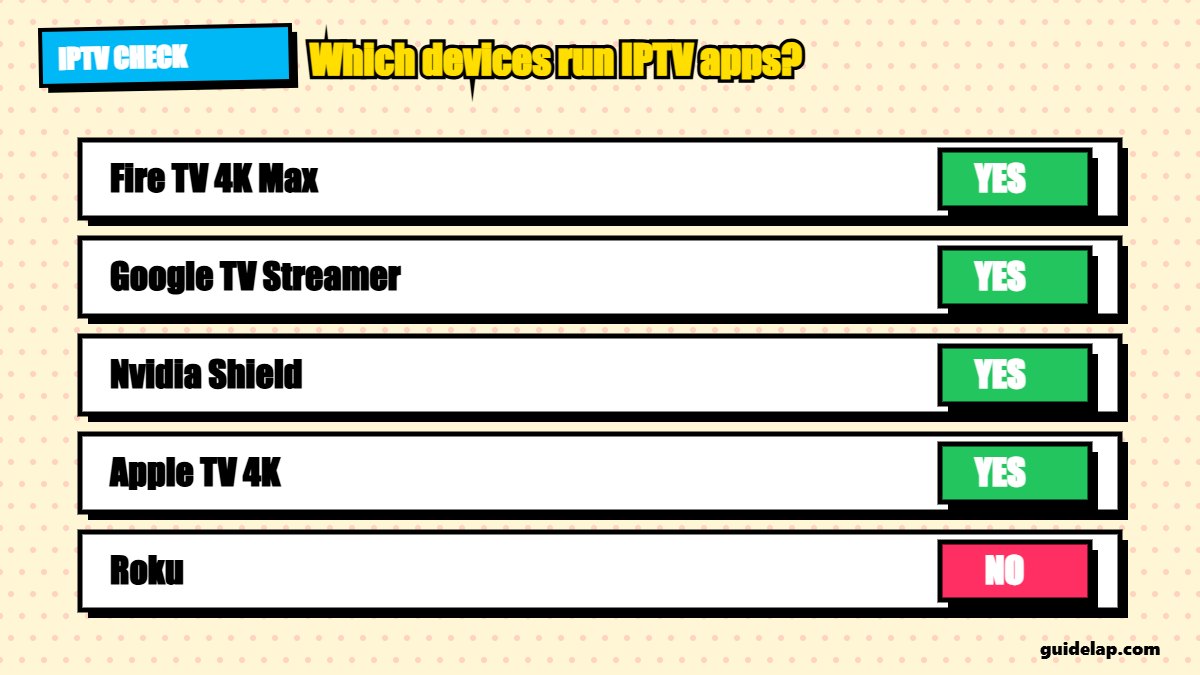
If you use an IPTV player, the device’s app store matters most. Google TV Streamer and Nvidia Shield install IPTV players straight from Google Play, including TiviMate. A Fire OS Fire TV Stick 4K Max can install them with Downloader. Apple TV works with App Store players, while Roku is the weakest choice — see IPTV on Roku.
| Device | IPTV Smarters | TiviMate | Kodi |
|---|---|---|---|
| Fire TV Stick 4K Max (Fire OS) | ✓ | ✓ | ✓ |
| Google TV Streamer | ✓ | ✓ | ✓ |
| Nvidia Shield | ✓ | ✓ | ✓ |
| Apple TV 4K | Smarters Player Lite | ✗ | ✓ (App Store) |
| Roku | ✗ | ✗ | ✗ |
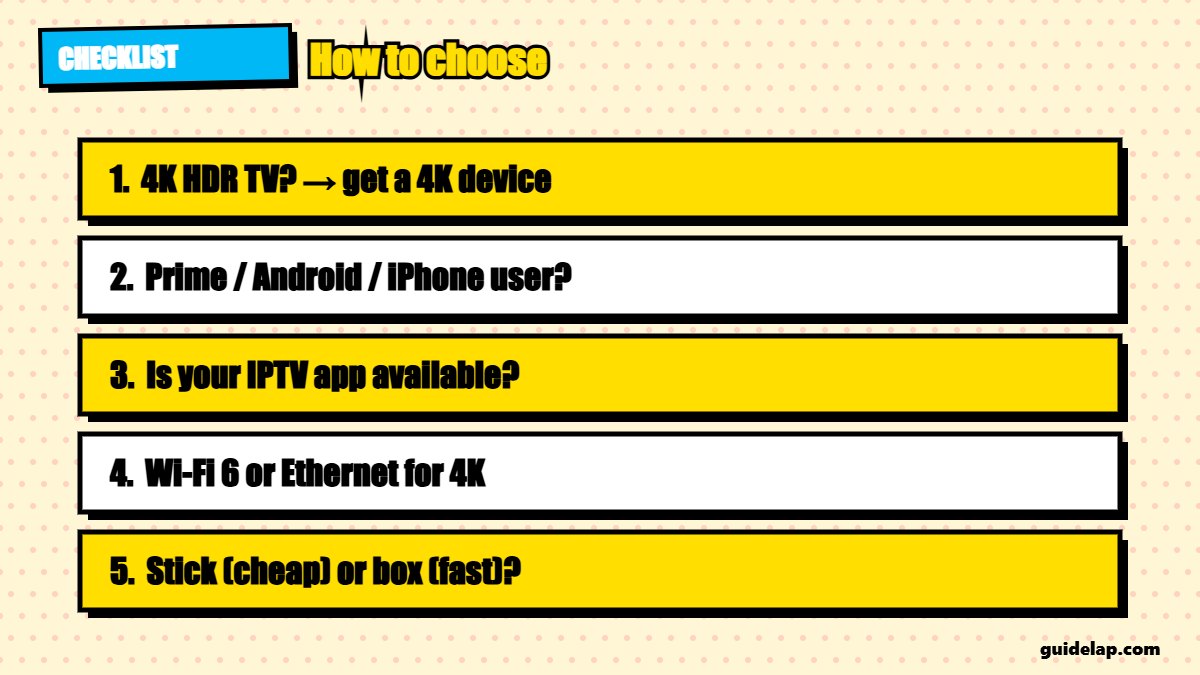
How to choose the best streaming device
- Your TV: a 4K HDR TV needs a 4K device; for a 1080p TV a budget stick is fine.
- Your ecosystem: Prime and Alexa → Fire TV; Android phone → Google TV; iPhone → Apple TV.
- Apps you need: check that your IPTV player is available before buying.
- Internet: Wi-Fi 6/6E or an Ethernet port helps with 4K — see how much internet speed you need.
- Budget: sticks are cheaper; boxes are faster and have more ports.
Already have a device? Make it faster with these Firestick settings, install the best IPTV player apps, and protect your connection with a VPN. For background on the technology, see streaming media on Wikipedia.
Related guides
- Want free content on your new device? See the best free streaming apps. Not sure if your Fire TV can sideload? Check Vega OS vs Fire OS.
- Got a Google TV device? Learn how to sideload apps on Google TV. New Firestick? See how to set up Firestick.
- Planning a full upgrade? See the best devices to buy for streaming in 2027 and the best Android TV box.
- Already have a smart TV? Try IPTV on Samsung TV, IPTV on LG TV or Apple TV apps first.
- Firestick fans: compare 4K vs 4K Max. Buying a new TV? Read best TV for IPTV.
Frequently asked questions
What is the best streaming device in 2027?
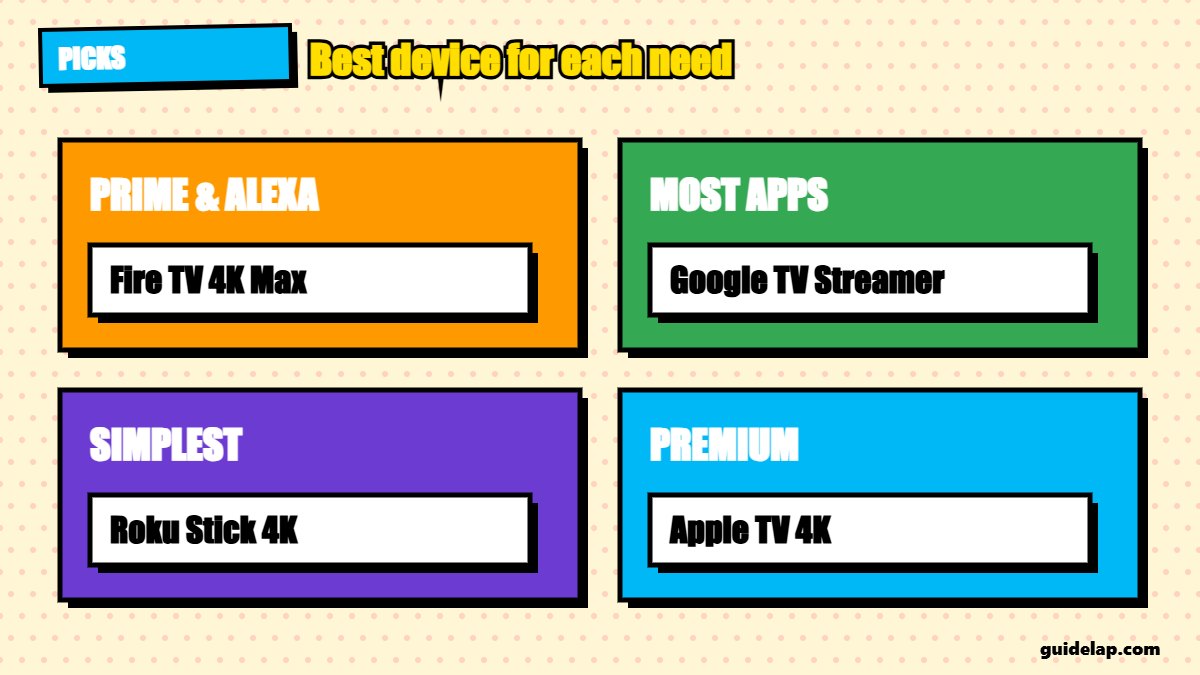
For most people, the Google TV Streamer or the Fire TV Stick 4K Max are the best choices. Apple TV 4K is the best premium option, and Roku is the simplest.
What is the best streaming device for IPTV?
Google TV Streamer, Nvidia Shield and a Fire OS Fire TV Stick 4K Max, because they can run IPTV players like TiviMate and IPTV Smarters.
Can I sideload apps on every Fire TV Stick?
No. Fire OS models can sideload, but Vega OS models such as the Fire TV Stick 4K Select, the 2026 Fire TV Stick HD and the 3rd-gen Fire TV Stick 4K (2026) cannot.
Is Roku good for IPTV?
Not really. Roku does not allow sideloading and most popular IPTV players are not available on it.
Do I need a streaming device if I have a smart TV?
Not always, but a streaming device is often faster, gets updates for longer and has more apps than the TV’s built-in system.
Final thoughts
The best streaming device depends on your apps and ecosystem: Google TV Streamer for the widest app choice, Fire TV Stick 4K Max for Prime users, Apple TV 4K for Apple homes, Roku for simplicity and Nvidia Shield for power users.