Roku is one of the most popular streaming devices, but it works very differently from Firestick or Android TV. If you want to watch IPTV on Roku, you need to know what is possible and what is not. This guide explains the 4 methods that actually work in 2027, and when it is better to use another device.
Only use IPTV services that are licensed to distribute their channels. Unlicensed IPTV is illegal in many countries.
Can you install IPTV Smarters or TiviMate on Roku?
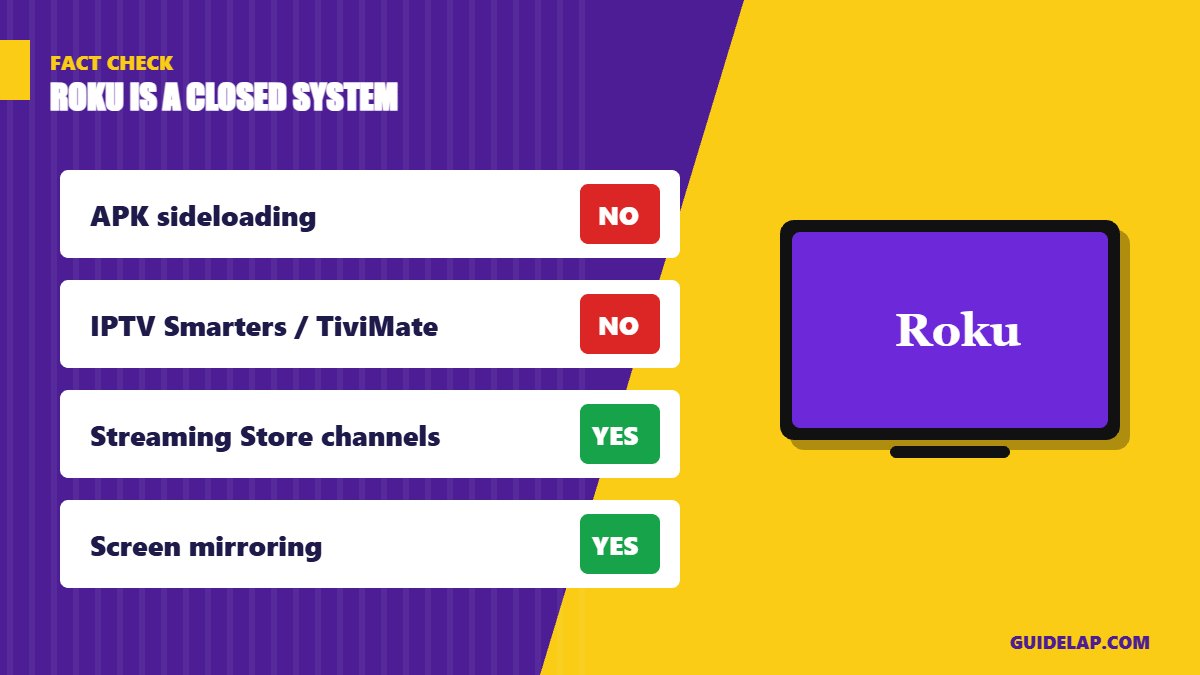
No. Roku uses a closed operating system and does not allow installing APK files (no sideloading). Apps like IPTV Smarters Pro and TiviMate are not available in the Roku Channel Store. To watch IPTV on Roku you must use one of the methods below.
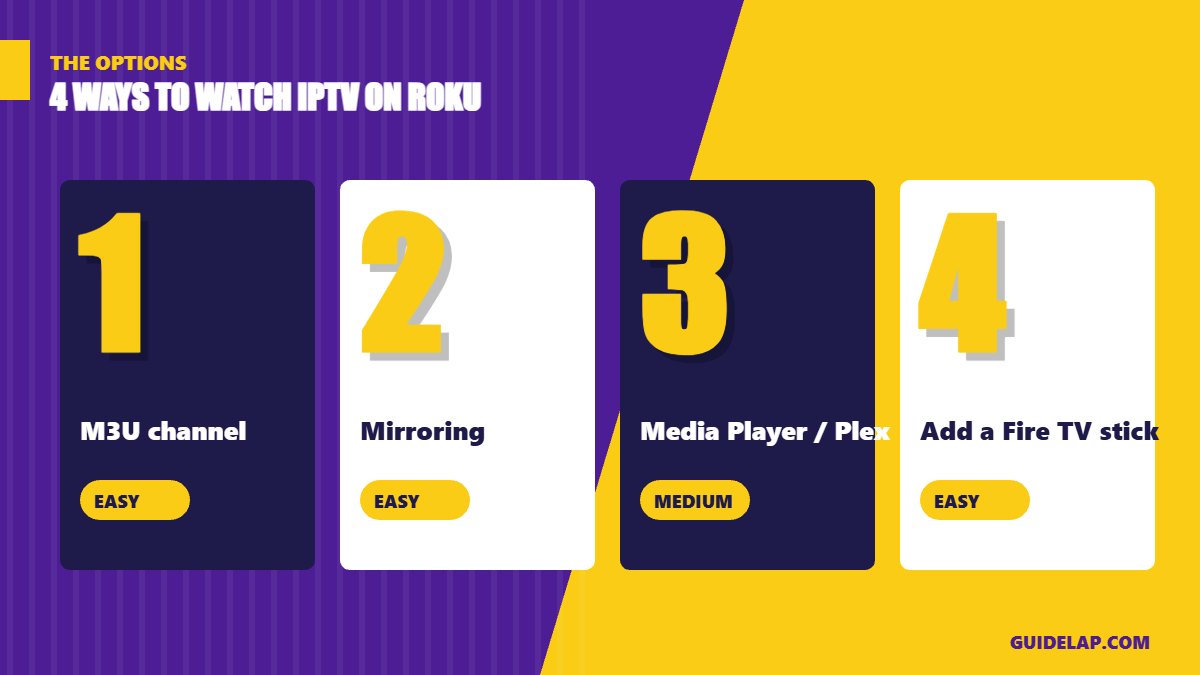
IPTV on Roku: 4 methods compared
| Method | Difficulty | Best for |
|---|---|---|
| M3U player channel from the Roku Store | Easy | M3U playlists |
| Screen mirroring (Android / Windows) | Easy | Quick viewing |
| Roku Media Player + Plex / local M3U | Medium | Home media servers |
| Plug in a Fire TV or Google TV stick | Easy | Full IPTV app experience |
Method 1: Use an M3U player channel
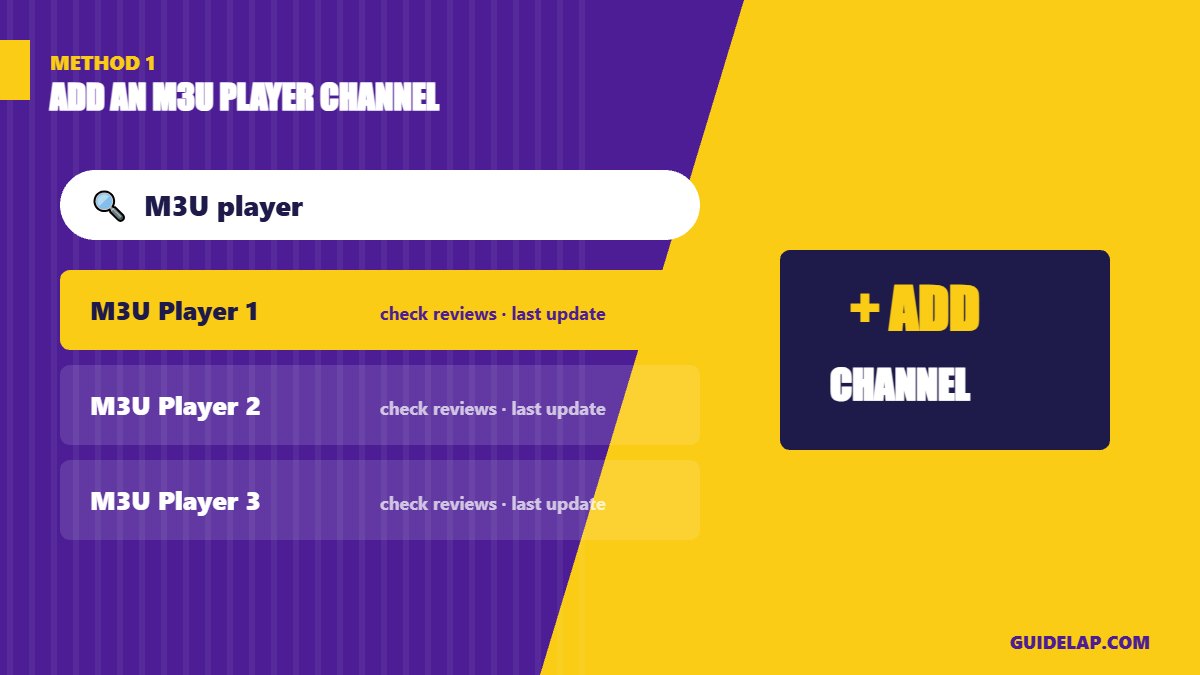
- On your Roku, go to Home → Streaming Store (Channel Store).
- Search for M3U or IPTV player.
- Check the developer, reviews and last update before adding it.
- Click Add channel, open it, and enter your M3U URL.
These channels come and go and are usually basic (limited EPG, no catch-up). If your provider gave you Xtream Codes, read M3U vs Xtream Codes to get your M3U link.
Method 2: Screen mirroring from Android or Windows
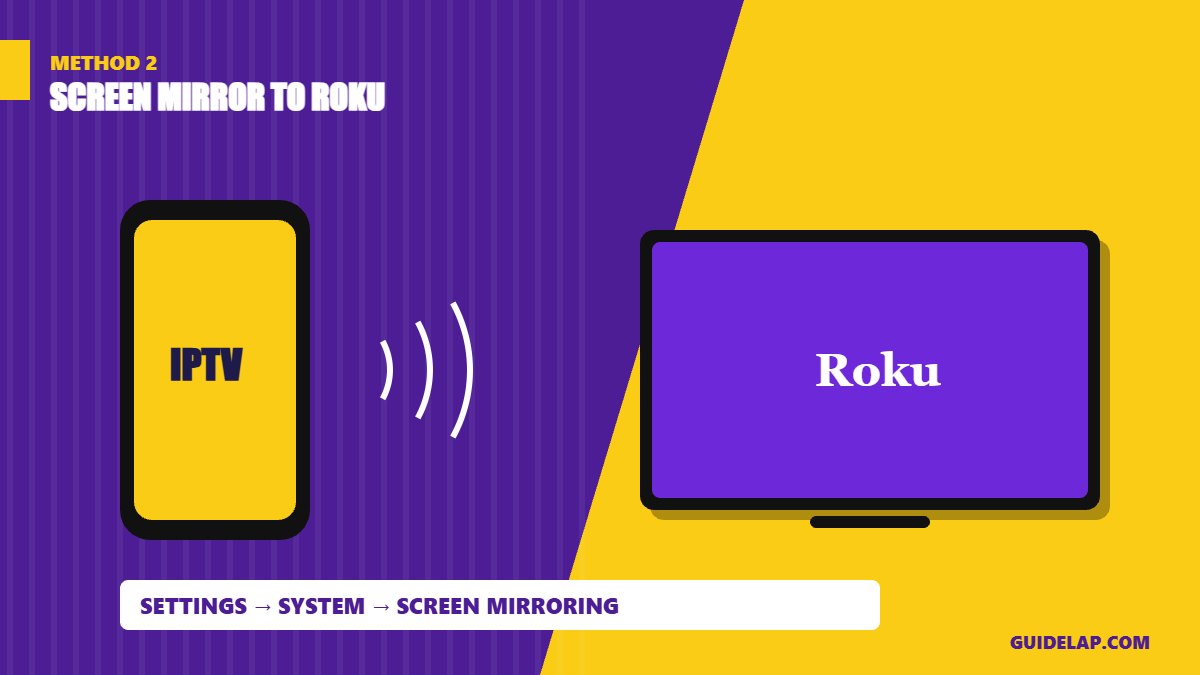
- On Roku go to Settings → System → Screen mirroring and set it to Prompt or Always allow.
- On your Android phone open Cast / Smart View / Screen cast, or on Windows press Win + K.
- Select your Roku, then open your IPTV app on the phone or PC.
iPhone users can use AirPlay on supported Roku models. Mirroring depends on your Wi-Fi, so quality may drop. Want the app on your computer? See IPTV Smarters Pro for PC and Mac.
Method 3: Roku Media Player or Plex
The free Roku Media Player channel can play media from a USB drive or a DLNA server on your network. Plex can also show live TV from a tuner or supported sources. This method is best for people who already run a home media server.
Method 4: Use a Fire TV or Google TV stick
The easiest way to get a full IPTV experience with EPG and catch-up is to plug a cheap Fire TV Stick (Fire OS model) or Google TV device into another HDMI port. Then follow our guides for Firestick or Android TV, and pick from the best IPTV players.
Tips for better IPTV on Roku
- Use a wired Ethernet connection or 5 GHz Wi-Fi.
- Restart the Roku from Settings → System → Power → System restart.
- If streams buffer, follow our IPTV buffering fixes.
- Read Roku’s official support site for screen-mirroring compatibility.
See which apps work on each device in our best IPTV player apps guide.
Frequently asked questions
Can I watch IPTV on Roku?
Yes, but not with apps like IPTV Smarters or TiviMate. Use an M3U player channel, screen mirroring, Roku Media Player/Plex, or another streaming stick.
Can I sideload apps on Roku?
No. Roku does not support installing APK files. Only channels from the Roku Streaming Store (and developer test channels) can be installed.
What is the best IPTV app for Roku?
There is no official IPTV Smarters or TiviMate app. M3U player channels exist, but they change often, so check reviews and updates before using one.
Can I screen mirror from iPhone to Roku?
Many recent Roku models support Apple AirPlay. Android and Windows use Roku’s screen-mirroring feature.
Is Firestick better than Roku for IPTV?
Yes. Fire OS Firesticks and Google TV devices support full IPTV apps with EPG and catch-up, which Roku does not.
Final thoughts
Watching IPTV on Roku is possible, but limited. For simple M3U playback, try a player channel or screen mirroring. For the best experience, add a Fire OS or Google TV stick and use a full IPTV player.