You do not need a big subscription to enjoy your Fire TV. There are excellent free streaming apps for Firestick that are 100% legal, available in the Amazon Appstore and paid for by ads. In this guide you will find the 9 best ones, what each is good for, and how to install them in under a minute.
All apps in this list are legal and free, supported by ads. Availability depends on your country — some apps are only offered in the US or selected regions.
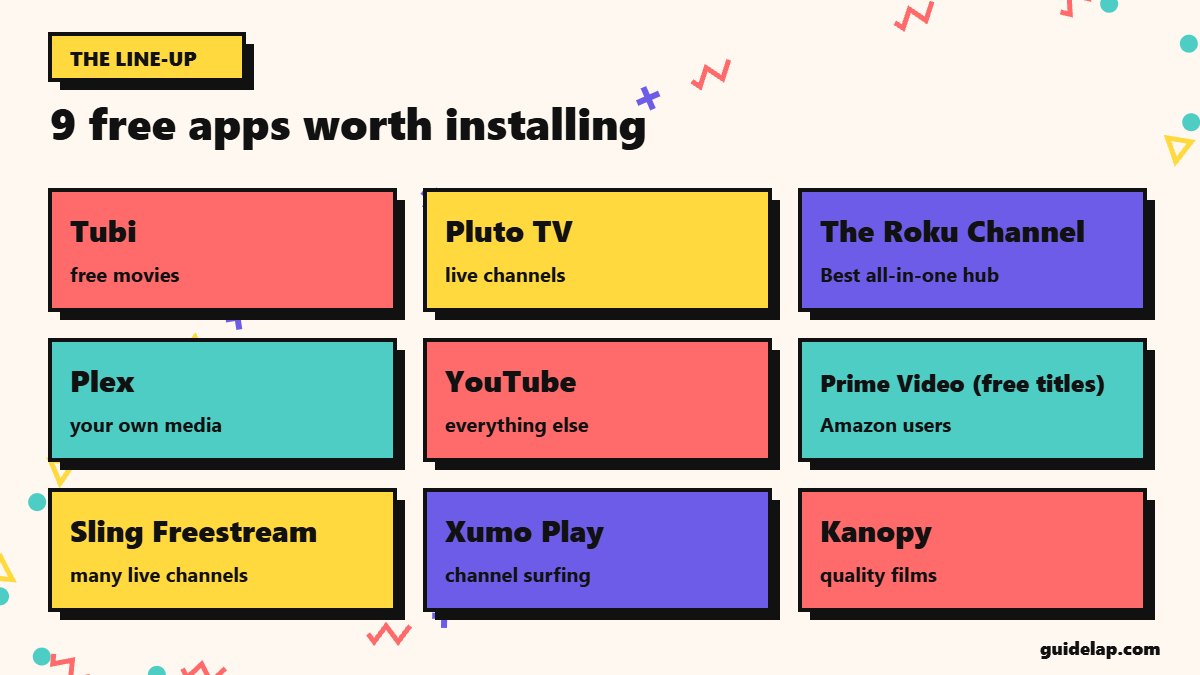
Best free streaming apps for Firestick: quick list
| App | Best for | Account |
|---|---|---|
| Tubi | Best for free movies | No account needed |
| Pluto TV | Best for live channels | No account needed |
| The Roku Channel | Best all-in-one hub | Free Roku account for some features |
| Plex | Best for your own media | Free Plex account |
| YouTube | Best for everything else | Optional Google sign-in |
| Prime Video (free titles) | Best for Amazon users | Amazon account |
| Sling Freestream | Best for many live channels | Free account |
| Xumo Play | Best for channel surfing | No account needed |
| Kanopy | Best for quality films | Library card |
Independent reviewers consistently rank Tubi first for on-demand movies and Pluto TV first for live channels, with The Roku Channel and Plex close behind — see for example Reviews.org’s free Fire TV apps test.
The 9 best free streaming apps in detail
1. Tubi — Best for free movies
Huge on-demand library of films and series. Account: No account needed.
2. Pluto TV — Best for live channels
Hundreds of live “cable-style” channels plus on-demand. Account: No account needed.
3. The Roku Channel — Best all-in-one hub
Free movies, shows and live channels — works on Fire TV, no Roku needed. Account: Free Roku account for some features.
4. Plex — Best for your own media
Free live TV and movies, plus streams your personal media library. Account: Free Plex account.
5. YouTube — Best for everything else
Videos, music, live streams and free movies with ads. Account: Optional Google sign-in.
6. Prime Video (free titles) — Best for Amazon users
Ad-supported free section inside Prime Video. Account: Amazon account.
7. Sling Freestream — Best for many live channels
Free live channels and on-demand, no subscription. Account: Free account.
8. Xumo Play — Best for channel surfing
Free live channels and movies. Account: No account needed.
9. Kanopy — Best for quality films
Classic and indie films through your library card. Account: Library card.
How to install free streaming apps on Firestick
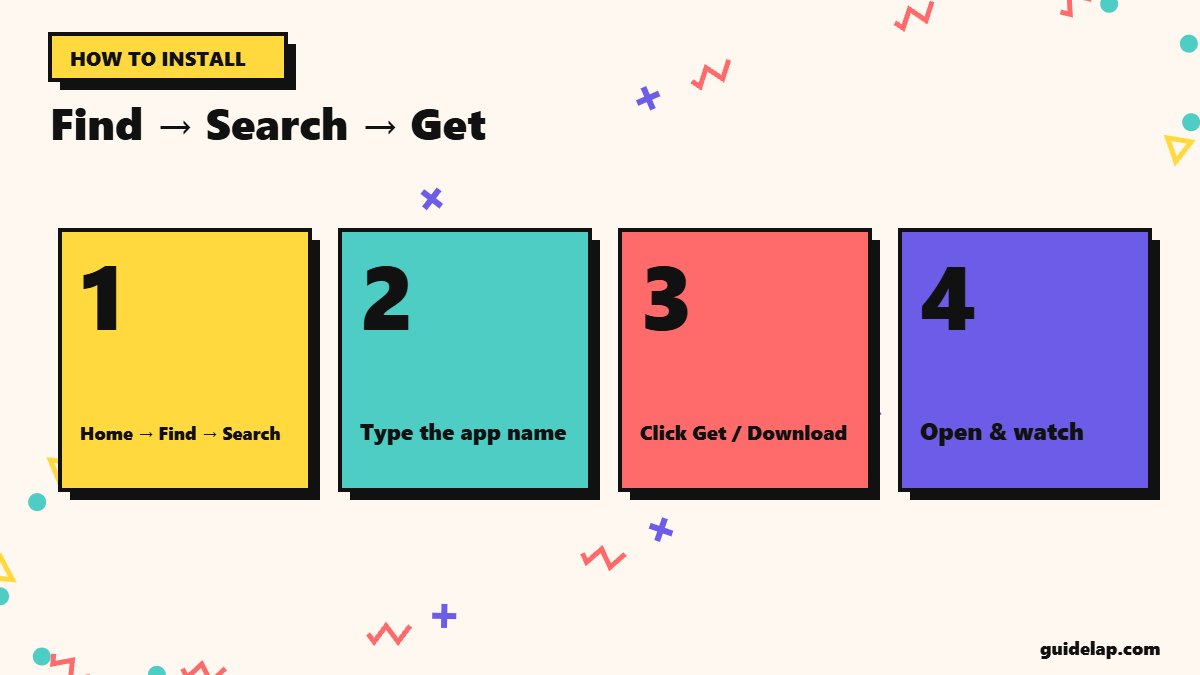
- Press Home and go to Find → Search.
- Type the app name (for example Tubi).
- Select the app and click Get or Download.
- Open it — most apps start playing without an account.
- Add your favourites to the top row: highlight the app, press the Menu (☰) button and choose Move to front.
These are Appstore apps, so they also work on newer Vega OS sticks that cannot sideload — learn more in Vega OS vs Fire OS.
Tips for the best free streaming experience
- Speed: HD needs only a few Mbps — see internet speed for streaming.
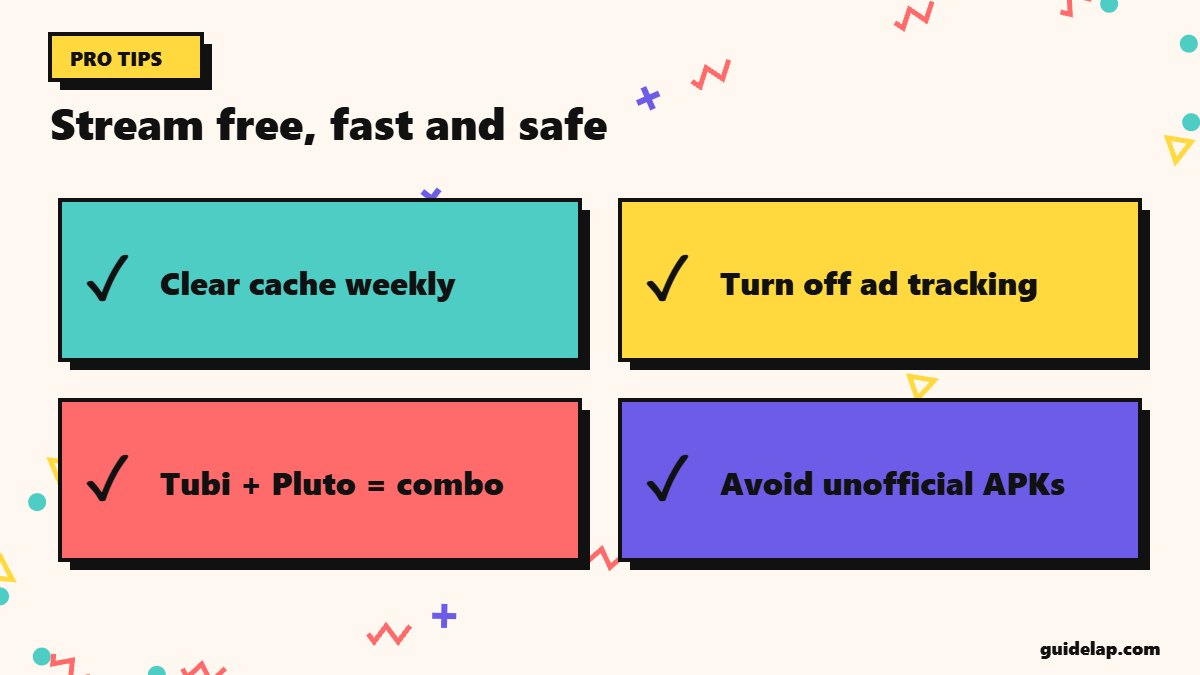
- Storage: free apps cache a lot; clear cache if your Firestick slows down.
- Privacy: turn off ad tracking in Firestick settings.
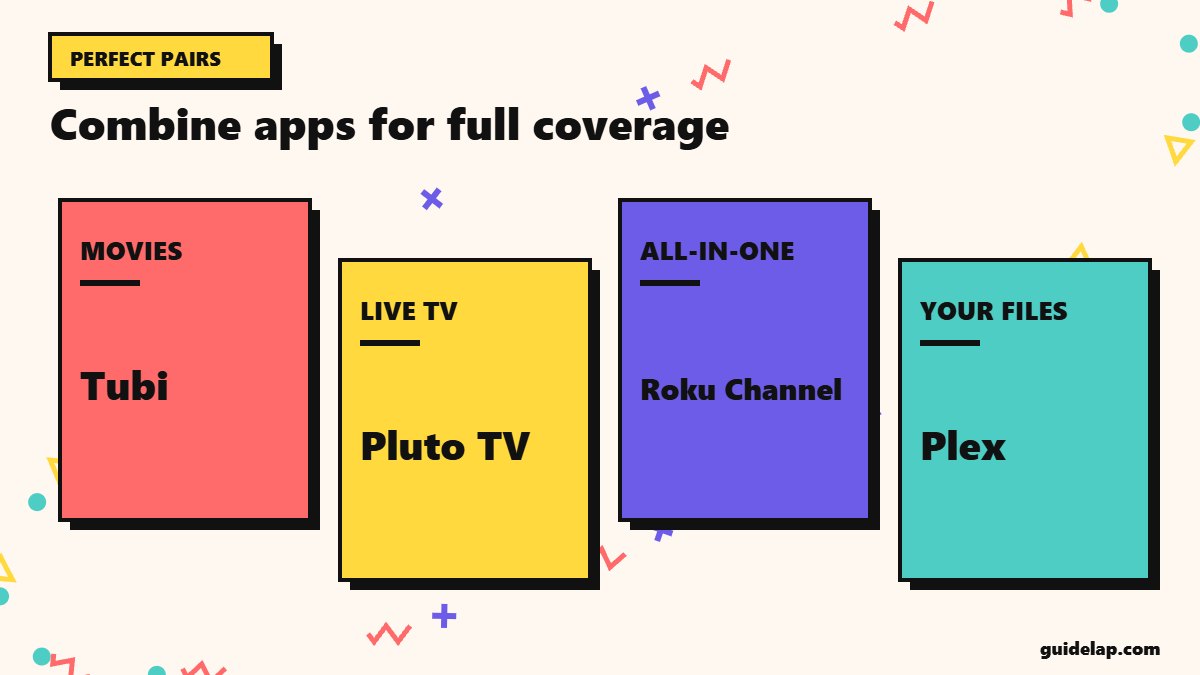
- Combine apps: Tubi for movies + Pluto TV for live TV covers most needs.
- Avoid “free cinema” APKs: unofficial apps offering paid movies for free are illegal and often contain malware.
Related guides
- Paying for IPTV from a licensed provider? Pick a player from our best IPTV player apps list. Choosing new hardware? See the best streaming device.
- Sharing the TV with kids? Turn on Firestick parental controls.
- Need space for new apps? Delete apps on Firestick you no longer use.
Frequently asked questions
What are the best free streaming apps for Firestick?
Tubi, Pluto TV, The Roku Channel, Plex and YouTube are the most popular. Prime Video’s free section, Sling Freestream, Xumo Play and Kanopy are also good.
Are free streaming apps on Firestick legal?
Yes — apps in the Amazon Appstore like Tubi, Pluto TV and Plex are licensed and supported by ads.
Do I need an account for free streaming apps?
Not always. Tubi, Pluto TV and Xumo Play work without an account; others need a free sign-up.
Why can’t I find an app in my country?
Many free streaming apps are only licensed in some countries. Use an app that is available in your region.
Do free streaming apps work on Vega OS Firesticks?
Yes, if they are in the Amazon Appstore for your device — no sideloading is needed.
Final thoughts
The best free streaming apps for Firestick give you thousands of movies and live channels without paying a cent. Start with Tubi and Pluto TV, add The Roku Channel or Plex, and keep everything legal and safe by installing only from the Amazon Appstore.