TiviMate vs IPTV Smarters Pro: which IPTV player should you use on your Firestick or Android TV? Both are hugely popular, both support Xtream Codes and M3U playlists, and both can look great on a big screen. But they are built for different people.
In this honest comparison we look at 7 key differences, from interface and TV guide to price and device support, so you can pick the right app in a few minutes.
Reminder: TiviMate and IPTV Smarters Pro are media players only. Neither includes channels. Use them with an IPTV service that is licensed to distribute its content.
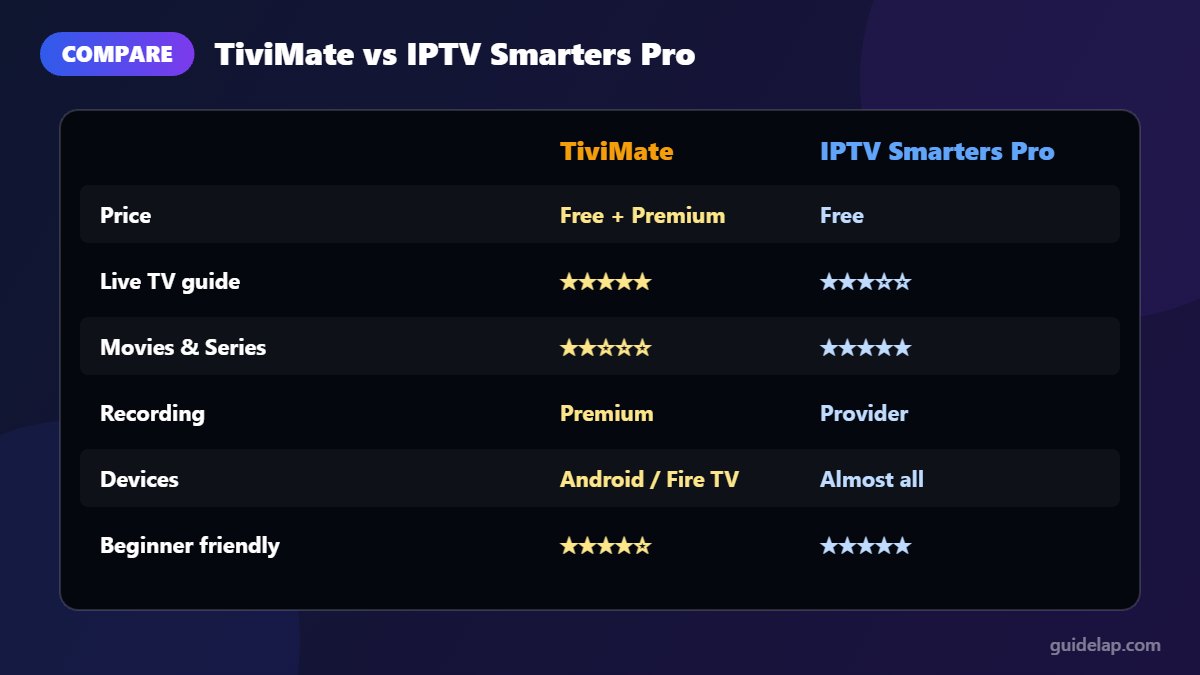
TiviMate vs IPTV Smarters Pro at a glance
| Feature | TiviMate | IPTV Smarters Pro |
|---|---|---|
| Price | Free app + paid Premium (yearly or lifetime) | Free |
| Interface | Cable-TV style guide grid | Menu with Live TV, Movies, Series |
| TV guide (EPG) | Excellent, fast, very readable | Good |
| Movies & Series (VOD) | Basic | Strong, with dedicated sections |
| Recording & catch-up | Yes (Premium) | Catch-up when provider supports it |
| Multiple playlists | Yes (Premium) | Yes (multiple users) |
| Devices | Android TV, Google TV, Fire TV | Android, Fire TV, iOS, Windows, Mac, some smart TVs |
| Best for | Live-TV fans who want a premium feel | Beginners and multi-device households |
1. Interface and ease of use
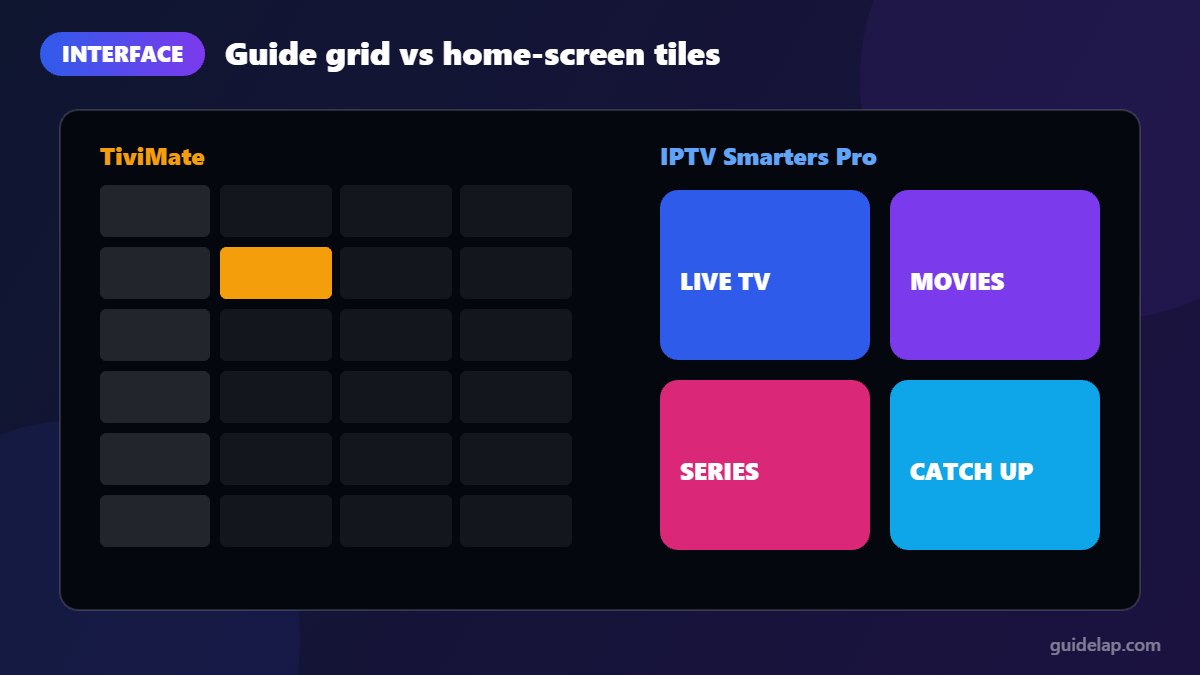
TiviMate looks and feels like a cable box. You scroll through a full-screen TV guide, press OK and the channel starts. It is fast and familiar, especially for people who mostly watch live TV.
IPTV Smarters Pro opens on a home screen with big tiles for Live TV, Movies, Series and Catch Up. It is very easy for beginners, but switching channels involves more menus than TiviMate.
Winner: TiviMate for live TV, Smarters for simplicity.
2. TV guide (EPG)
This is where TiviMate shines. Its guide loads quickly, shows several hours at a time, and lets you customise how many channels and rows appear. Smarters has a working EPG too, but it is less detailed and slower to browse. If the TV guide matters to you, read our tutorial on how to add EPG in IPTV Smarters Pro to get the most out of it.
Winner: TiviMate.
3. Movies and series (VOD)
Smarters was built around separate Movies and Series sections with posters, descriptions and seasons. TiviMate focuses on live TV; its VOD browsing works but is more basic.
Winner: IPTV Smarters Pro.
4. Price
IPTV Smarters Pro is free. TiviMate’s basic version is free, but the features most people want (multiple playlists, recording, catch-up, advanced favourites) require TiviMate Premium. Premium is sold as a yearly subscription or a lifetime licence through the TiviMate Companion app on an Android phone or tablet (see the official TiviMate website), and one account can be used on several devices. Prices change by region, so check the current price in the Companion app.
Winner: IPTV Smarters Pro (free).
5. Device support
TiviMate runs on Android TV, Google TV and Fire TV devices. IPTV Smarters Pro is available on far more platforms: Android, Fire TV, iPhone and iPad, Windows, Mac and some Samsung and LG smart TVs (see our Samsung & LG guide). If your family watches on different devices, Smarters lets everyone use the same app.
Winner: IPTV Smarters Pro.
6. Recording, catch-up and extra features
With Premium, TiviMate can record programmes, play catch-up, manage favourites in detail and even remember where you stopped. Smarters offers catch-up when your provider supports it, multi-screen viewing and parental controls, but fewer power-user features.
Winner: TiviMate (with Premium).
7. Installation
Neither app is in the Amazon Appstore in most regions, so on Firestick both are installed with Downloader. See our step-by-step guide to install IPTV Smarters Pro on Firestick. On Android TV and Google TV, both can usually be installed from Google Play (Android TV guide). Remember that the Fire TV Stick 4K Select and the 2026 Fire TV Stick HD run Vega OS and cannot install either app.
Winner: Tie.
Which one should you choose?
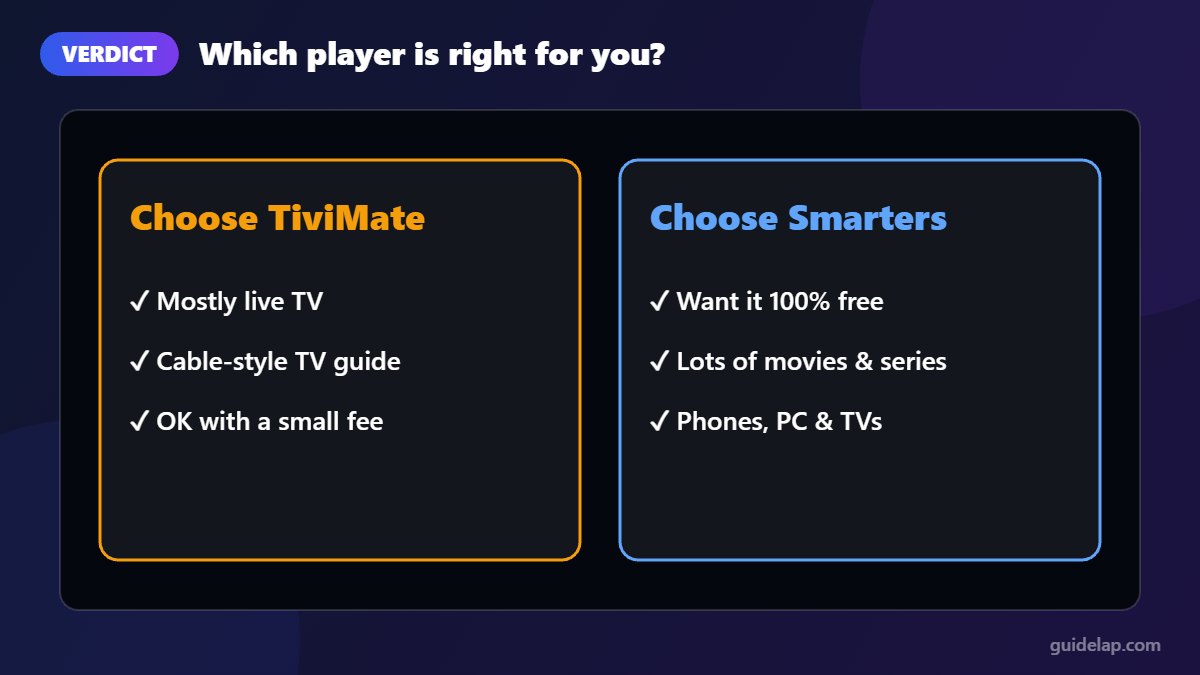
- Choose TiviMate if you mainly watch live TV, want a cable-style guide and do not mind paying a small fee for Premium.
- Choose IPTV Smarters Pro if you want a free app, watch lots of movies and series, or need the same app on phones, PCs and TVs.
- Not sure? Install both. The same login works in each app, so you can test them side by side (check how many connections your provider allows).
Want more options? See our full list of the best IPTV players for Firestick.
Chose TiviMate? Follow our full TiviMate setup guide.
Frequently asked questions
Is TiviMate better than IPTV Smarters Pro?
For live TV and the TV guide, yes. For free use, movies and series, and support on many devices, IPTV Smarters Pro is the better choice.
Is TiviMate free?
The basic app is free. Premium features such as recordings, catch-up and multiple playlists require a paid TiviMate Premium plan, bought through the TiviMate Companion app.
Can I use the same IPTV subscription in TiviMate and Smarters?
Usually yes. Both accept Xtream Codes and M3U logins. Just check how many simultaneous connections your provider allows.
Which app is better for Firestick?
Both run well on Fire OS devices. TiviMate feels faster for live channel surfing; Smarters is easier for beginners.
Does TiviMate work on Samsung or LG TVs?
No. TiviMate is an Android app. On Samsung and LG TVs, IPTV Smarters Pro or other native players are the usual choice.
Final verdict
In the TiviMate vs IPTV Smarters Pro battle there is no single winner. TiviMate is the best live-TV experience money can buy for a few euros. IPTV Smarters Pro is the best free, all-round player that works almost everywhere. Pick the one that matches how you watch.