Can you install IPTV Smarters Pro on a Samsung TV or an LG smart TV without buying a Firestick? Often yes, but it depends on your TV’s operating system, model year and country. Samsung TVs run Tizen and LG TVs run webOS, not Android, so the usual APK tricks do not work.
This guide explains how to get IPTV Smarters Pro on Samsung TV and LG models, how to check if the app is available on your TV, how to install it on Samsung and LG step by step, and the best alternatives if it is not in your app store.
IPTV Smarters Pro is a player only and does not include channels. Use it with a licensed IPTV service.
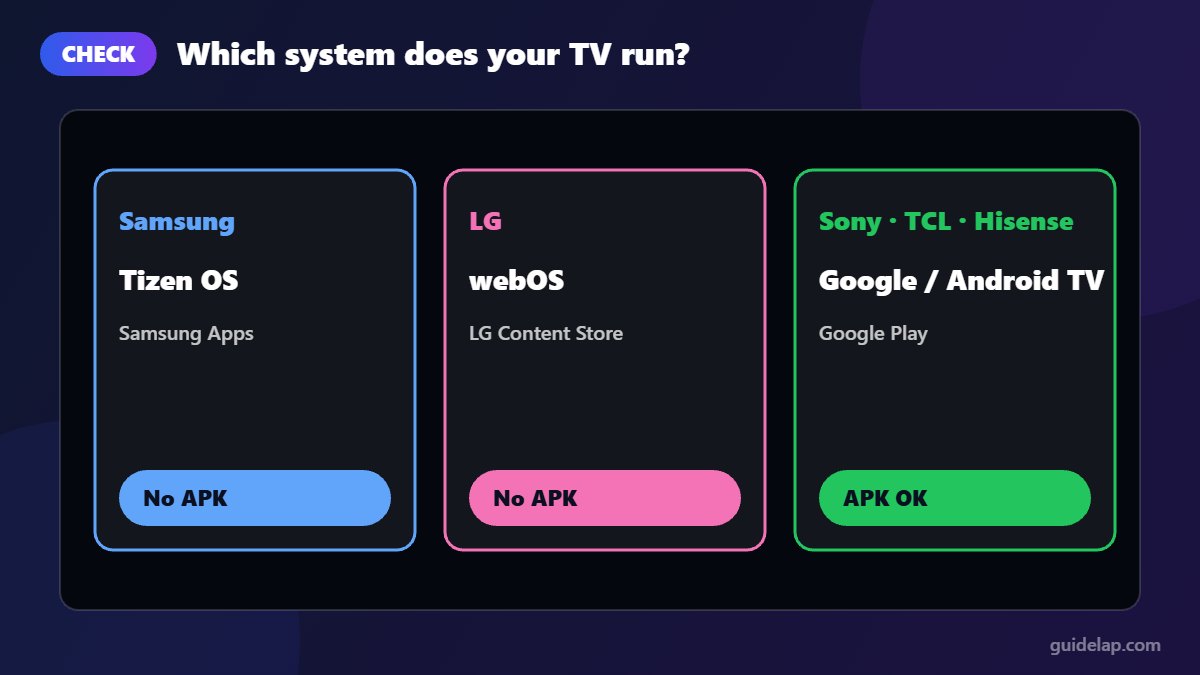
First: which system does your TV run?
| TV brand | Operating system | Where apps come from | Android APKs? |
|---|---|---|---|
| Samsung | Tizen OS | Samsung Apps (Smart Hub) | No |
| LG | webOS | LG Content Store | No |
| Sony, TCL, Hisense, Philips (most models) | Google TV / Android TV | Google Play | Yes – see our Android TV guide |
If your TV runs Google TV or Android TV, follow the Android TV guide instead. The rest of this article shows how to get IPTV Smarters Pro on Samsung TV (Tizen) and LG (webOS).
The rest of this article is for Samsung Tizen and LG webOS TVs.
How to install IPTV Smarters Pro on Samsung TV
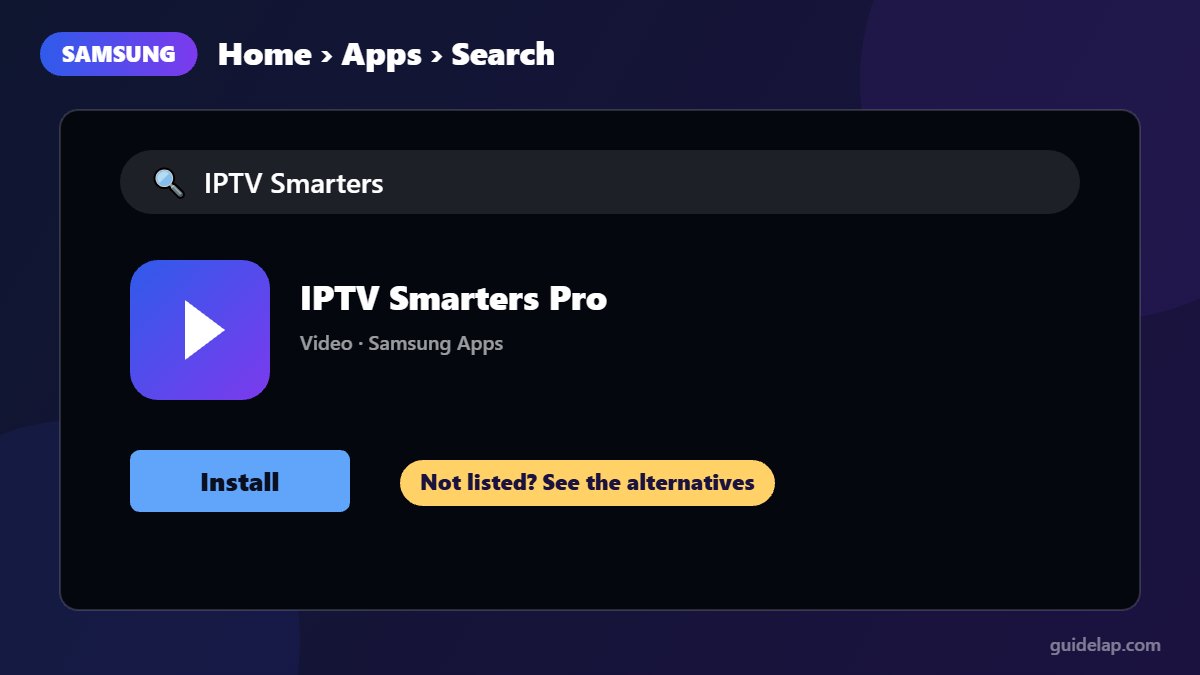
- Press the Home button on your Samsung remote.
- Go to Apps.
- Select the search icon and type IPTV Smarters.
- If the official app appears, open it and select Install.
- When installed, select Open and log in with your Xtream Codes or M3U details.
Whether you can get IPTV Smarters Pro on Samsung TV models depends on Samsung’s store, which varies by model and region. If you cannot find it, jump to the alternatives below.
How to install IPTV Smarters Pro on an LG TV
- Press the Home button on your LG remote.
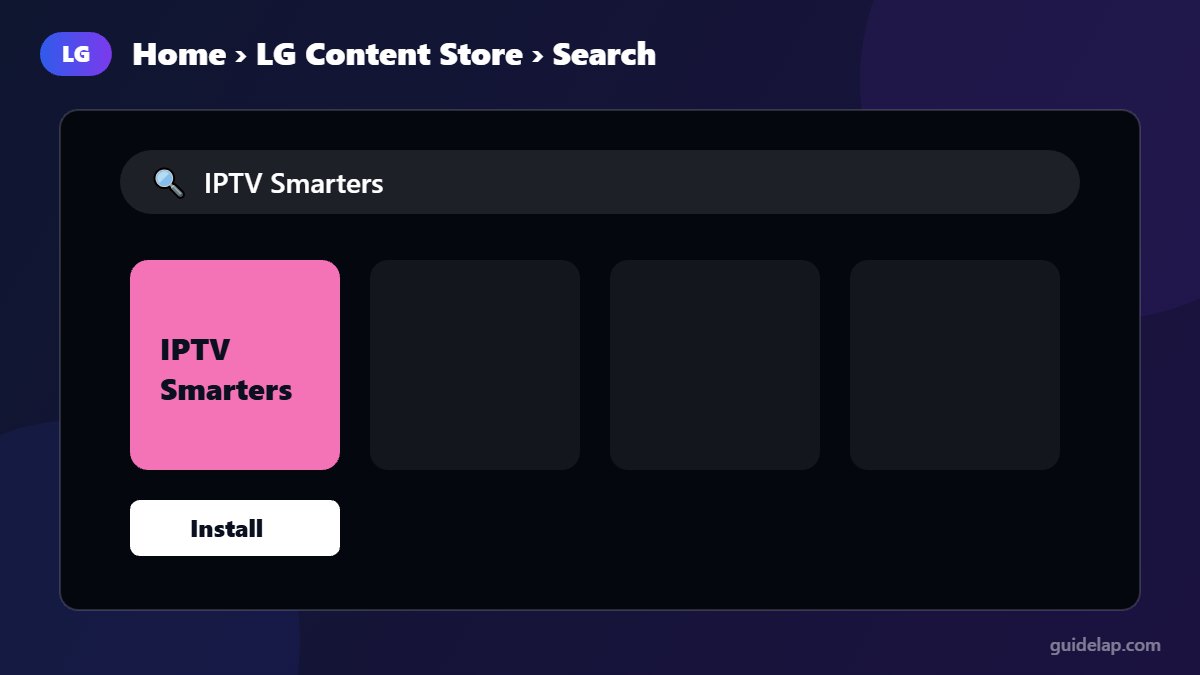
- Open the LG Content Store (called Apps on newer webOS versions).
- Select Search and type IPTV Smarters.
- Open the app page and select Install.
- Launch the app and add your playlist.
On LG TVs, availability also depends on your webOS version and country, just like IPTV Smarters Pro on Samsung TV models.
Logging in on a smart TV
Once the app is installed, the login works the same as on other devices:
- Xtream Codes API: enter any name, then the username, password and server URL from your provider.
- M3U URL: paste the playlist link from your provider.
After logging in, load the TV guide with our tutorial on how to add EPG in IPTV Smarters Pro.
Can’t find IPTV Smarters Pro on your Samsung or LG TV?
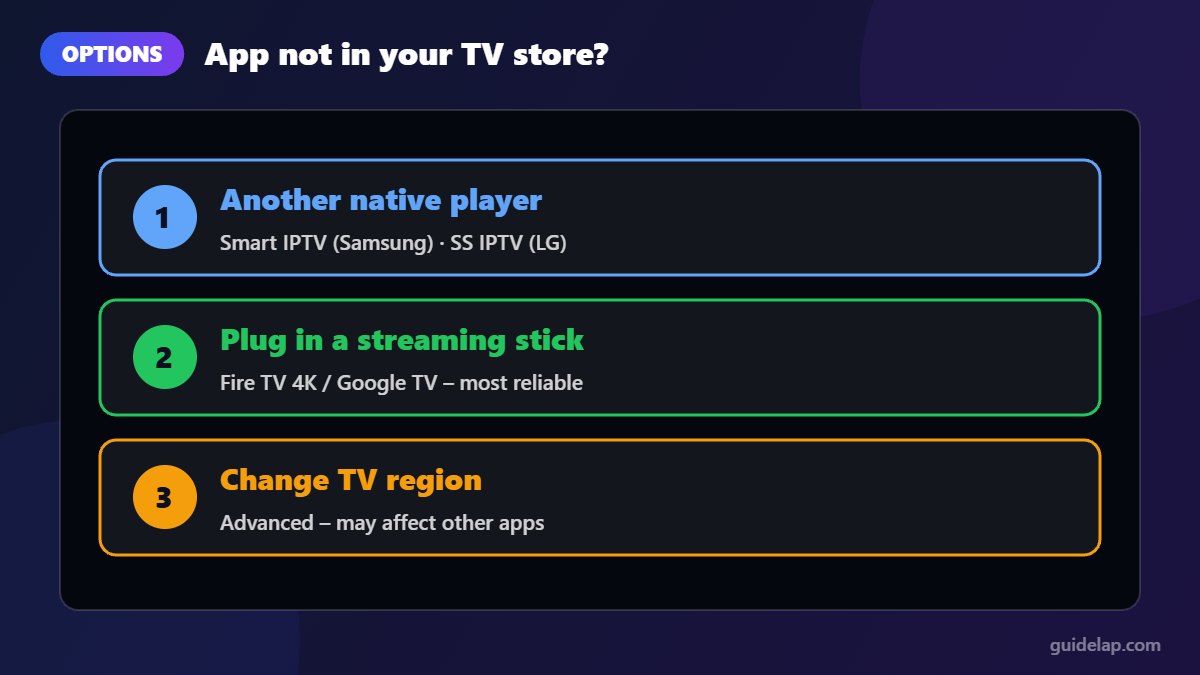
This is common. If you cannot find IPTV Smarters Pro on Samsung TV or LG stores, remember that smart TV app stores add and remove IPTV players by region. Here are your options, from best to last resort:
Option 1: Use another native IPTV player
Both stores offer other IPTV players. On Samsung, Smart IPTV is a long-standing paid option. On LG, SS IPTV is widely available. They support M3U playlists; setup differs slightly from Smarters.
Option 2: Plug in a streaming stick (most reliable)
A Fire TV Stick 4K / 4K Max or a Google TV device turns any TV with HDMI into a full IPTV player and usually gives smoother playback and more app choices than built-in TV apps. Follow our Firestick guide and avoid the “Select” Fire TV model, which cannot install IPTV players.
Option 3: Change the TV region (advanced)
Some users find more apps after changing the TV’s region or country setting. Be careful: this can affect other apps, broadcast settings and the TV’s warranty terms, and you may need to reset the TV to change it back. Only try it if you understand the risks.
Avoid: “modded” Smarters versions installed through Developer Mode or USB on Tizen. They are unofficial, can stop working with updates, and may be unsafe.
Tips for smooth IPTV on a smart TV
- Use an Ethernet cable if your TV has a network port; Wi-Fi in TVs is often weak. This makes a big difference for IPTV Smarters Pro on Samsung TV and LG models.
- Keep the TV’s software updated.
- Also watching on an iPhone or Apple TV? See IPTV Smarters Pro on iPhone & Apple TV.
- If channels buffer, try our 12 fixes for IPTV buffering.
- For the best TV guide and fastest channel switching, a dedicated streaming device usually beats the built-in TV app.
Related guides
- Another popular smart TV player is IBO Player Pro — follow our IBO Player Pro setup guide.
- Prefer a lightweight player? Follow our Smart IPTV app setup guide.
- More apps for your TV: IPTV on Samsung TV: best apps & setup.
Frequently asked questions
Is IPTV Smarters Pro available on Samsung TVs?
On some models and in some regions, yes, through Samsung’s app store. Availability changes, so search the store on your TV.
Is IPTV Smarters Pro available on LG TVs?
On many webOS TVs it is available in the LG Content Store, but it depends on your webOS version and country.
Can I install the IPTV Smarters APK on a Samsung or LG TV?
No. Samsung Tizen and LG webOS cannot install Android APK files. Use the TV’s app store or a streaming device instead.
What is the best IPTV app for Samsung TV?
If IPTV Smarters Pro is available, it is a solid free choice. Smart IPTV is a popular paid alternative. A Firestick or Google TV device gives you even more options.
Does TiviMate work on Samsung or LG TVs?
No. TiviMate is Android-only. Compare it with Smarters in our TiviMate vs IPTV Smarters Pro article.
Final thoughts
Installing IPTV Smarters Pro on a Samsung TV or LG TV takes two minutes when the app is in your store. If it is not, a native alternative such as Smart IPTV or SS IPTV works, but plugging in a streaming stick is the most reliable long-term solution.