Kodi is a free, open-source media center that turns your Fire TV into a home-theatre hub for your movies, music and live TV. This guide shows how to install Kodi on Firestick safely from the official website, set it up, add live TV with the PVR IPTV Simple Client and keep it fast.
Kodi itself is 100% legal. Use the official Kodi add-on repository and legitimate services. Third-party add-ons that stream unlicensed content are illegal in many countries and can contain malware.
Before you install Kodi on Firestick
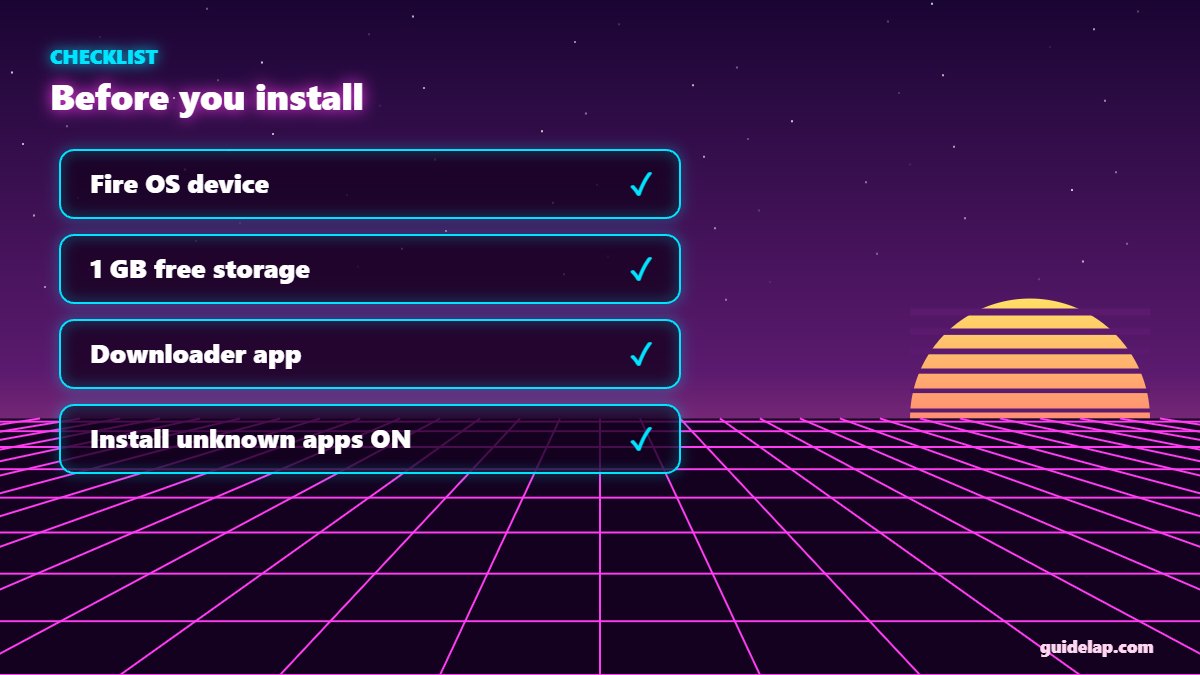
- Compatible device: Fire TV Stick, Fire TV Stick 4K / 4K Max, Fire TV Cube running Fire OS. Newer Vega OS models (such as Fire TV Stick 4K Select) cannot sideload Kodi.
- Storage: at least 1 GB free — clear cache if needed.
- Downloader app: see how to install Downloader on Firestick.
- Install unknown apps: Settings → My Fire TV → Developer Options → Install unknown apps → Downloader → On.
How to install Kodi on Firestick (step by step)
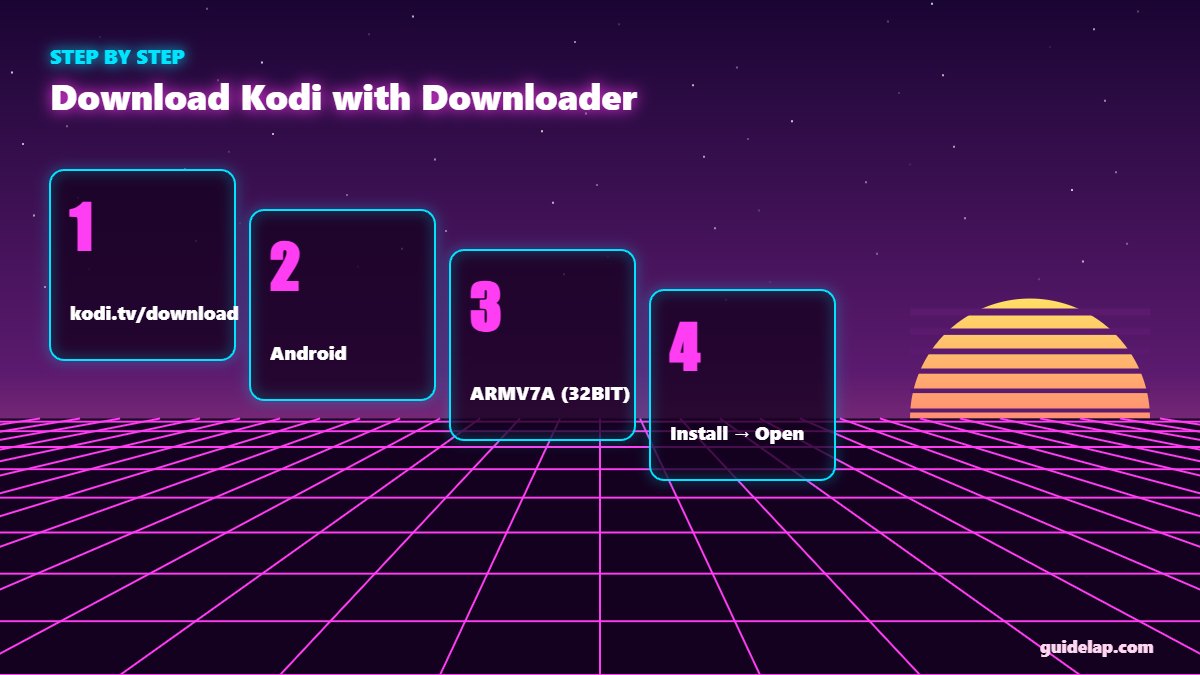
- Open Downloader and type
kodi.tv/downloadin the address box, then click Go. - Scroll down and select the Android icon.
- Choose the ARMV7A (32BIT) installer — it is the most compatible version for Firesticks.
- When the download finishes, click Install.
- Click Done, then Delete the APK file to save space.
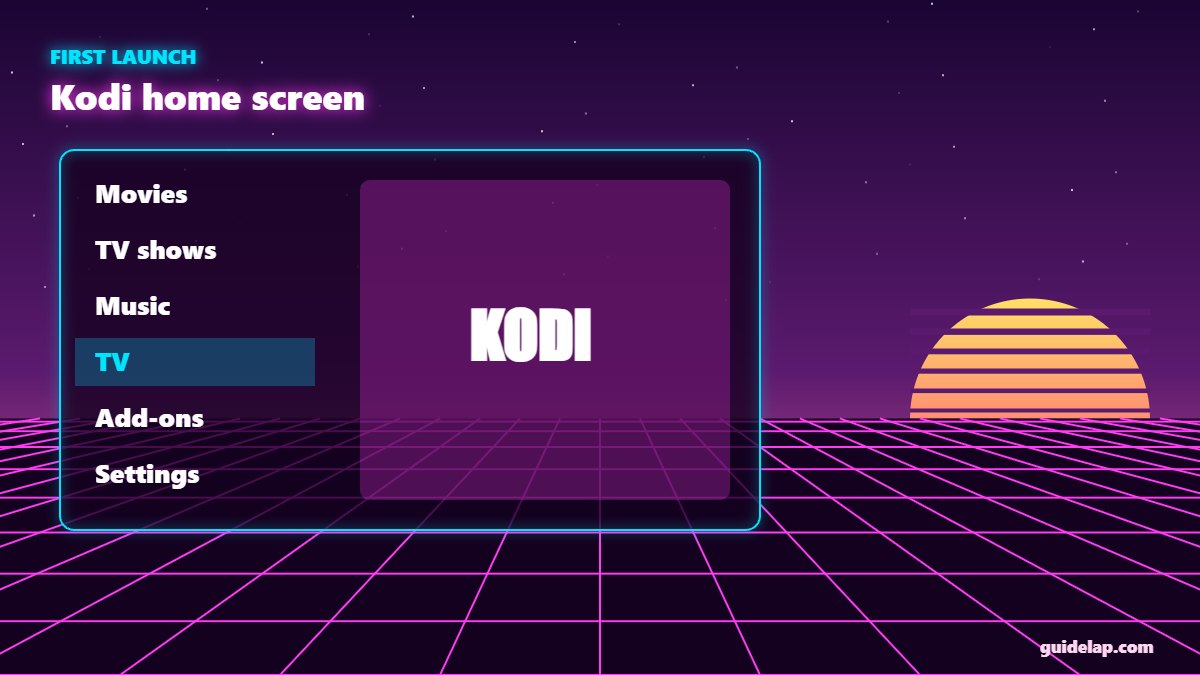
- Open Kodi from Your Apps & Channels. Hold the Home button → Apps to find it.
At the time of writing, the latest stable release is Kodi 21 “Omega”. Always pick the release version on the official site, not nightly or beta builds.
First-time Kodi setup
- When Kodi asks for media access, choose Allow.
- Go to Settings (gear) → Interface → Regional to set your language and region.
- In Settings → System, switch the settings level to Standard or Advanced for more options.
- Move Kodi to the front of your apps: Home → Apps → highlight Kodi → Menu button → Move to front.
Watch live TV in Kodi with PVR IPTV Simple Client
Kodi can play your legal IPTV M3U playlist with an official add-on:
- Go to Add-ons → Install from repository → PVR clients.
- Select PVR IPTV Simple Client and click Install.
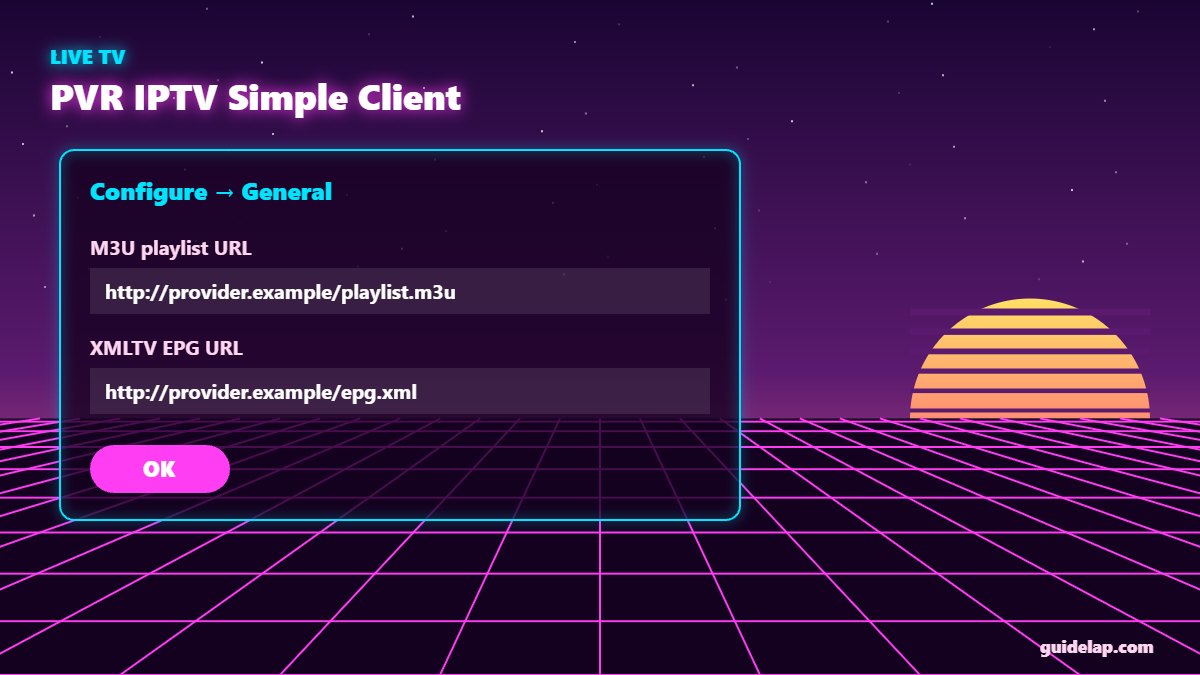
- Open Configure → General and paste your M3U playlist URL.
- Under EPG, paste the XMLTV guide URL if your provider gives one.
- Click OK, enable the add-on, and restart Kodi.
- Open TV from the main menu to see your channels and guide.
Prefer a dedicated IPTV player? See the best IPTV player apps or our TiviMate setup guide.
Tips to make Kodi faster on Firestick
| Tip | Where |
|---|---|
| Use the default Estuary skin | Settings → Interface → Skin |
| Disable unused add-ons | Add-ons → My add-ons |
| Clear Kodi cache | Settings → Applications → Manage Installed Applications → Kodi |
| Keep Fire OS updated | Settings → My Fire TV → About |
| Use 5 GHz Wi-Fi or Ethernet | Settings → Network |
More speed tips: 10 Firestick settings to change and how to update Firestick. For extra privacy on public networks, read best VPN for IPTV. Official documentation is on the Kodi Wiki.
How to update or uninstall Kodi
To update, repeat the install steps with the newest version — Kodi keeps your settings when you install over a minor update. For a clean start, go to Settings → Applications → Manage Installed Applications → Kodi → Uninstall.
Frequently asked questions
Is Kodi legal on Firestick?
Yes. Kodi is free, open-source software. What can be illegal is using third-party add-ons that stream content without a licence.
Is Kodi in the Amazon Appstore?
Usually not. Most users install Kodi on Firestick from the official kodi.tv website using the Downloader app.
Which Kodi version should I choose for Firestick?
Choose the Android ARMV7A (32-bit) release build from kodi.tv. It works on all Fire OS Firesticks.
Can I install Kodi on the Fire TV Stick 4K Select?
No. Vega OS devices do not support sideloading Android apps like Kodi.
Can Kodi play IPTV?
Yes. Install the official PVR IPTV Simple Client add-on and add your M3U playlist URL.
Final thoughts
It takes about five minutes to install Kodi on Firestick with Downloader and the official kodi.tv download. Add the PVR IPTV Simple Client for live TV, keep to official add-ons, and you have a powerful, legal media center on your TV.