Google TV has thousands of apps in Google Play, but sometimes the app you need is only offered as an APK on the developer’s website. This guide shows how to sideload apps on Google TV safely — on the Google TV Streamer, Chromecast with Google TV and Google TV televisions — using Developer Options and the free Downloader app.
Only sideload apps from official developer websites. Sideloading is legal, but unofficial “free movies” APKs are illegal in many countries and often contain malware.
Step 1: Enable Developer Options
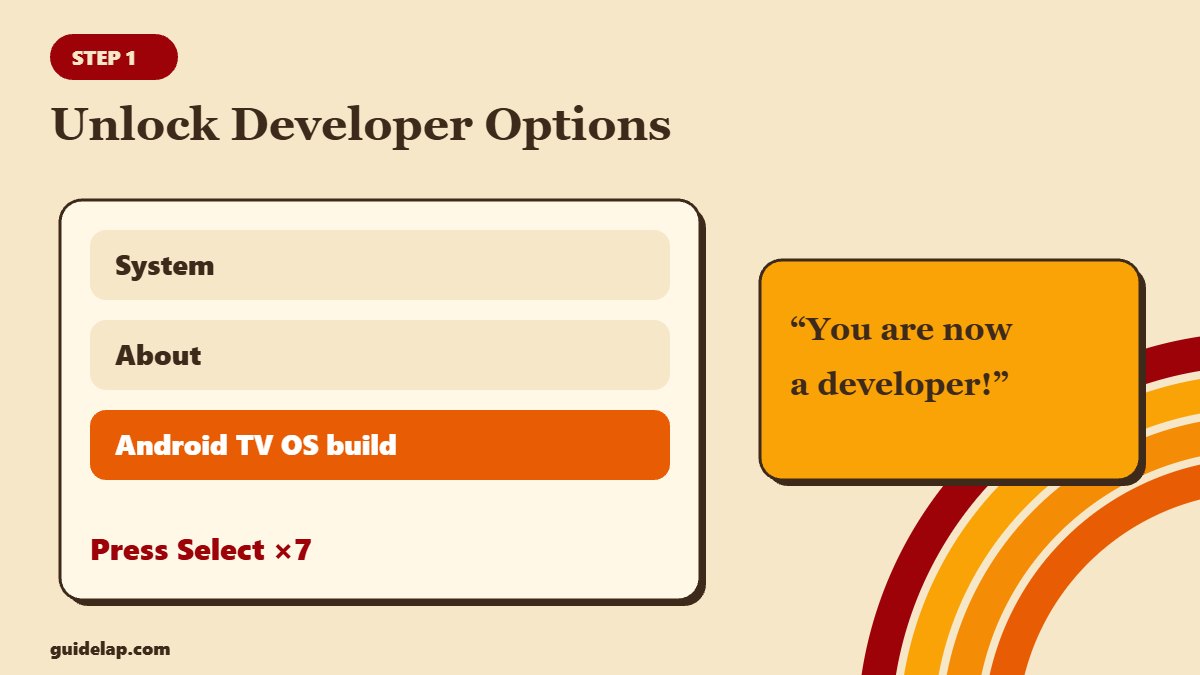
- Open Settings (profile icon → Settings, or the gear).
- Go to System → About.
- Scroll to Android TV OS build.
- Press Select on the remote 7 times until you see “You are now a developer”.
Google hides the unknown-apps permission until Developer Options are turned on — that is why the setting is often “missing”.
Step 2: Install Downloader from Google Play
Search Google Play for Downloader by AFTVnews and install it. It is a simple browser and file downloader made for TV remotes.
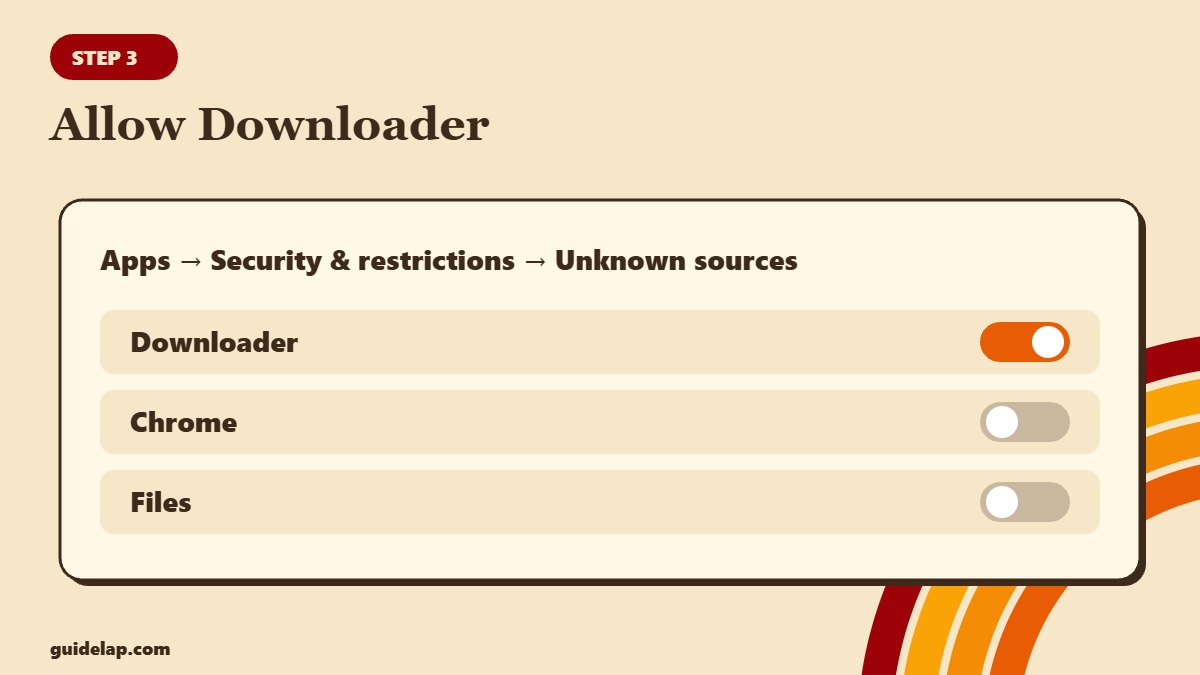
Step 3: Allow Downloader to install apps
- Go to Settings → Apps → Security & restrictions → Unknown sources (on some devices: Settings → Apps → Special app access → Install unknown apps).
- Select Downloader and switch it to Allowed.
This is a per-app permission: allow only the app you will use to open APK files.
Step 4: Download and install the APK
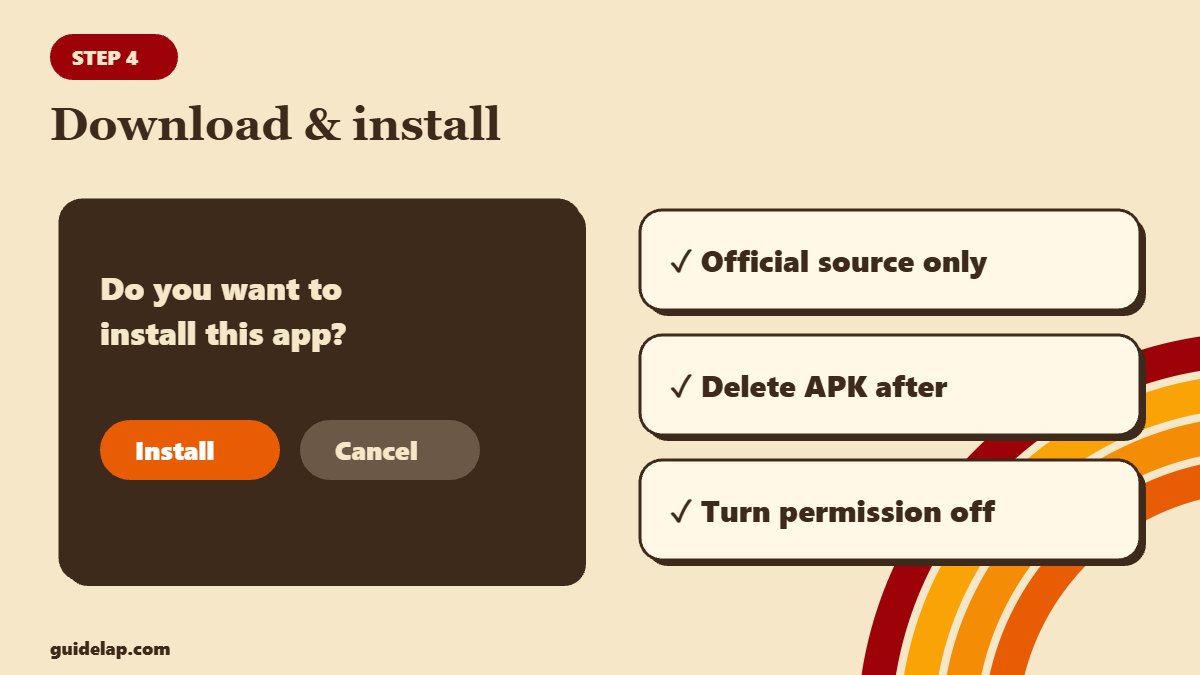
- Open Downloader and type the developer’s official download address.
- When the download finishes, select Install.
- Choose Done, then Delete the APK file to save space.
- Find the new app in Apps → See all apps.
Other ways to sideload on Google TV
| Method | How it works |
|---|---|
| Send Files to TV | Send an APK from your phone to the TV over Wi-Fi |
| File manager + cloud | Open the APK from Google Drive with a TV file manager |
| ADB (advanced) | Enable wireless debugging in Developer Options and install from a computer |
Safety checklist
- Download only from the developer’s official site.
- Turn off “Unknown sources” for Downloader when you are done.
- Keep Google Play Protect on.
- Use a VPN on public networks.
- Turn Developer Options off again if you no longer need them.
Comparing devices? Google TV can sideload, but newer Vega OS Fire TV sticks cannot — see Vega OS vs Fire OS and the best streaming device guide. Need a player? Try TiviMate (on Google Play) or Kodi. For background, AFTVnews has a detailed Downloader guide.
Don’t have a Google TV device yet? See the best Android TV box.
Frequently asked questions
How do I sideload apps on Google TV?
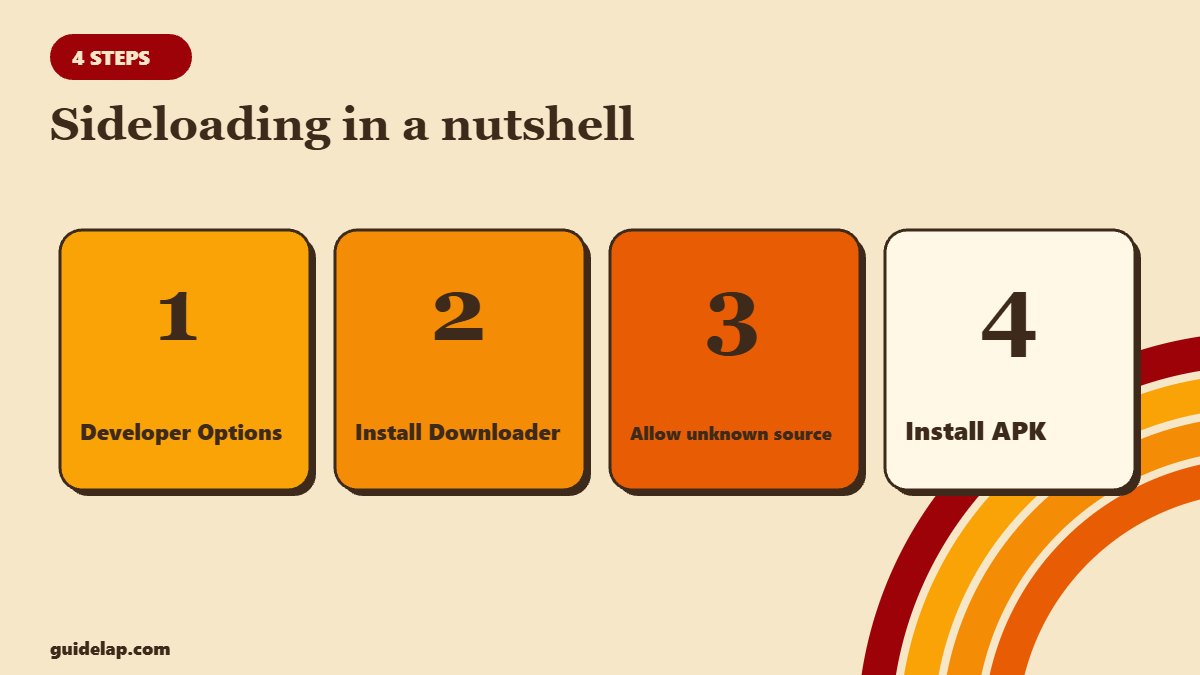
Enable Developer Options (Settings → System → About → press Android TV OS build 7 times), install Downloader, allow it under Unknown sources, then download and install the APK.
Why is “Unknown sources” missing on Google TV?
Google hides it until Developer Options are enabled. Turn them on first, then go back to the security settings.
Is sideloading on Google TV safe?
It is safe if you only install apps from official developer websites and turn the permission off afterwards.
Can I sideload on the Google TV Streamer?
Yes. The steps are the same as on Chromecast with Google TV and Google TV televisions.
Does sideloading void my warranty?
No. Installing apps does not void the warranty, but unofficial apps may cause problems you have to fix yourself.
Final thoughts
To sideload apps on Google TV: unlock Developer Options, install Downloader, allow it as an unknown source and install your APK. Stick to official sources, and switch the permission off when you are done.