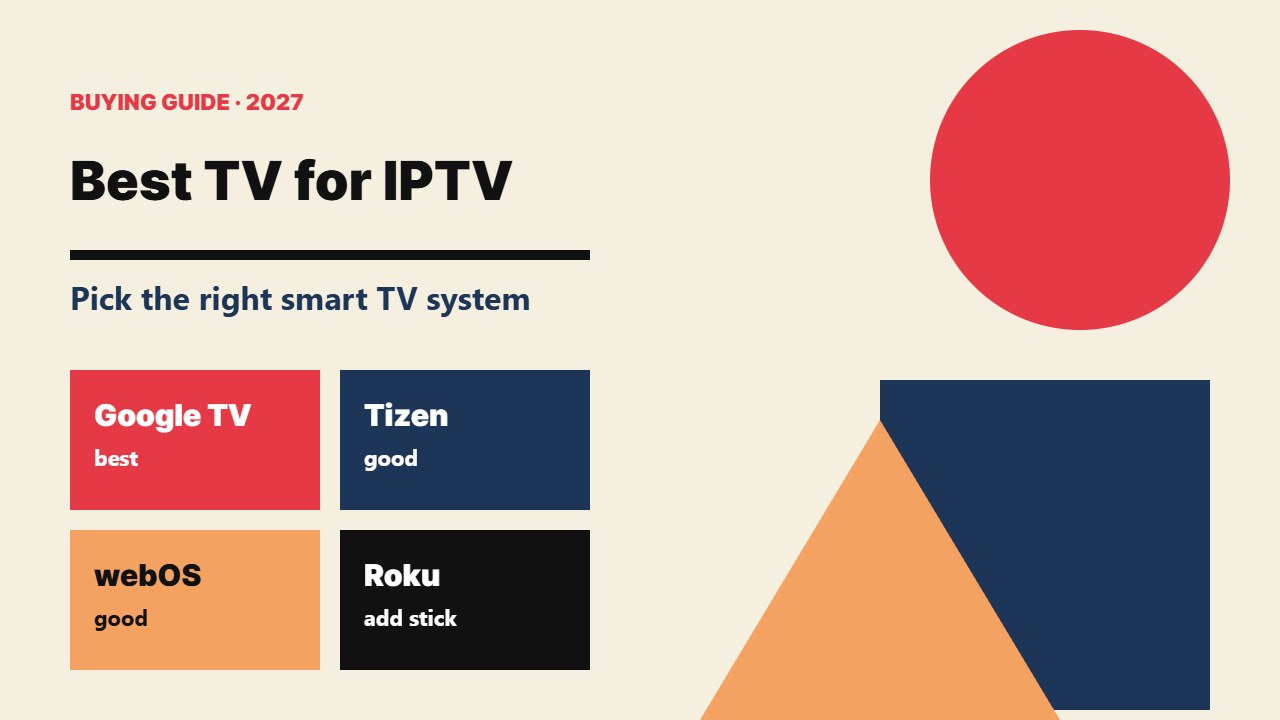
Buying a new television and want the best TV for IPTV? The panel matters for picture quality, but for IPTV the most important thing is the smart TV system inside — it decides which IPTV apps you can install. This buying guide explains what to look for and which systems work best.
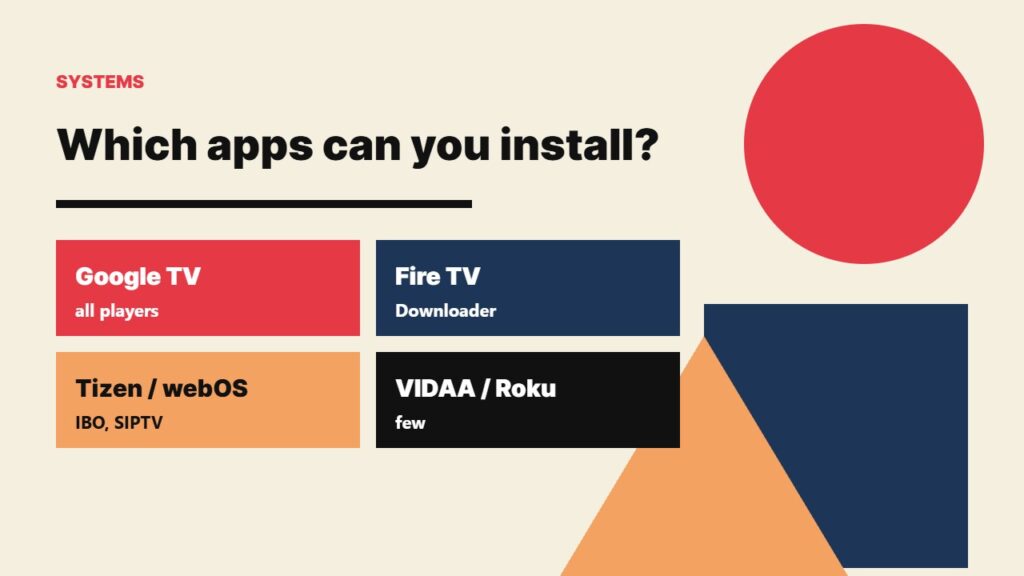
What makes a TV good for IPTV?
- The operating system: Google TV / Android TV has the most IPTV apps.
- An Ethernet port for a stable wired connection.
- Enough storage and a fast processor for big channel lists and EPGs.
- Good motion handling (100/120 Hz) for live sports.
- Regular software updates from the brand.
Smart TV systems compared for IPTV
| System | Typical brands | IPTV apps | Verdict |
|---|---|---|---|
| Google TV / Android TV | Sony, TCL, Philips, some Hisense | TiviMate, Smarters, OTT Navigator & more | Best choice |
| Fire TV edition | Some Toshiba, Panasonic, Amazon Fire TV models | Downloader + any Android player | Very good |
| Samsung Tizen | Samsung | IBO Player, Smart IPTV and others | Good |
| LG webOS | LG | IBO Player, SS IPTV, Smart IPTV | Good |
| VIDAA | Hisense, some Toshiba | Limited, depends on country | OK |
| Roku TV | TCL, Hisense, others (US) | Very few | Add a stick |
Any TV can become a great IPTV TV with a cheap streaming stick in the HDMI port. The built-in system only decides whether you need one.
Best TV for IPTV by type of viewer
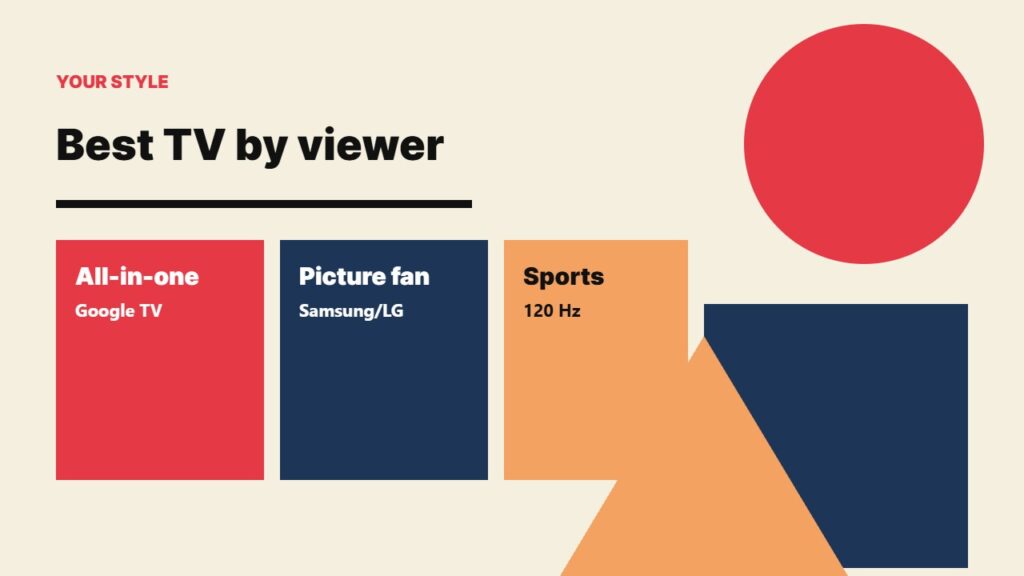
You want everything built in
Choose a Google TV model. You get TiviMate, IPTV Smarters and OTT Navigator from the Play Store — see IPTV Smarters on Android TV and TiviMate setup.
You love Samsung or LG picture quality
Their apps are fine for IPTV — follow IPTV on Samsung TV or IPTV on LG TV. For TiviMate or catch-up, add a stick.
You watch a lot of live sports
Look for a 100/120 Hz panel, good motion processing and an Ethernet port. Read IPTV for live sports for settings.
Should you buy a TV or a streaming stick?
If your current TV picture is good, a stick is the cheapest upgrade: compare Fire TV Stick 4K vs 4K Max and the best streaming devices. If you are buying a TV anyway, pick Google TV so you may not need one at all.
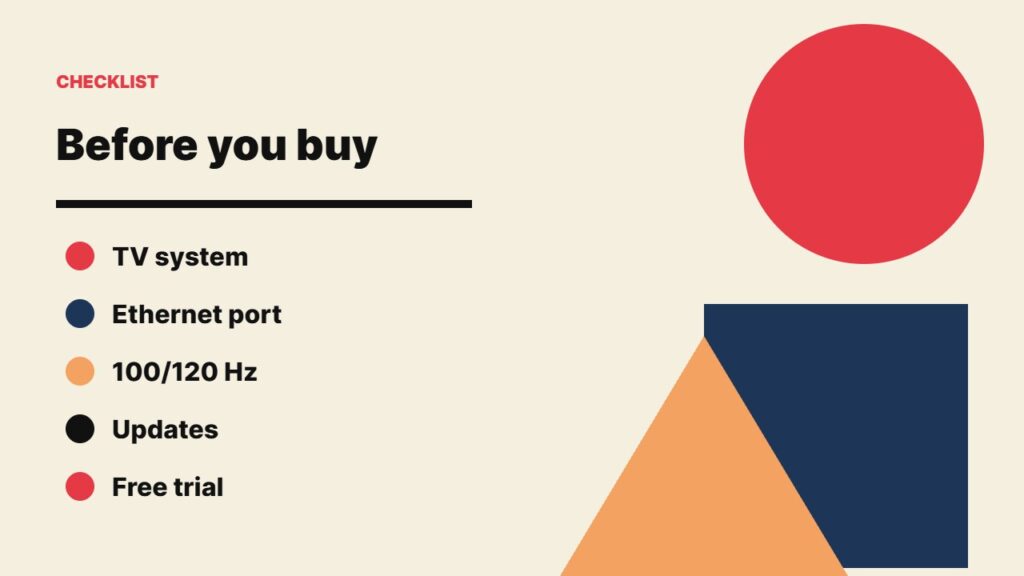
Checklist before you buy
- Check the TV system name on the spec sheet (Google TV, Tizen, webOS, VIDAA, Fire TV, Roku).
- Make sure it has an Ethernet port.
- Look for 100/120 Hz if you watch sports.
- Check the brand’s update history.
- Test your IPTV service with a free trial on the new TV right away.
Related guides
- More about TV systems: Google TV. Other brands: IPTV on Hisense TV.
- Have a games console? See IPTV on Xbox.
- Still on cable? Compare IPTV vs cable before you switch.
Frequently asked questions
What is the best TV for IPTV?
A TV with Google TV or Android TV, because it can install all the popular IPTV apps such as TiviMate and IPTV Smarters.
Is Samsung or LG better for IPTV?
Both are good and have similar IPTV apps (IBO Player, Smart IPTV). Neither can run TiviMate, so add a stick if you want it.
Do I need a smart TV for IPTV?
No. Any TV with an HDMI port works with a Fire TV Stick, Google TV Streamer or Android TV box.
Is 4K important for IPTV?
Only if your provider offers 4K channels and your internet is fast enough. Most live channels are HD, so motion handling matters more for sports.
Does a TV need Ethernet for IPTV?
It is not required, but an Ethernet port gives the most stable picture and is highly recommended.
Final thoughts
The best TV for IPTV is one with Google TV, an Ethernet port and smooth motion for sports. Samsung and LG are fine with their own IPTV apps, and any TV becomes an IPTV TV with a streaming stick.