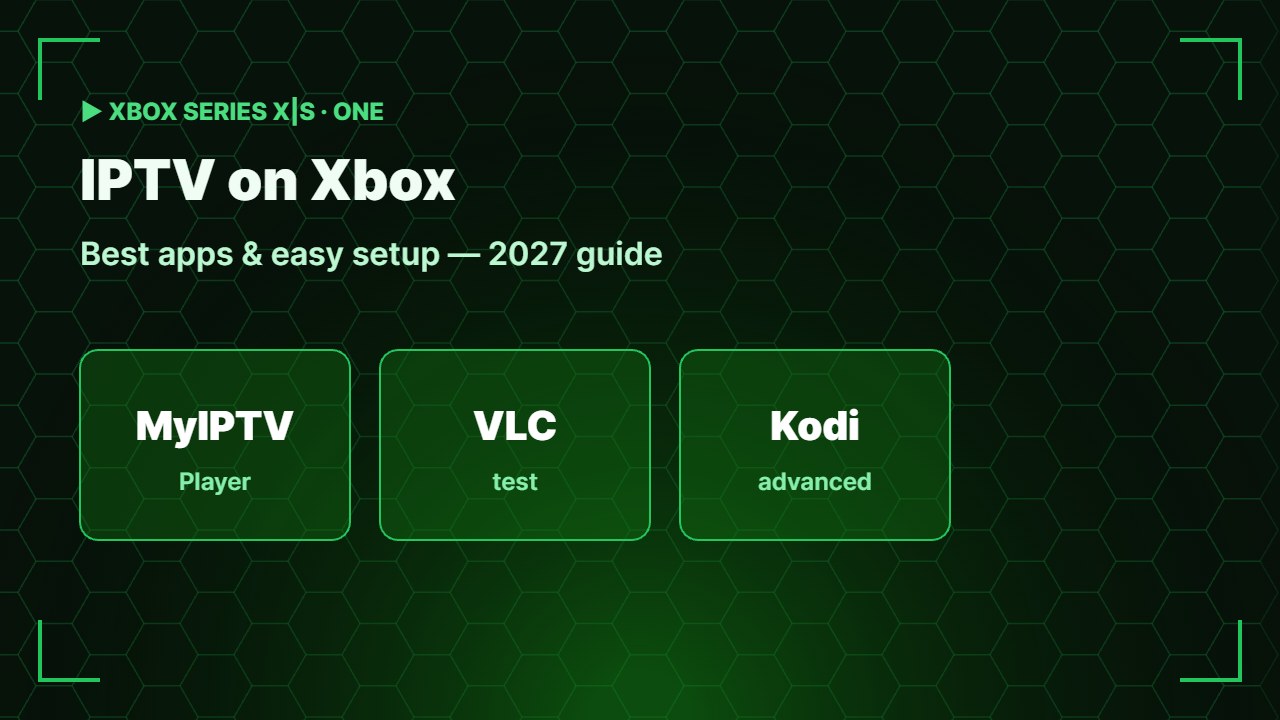
Your Xbox is a powerful streaming box too. Watching IPTV on Xbox works on Xbox Series X, Series S and Xbox One with apps from the Microsoft Store — no extra device needed. Here are the best apps and how to set them up step by step.
Can you watch IPTV on Xbox?
Yes. Xbox consoles install apps from the Microsoft Store, and several IPTV players are available there. You add the M3U link from your provider, and your channels appear in a TV-style list. Series X plays up to 4K; Series S is great for HD.
IPTV apps on Xbox are players only. Use a licensed IPTV provider and do not share your playlist link.
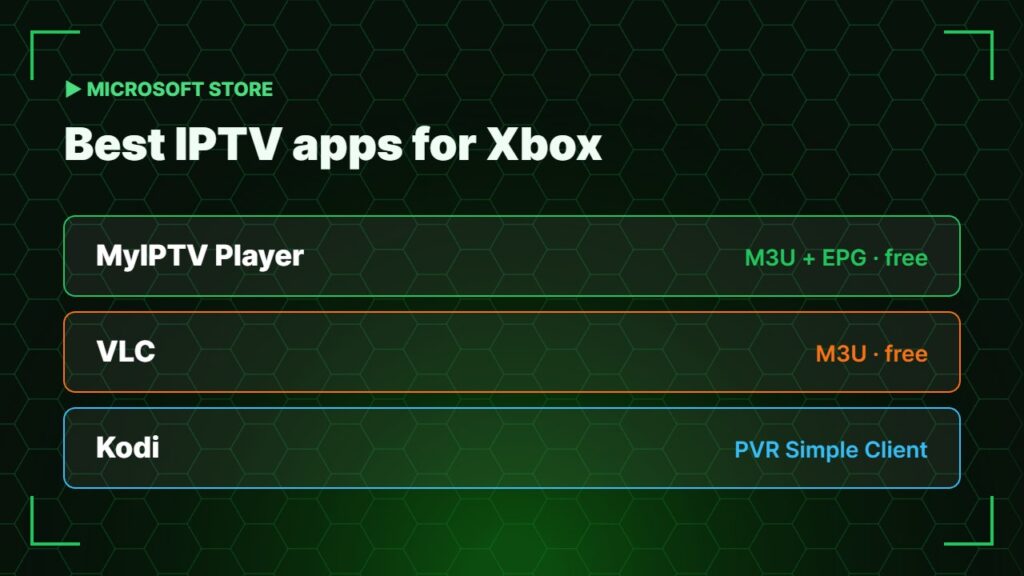
Best IPTV apps for Xbox
| App | Playlist support | Notes |
|---|---|---|
| MyIPTV Player | M3U + EPG | The most popular free IPTV app on Xbox |
| VLC | M3U / stream links | Free, simple, no real TV guide |
| Kodi | M3U via PVR IPTV Simple Client | Powerful but more setup |
App availability can change by region — search the Microsoft Store on your console to see what is available.
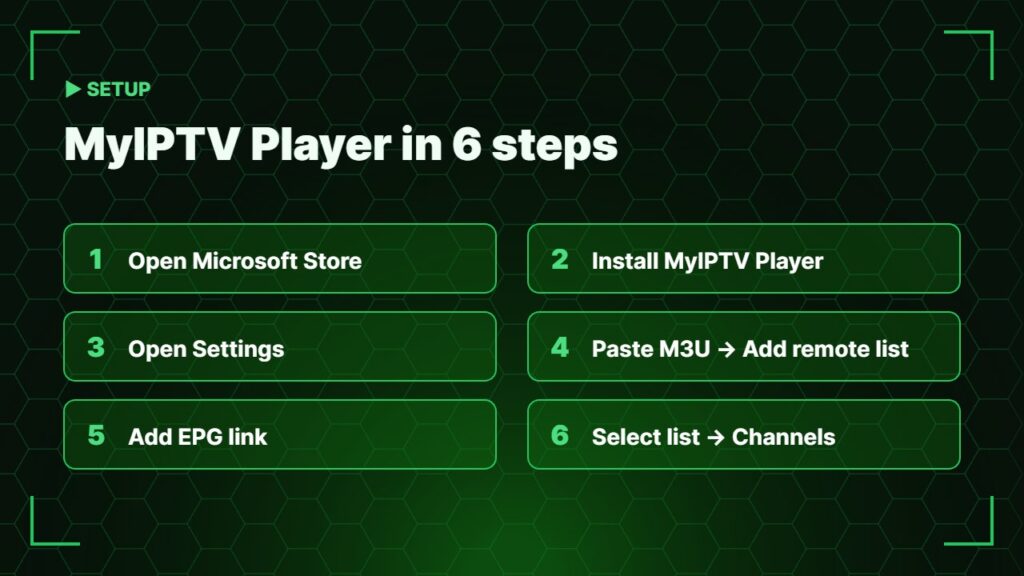
How to set up IPTV on Xbox with MyIPTV Player
- Press the Xbox button and open the Microsoft Store.
- Search for MyIPTV Player and select Get / Install.
- Open the app and go to Settings.
- Under Remote channel list, enter a name and paste your full M3U link, then select Add remote list.
- Add the EPG link under Program guide if your provider gives one.
- Select your new list as the active channel list and go back to Channels.
Watch IPTV on Xbox with VLC
Install VLC from the Microsoft Store, open Network, paste the M3U link and play. It is the fastest way to test a playlist — see our full IPTV on VLC guide.
Tips for smooth IPTV on Xbox
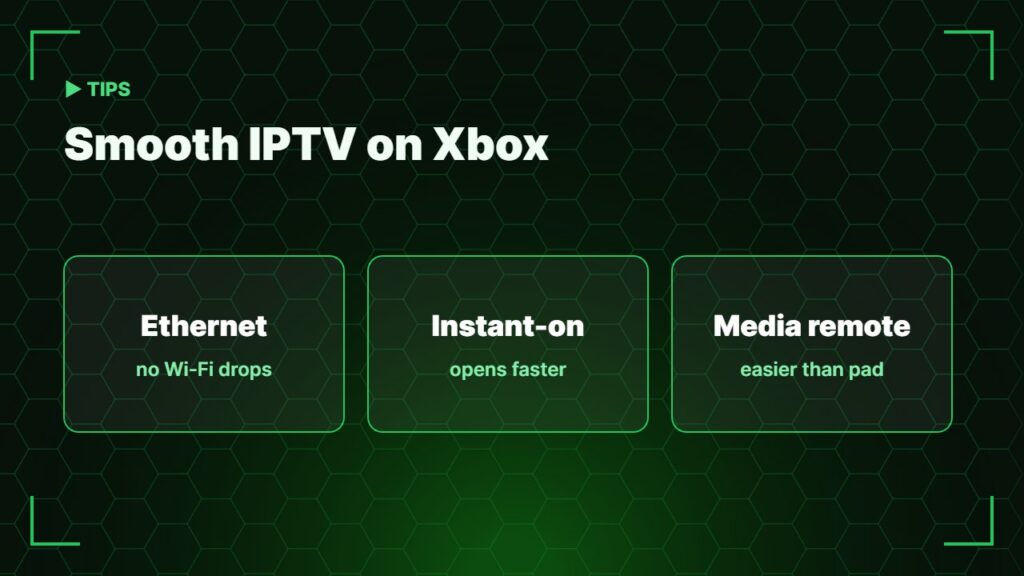
- Use an Ethernet cable — consoles are often far from the router.
- Turn on Instant-on power mode so the app opens faster.
- A media remote is easier than the controller for long TV sessions.
- Check your connection: internet speed for IPTV.
- Buffering? Follow how to fix IPTV buffering.
Want catch-up, recording and the best TV guide? A cheap stick still beats a console — compare devices in best streaming device, or use IPTV Smarters on PC if you watch on Windows. More background: Xbox Series X and Series S.
Xbox vs streaming stick for IPTV
IPTV on Xbox is perfect if the console is already under your TV. But a Firestick or Google TV device has more IPTV apps, catch-up, recording and a simpler remote. Many people use the Xbox for a quick channel and a stick for everyday TV.
Frequently asked questions
Can I watch IPTV on Xbox Series X?
Yes. Install an IPTV player such as MyIPTV Player or VLC from the Microsoft Store and add your M3U link.
Is MyIPTV Player free on Xbox?
Yes, MyIPTV Player is free to download from the Microsoft Store.
Is IPTV Smarters available on Xbox?
Availability changes over time and by region. Search the Microsoft Store on your console; MyIPTV Player and VLC are the most reliable options.
Does IPTV on Xbox support EPG?
MyIPTV Player supports an EPG link. VLC does not have a real TV guide.
Can I watch IPTV on PlayStation?
PlayStation has far fewer IPTV options than Xbox. A streaming stick is usually the better choice for PlayStation owners.
Final thoughts
Watching IPTV on Xbox is easy: install MyIPTV Player from the Microsoft Store, paste your licensed provider’s M3U link and add the EPG. Use Ethernet for the smoothest picture, and switch to a streaming stick if you want catch-up and recording.