Formuler boxes like the Z11 Pro Max are built for IPTV, and their app MyTVOnline 3 is one of the best TV-style players. This Formuler MyTVOnline setup guide shows how to add your IPTV service with Xtream Codes, M3U or a MAC portal, how to load the EPG, and how to fix the most common problems.
What is MyTVOnline 3?
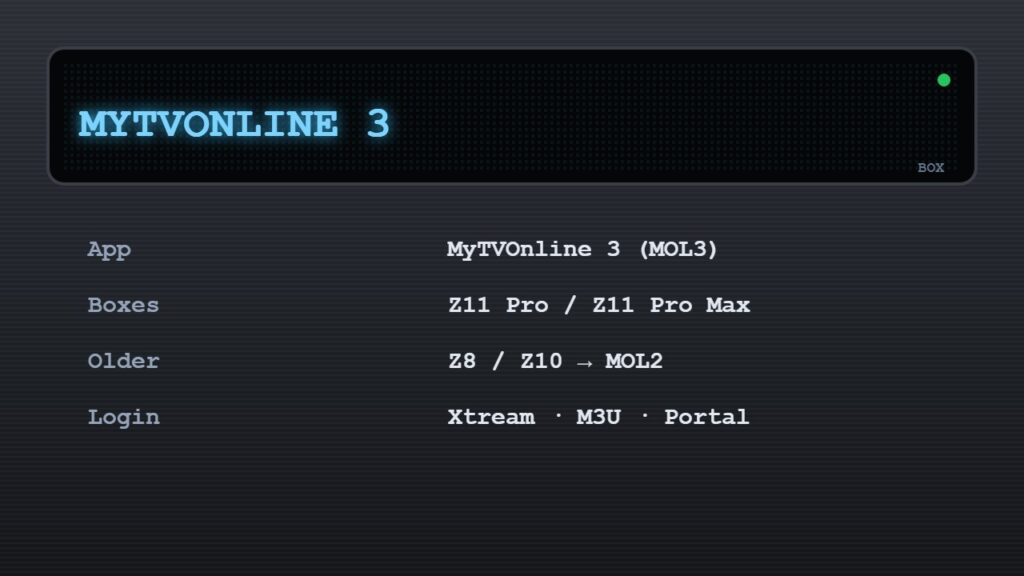
MyTVOnline 3 (often called MOL3) is the IPTV app pre-installed on newer Formuler boxes such as the Z11 Pro and Z11 Pro Max. Older models like the Z8 and Z10 use MyTVOnline 2. It looks and feels like a cable box: a full TV guide, channel groups, catch-up and recording on supported services.
Formuler boxes and MyTVOnline include no channels. Use a licensed IPTV provider and keep your login details private.
3 ways to add IPTV in MyTVOnline 3
| Method | What you need | Best for |
|---|---|---|
| Xtream Codes | Server URL, username, password | Most providers — best EPG & VOD |
| M3U playlist | One M3U link | Simple playlists |
| Portal (MAC) | Portal URL; provider adds your box MAC | Providers that use Stalker portals |
Formuler MyTVOnline setup with Xtream Codes (recommended)
- Connect the Formuler box to the TV and to the internet — Ethernet is best.
- Open MyTVOnline 3 from the home screen.
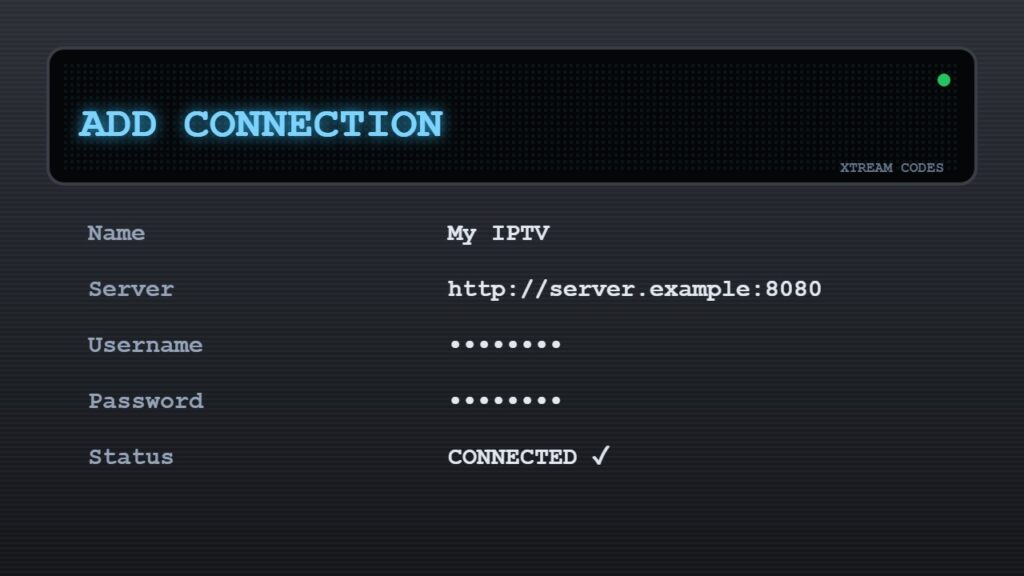
- Go to Add / Manage playlists (or Settings → Connections) and choose Xtream Codes.
- Enter a name, the server URL, username and password from your provider.
- Select Connect. Channels, EPG and VOD load automatically.
Setup with a MAC portal
- Find your box MAC address on the sticker under the box or in Settings → About / Network.
- Send the MAC to your provider and ask for the portal URL.
- In MyTVOnline, add a new connection → Portal, and enter the portal URL.
- Restart the app when the provider confirms your MAC is active.
Setup with an M3U link
Choose M3U / Playlist, paste the full link and add the EPG (XMLTV) URL if your provider gives one. Not sure which login to use? Read M3U vs Xtream Codes and what is EPG.
MyTVOnline problems and fixes
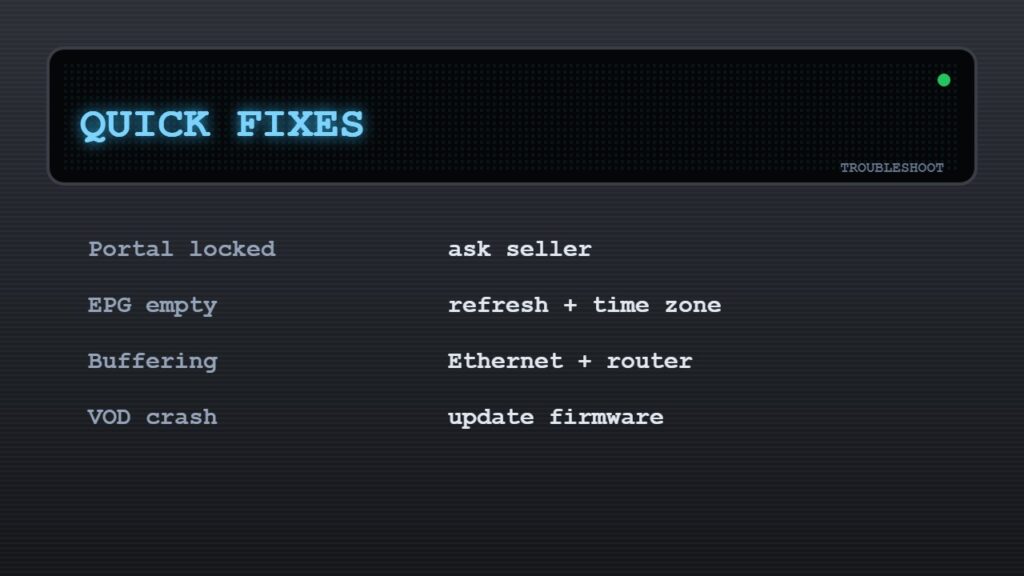
- Cannot add a new portal or playlist: some boxes sold by resellers are locked. Ask the seller to unlock it, and buy future boxes from an official Formuler dealer.
- EPG empty: refresh the EPG in the app settings and check the box time zone.
- Buffering in the evening: use Ethernet, restart the router and check your speed — see the internet speed for IPTV guide.
- VOD crashes: update the box firmware and MyTVOnline from Settings → Software update.
- Channels not loading: follow IPTV not working: 15 fixes.
For help from other owners, the official Formuler support forum is very active. Comparing boxes? See best Android TV box and MAG box IPTV setup.
Frequently asked questions
How do I add IPTV to MyTVOnline 3?
Open MyTVOnline 3, add a new playlist or connection, choose Xtream Codes, M3U or Portal, and enter the details from your IPTV provider.
Is Xtream Codes or portal better on Formuler?
Xtream Codes is usually best: it loads EPG and VOD quickly and needs no MAC registration. Use the portal method only if your provider requires it.
Where is the MAC address on a Formuler box?
It is on the sticker under the box and in Settings → About or Network on the box.
Why can’t I add a new portal on my Formuler?
Some resellers lock the box to their own service. Contact the seller to unlock it, or buy from an official Formuler dealer.
Can I use TiviMate on a Formuler box?
Yes. Formuler boxes run Android TV, so you can also install TiviMate or IPTV Smarters if you prefer them.
Final thoughts
A Formuler MyTVOnline setup takes about five minutes: open MyTVOnline 3, add your licensed provider with Xtream Codes (or a MAC portal), and let the EPG load. With Ethernet and updated firmware, a Formuler box gives you a true cable-box experience.