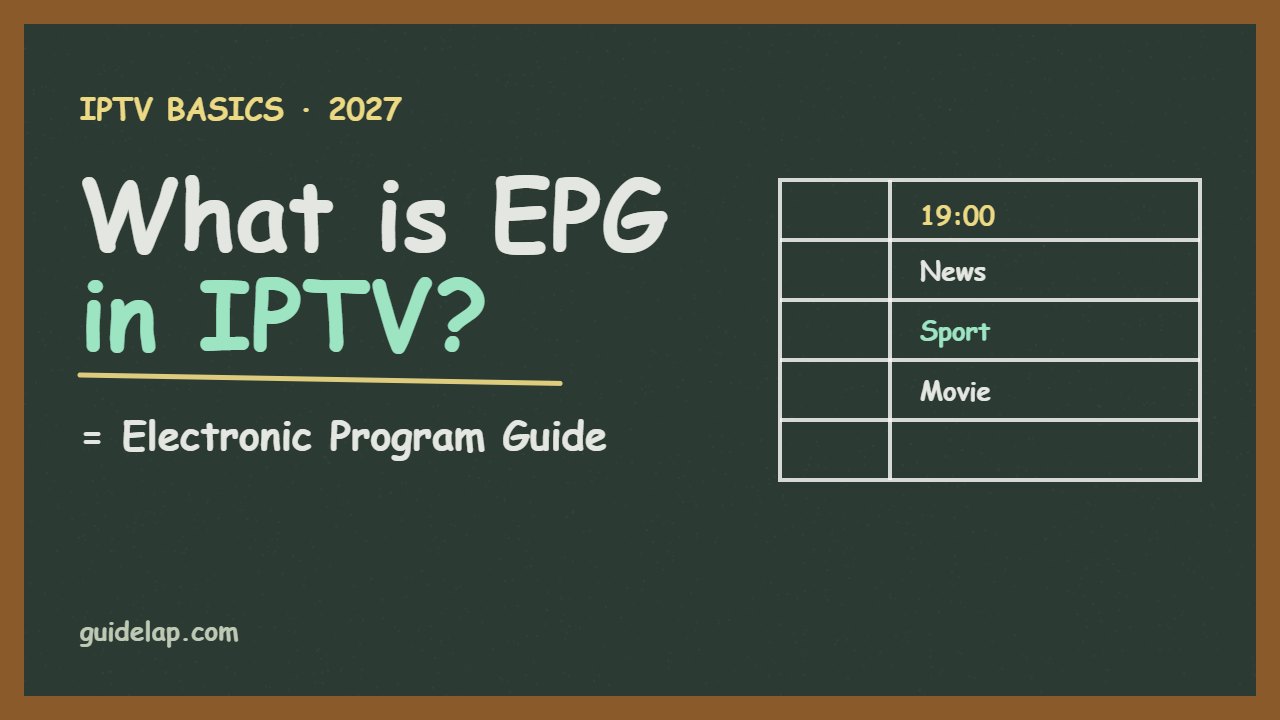
The TV guide that shows what is on now and next is called the EPG. But what is EPG in IPTV, where does it come from, and why is it sometimes empty or one hour wrong? This beginner guide explains how the electronic program guide works, how to add it in popular IPTV players, and how to fix the most common EPG problems.
What is EPG in IPTV?
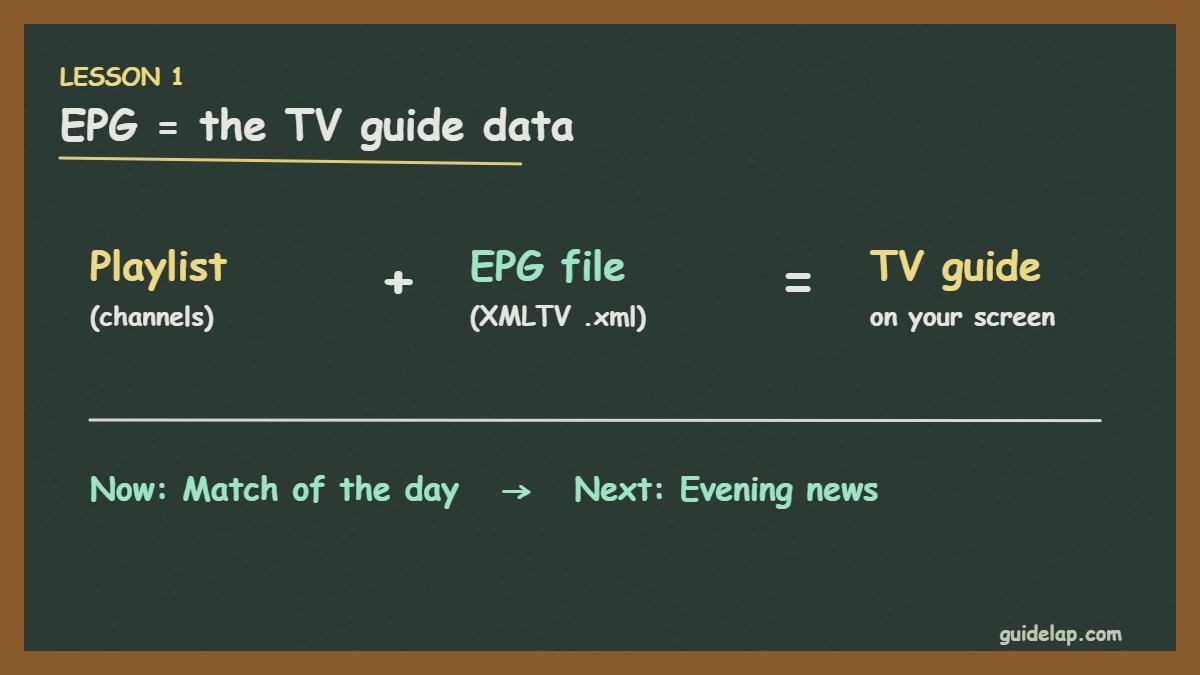
EPG stands for Electronic Program Guide. In IPTV it is a data file that lists every channel’s programmes with start times, titles and descriptions. Your IPTV player reads this file and shows it as a TV guide grid, “now/next” info and programme details.
Most providers deliver EPG in the XMLTV format — a link ending in .xml or .xml.gz. You can read more about the format on Wikipedia’s XMLTV page.
How EPG works with M3U and Xtream Codes
| Login type | How EPG is loaded |
|---|---|
| Xtream Codes | Usually automatic — the player downloads the guide from the same server |
| M3U playlist | You often need to add a separate XMLTV (EPG) link |
| MAC-based apps (IBO, Smart IPTV) | EPG link added on the app’s website or loaded from the playlist |
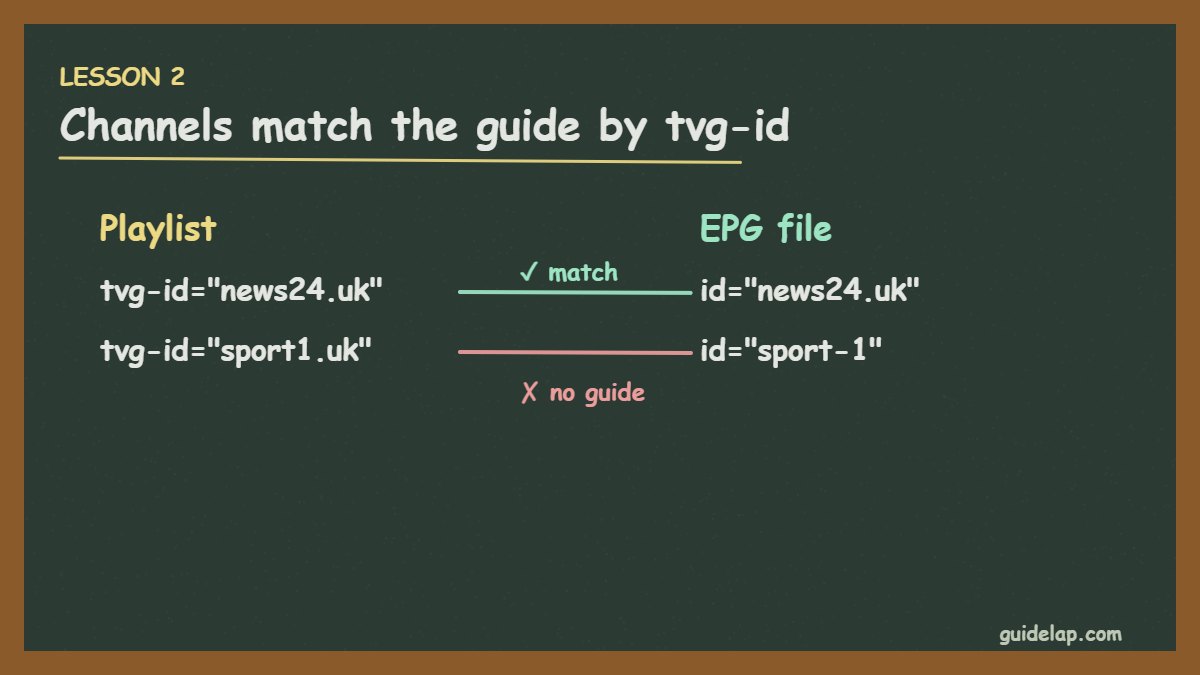
Channels are matched to the guide with a hidden ID in the playlist called tvg-id. If the ID in the playlist and the ID in the EPG file are different, that channel shows “No information”. More on login types in M3U vs Xtream Codes.
How to add EPG in popular IPTV players
| Player | Where to add the EPG link |
|---|---|
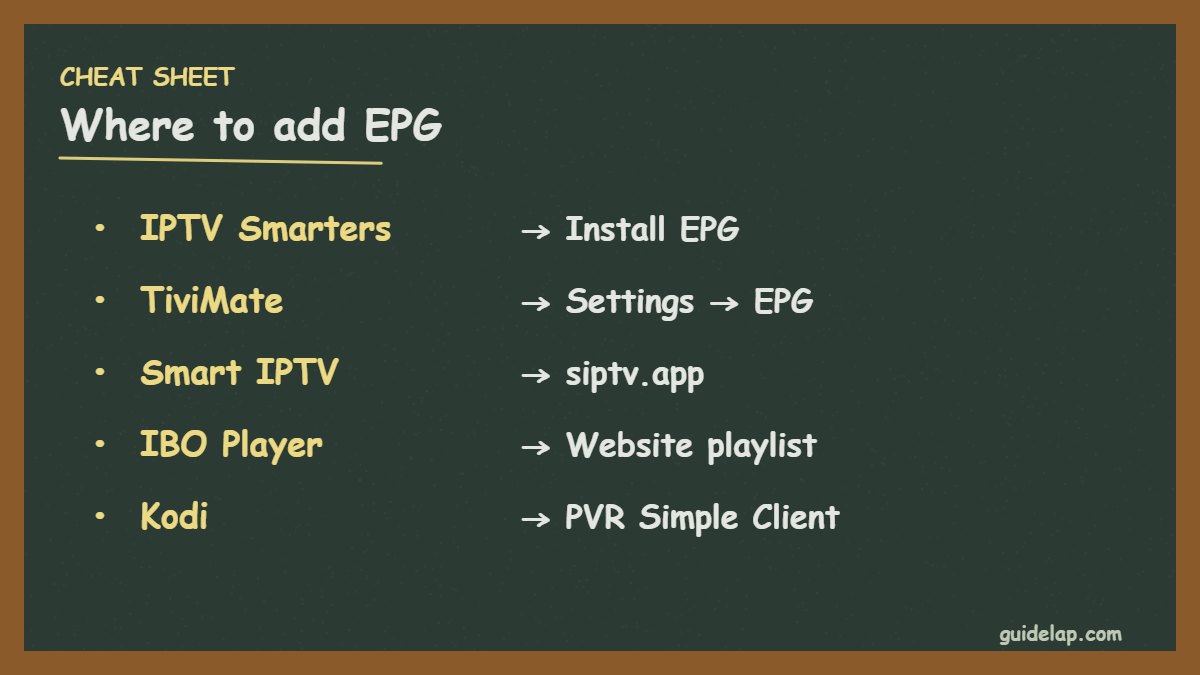
| IPTV Smarters Pro | Install EPG / Settings → EPG (automatic with Xtream) |
| TiviMate | Settings → EPG → Add EPG source |
| Smart IPTV | siptv.app → EPG URL field |
| IBO Player Pro | Playlist page on the website / app settings |
| Kodi | PVR IPTV Simple Client → Configure → EPG |
EPG not showing? Common problems and fixes
1. The guide is empty
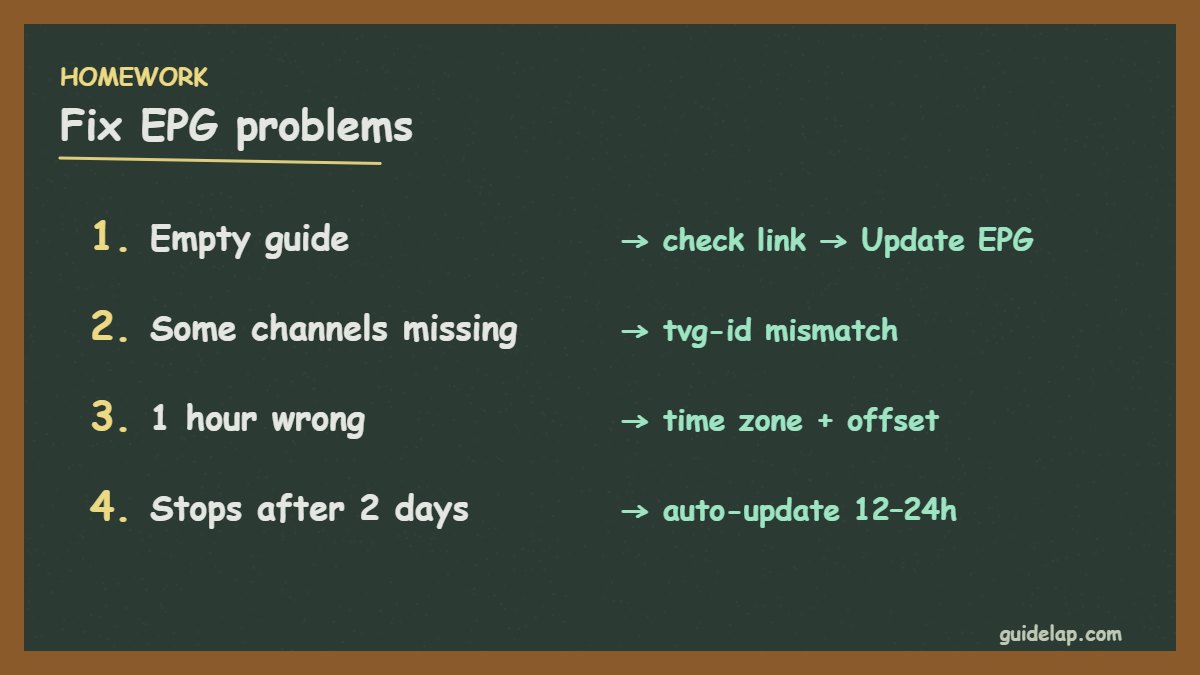
Check that the EPG link is correct and still active, then select Update EPG in the app. Large guides can take a few minutes to load.
2. Some channels have no guide
The tvg-id does not match. Ask your provider for an updated playlist, or use the player’s option to assign EPG manually to a channel (TiviMate supports this).
3. The guide is one or two hours wrong
Set the correct time zone on your device and use the app’s EPG time shift / offset setting (for example +1 or −1 hour).
4. The guide stops after a day or two
Turn on automatic EPG updates (every 12–24 hours) or update it manually.
What is catch-up and how is it related to EPG?
Catch-up lets you watch programmes that already aired. It uses the EPG to know what was on, so it only works when the guide is loaded and your provider supports catch-up for that channel. Players like TiviMate show a small icon on channels that have it. New to IPTV? Start with what is IPTV.
Related guides
- Testing a new service? See what to check in an IPTV free trial.
- Other problems? See IPTV not working and TiviMate not working.
- The EPG also powers IPTV catch-up — watch programmes that already aired.
- Using a Formuler box? See Formuler MyTVOnline setup to load the EPG.
Frequently asked questions
What is EPG in IPTV?
EPG means Electronic Program Guide. It is the TV guide data — channels, times and programme titles — that your IPTV player shows as a grid.
What format is an IPTV EPG?
Usually XMLTV, delivered as a link ending in .xml or .xml.gz.
Why is my IPTV EPG not showing?
The EPG link may be wrong or expired, the guide has not been updated, or the channel IDs (tvg-id) do not match.
How do I fix EPG time that is wrong?
Set the correct time zone on the device and adjust the EPG time shift/offset in your IPTV app.
Do I need EPG to watch IPTV?
No, channels play without it, but the guide makes browsing much easier and is needed for catch-up.
Final thoughts
So, what is EPG in IPTV? It is the programme guide data that turns a plain channel list into a real TV experience. Use Xtream Codes for automatic EPG when you can, add an XMLTV link for M3U playlists, and fix gaps with updates, matching IDs and the right time offset.