You have probably seen the word everywhere: IPTV apps, IPTV players, IPTV subscriptions. But what is IPTV, exactly? How does it work, what do you need to watch it, and is it legal? This beginner’s guide answers all of that in plain language.
What is IPTV? A simple definition
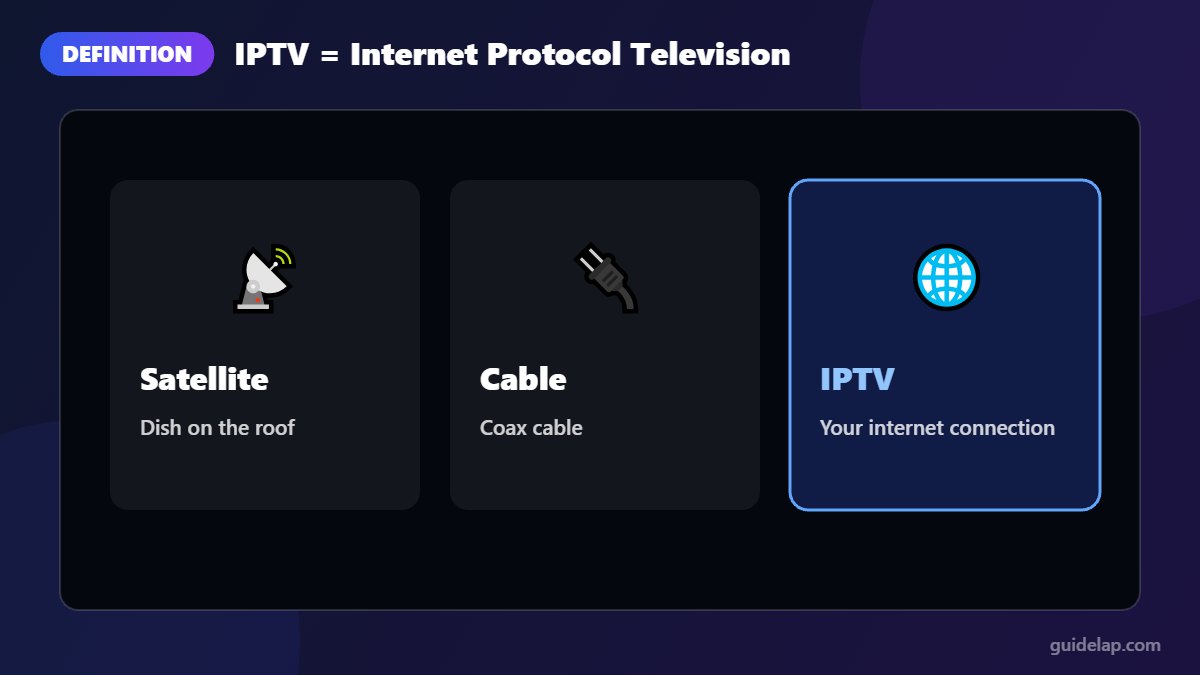
IPTV stands for Internet Protocol Television. Instead of receiving TV through a satellite dish, an antenna or a cable connection, you receive it through your internet connection. The TV signal is sent as data packets, just like a website or a YouTube video, and an app on your device turns them back into pictures and sound.
IPTV is not a single company or app. It is a technology, used by big broadcasters and telecom companies as well as by smaller providers.
How does IPTV work?
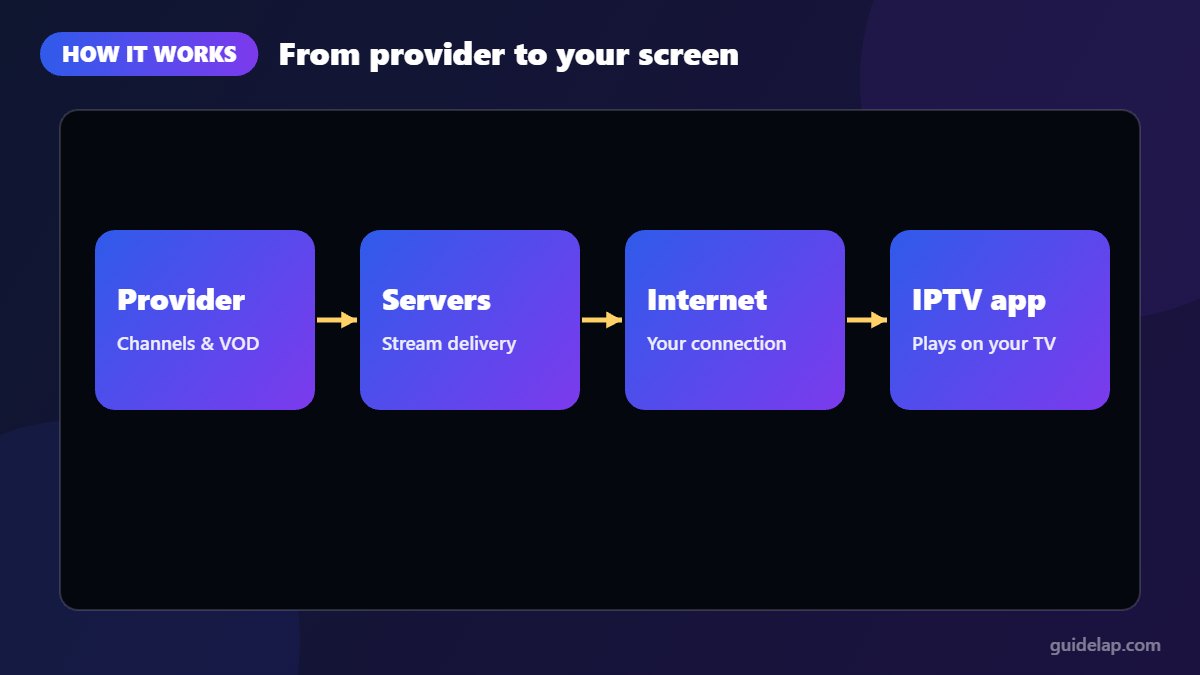
- The provider receives TV channels and on-demand content and encodes them into internet streams.
- Servers deliver those streams over the internet.
- Your internet connection carries the streams to your home.
- An IPTV app or player on your TV, stick, phone or computer plays the stream and shows the TV guide.
The 3 types of IPTV content
| Type | What it is | Example |
|---|---|---|
| Live TV | Channels broadcast in real time | News, sports, live shows |
| Video on Demand (VOD) | Movies and series you start whenever you want | A film library |
| Time-shifted / catch-up | Programmes you can watch after they aired | Replay of last night’s match |
IPTV vs cable, satellite and streaming apps
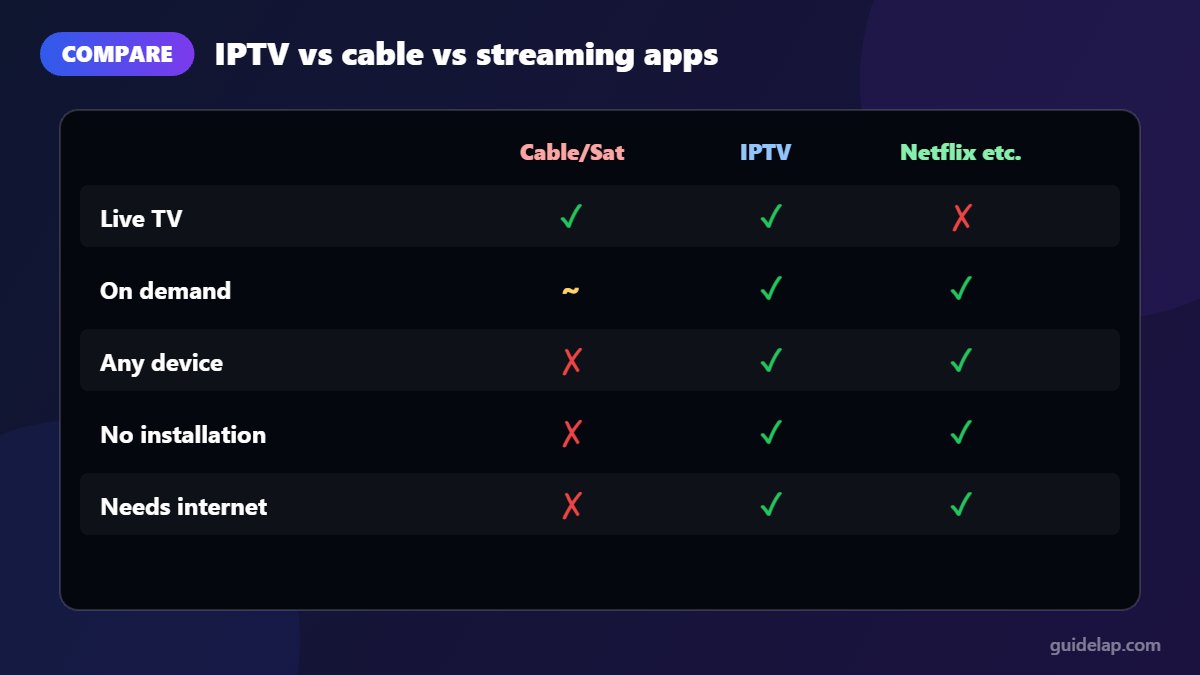
| Cable / Satellite | IPTV | Streaming apps (Netflix etc.) | |
|---|---|---|---|
| Delivered through | Coax cable / dish | Internet | Internet |
| Live TV channels | Yes | Yes | Mostly no |
| On-demand content | Limited | Yes | Yes |
| Extra equipment | Box / dish | App or small stick | App |
| Watch on many devices | Limited | Yes | Yes |
What do you need to watch IPTV?
- A stable internet connection: roughly 10–15 Mbps for HD and 25 Mbps or more for 4K per screen. See our IPTV buffering guide.
- A device: a Firestick, Android TV / Google TV box, smart TV, phone, tablet or computer.
- An IPTV player app: such as IPTV Smarters Pro or TiviMate. Compare them in our best IPTV players list.
- A subscription from a licensed IPTV provider, which gives you an Xtream Codes login or an M3U playlist.
Ready to set up? Start with IPTV Smarters Pro on Firestick, Android TV, Samsung & LG TVs or iPhone & Apple TV.
IPTV logins: M3U and Xtream Codes
Providers give you access in one of two ways: an M3U playlist (a link containing the channel list) or an Xtream Codes login (server URL, username and password). Xtream Codes is usually faster and includes the TV guide automatically. Learn more in M3U vs Xtream Codes.
Is IPTV legal?
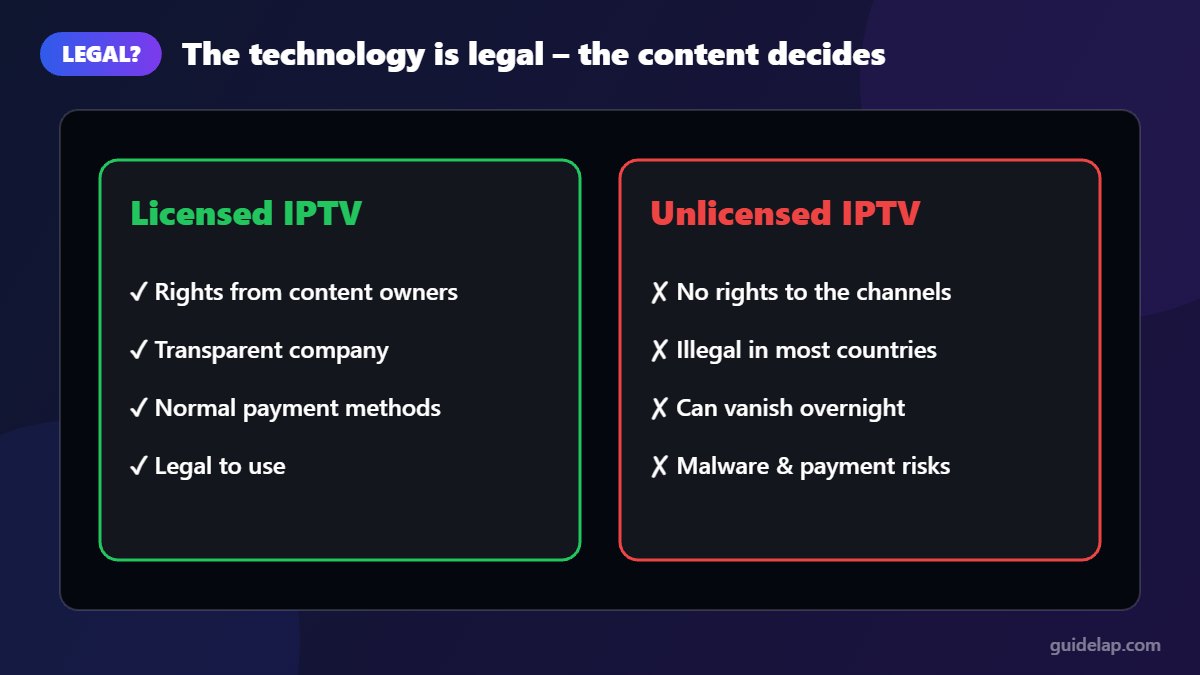
IPTV technology is completely legal. Many well-known TV services from telecom companies and broadcasters are delivered by IPTV. What matters is the content and the provider:
- Legal IPTV: the provider has licences or agreements with the channel and content owners. You can usually pay with normal payment methods and the company is transparent about who it is.
- Unlicensed IPTV: the provider streams channels without permission from the rights holders. This is illegal in most countries. Enforcement mostly targets sellers and distributors, but in some countries users have also faced fines.
Good to know: paying for a service does not make it legal, and a VPN does not turn an unlicensed stream into a legal one. Unlicensed services can also disappear overnight and their apps may contain malware.
Laws differ from country to country, so check the rules where you live and choose transparent, licensed providers. IPTV player apps such as IPTV Smarters Pro are legal tools: they do not include any channels themselves.
Advantages and disadvantages of IPTV
Advantages
- Watch live TV and on-demand content on almost any device
- No dish or cable installation
- A TV guide, catch-up and favourites in one app
- Easy to take with you to another room or house
Disadvantages
- Depends on your internet speed and stability
- Quality varies a lot between providers
- Unlicensed services carry legal and security risks
- Setting up apps can be confusing at first (that is what this site is for!)
- Want to watch on a computer? See IPTV Smarters Pro for PC & Mac.
Device-specific guides: IPTV on Roku and IBO Player Pro setup.
Ready to watch? Pick one of the best IPTV player apps.
Frequently asked questions
What does IPTV stand for?
IPTV stands for Internet Protocol Television: TV delivered over an internet connection instead of satellite, antenna or cable.
Is IPTV legal?
The technology is legal. Using a licensed IPTV service is legal. Services that stream channels without the rights holders’ permission are illegal in most countries.
Do I need a special box for IPTV?
No. You can use a Firestick, Android TV box, smart TV, phone, tablet or computer with an IPTV player app such as IPTV Smarters Pro.
How much internet speed does IPTV need?
About 10–15 Mbps per HD stream and at least 25 Mbps per 4K stream, plus extra if several people watch at once.
What is the best app to watch IPTV?
It depends on your device. IPTV Smarters Pro is a free, beginner-friendly choice; TiviMate is excellent for live TV. See our TiviMate vs IPTV Smarters Pro comparison.
Final thoughts
So, what is IPTV? It is simply television delivered over the internet: live channels, on-demand movies and catch-up on almost any screen. With a good connection, a solid player app and a licensed provider, it can replace or complement traditional TV. Browse our guides to set up your first IPTV app in minutes.