Missed the match or your favourite show? IPTV catch-up lets you go back in time and watch programmes that already aired — without recording anything. In this guide we explain how catch-up works, which apps support it, and how to use it in TiviMate and IPTV Smarters.
What is IPTV catch-up?
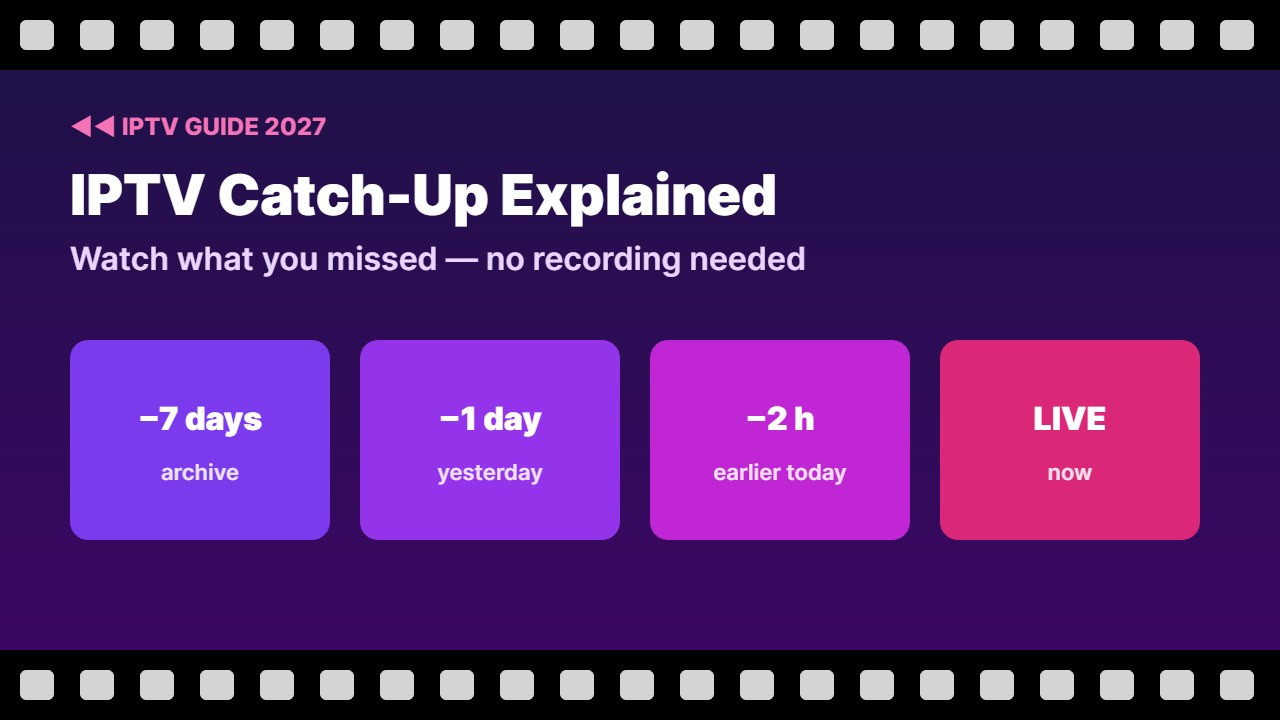
Catch-up (also called archive or replay) means your provider’s server keeps recent programmes for a number of days. You open the TV guide, go back to a past show, and play it from the start. It is similar to the time-shifting you get on cable boxes, but it happens on the server, so you need no storage.
- Usually available for 1 to 7 days back, depending on the channel.
- Only on channels the provider marks with a catch-up icon (often a clock or rewind symbol).
- Works best with an Xtream Codes login, because it tells the app which channels have an archive.
Catch-up is a provider feature. If your provider does not offer it, no app can add it. Use a licensed provider and check catch-up in the free trial.
Catch-up vs recording vs timeshift
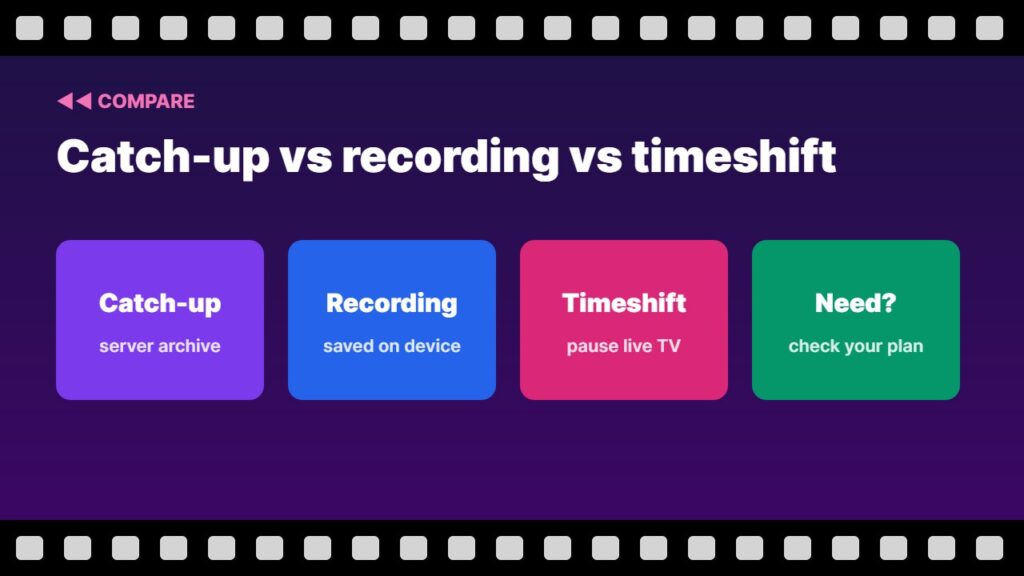
| Feature | What it does | Needs storage? |
|---|---|---|
| Catch-up | Watch past shows from the provider’s archive | No |
| Recording (PVR) | Saves a programme to your device | Yes |
| Timeshift | Pause and rewind live TV a few minutes | Sometimes |
How to use catch-up in TiviMate
- Add your playlist with Xtream Codes (catch-up is detected automatically).
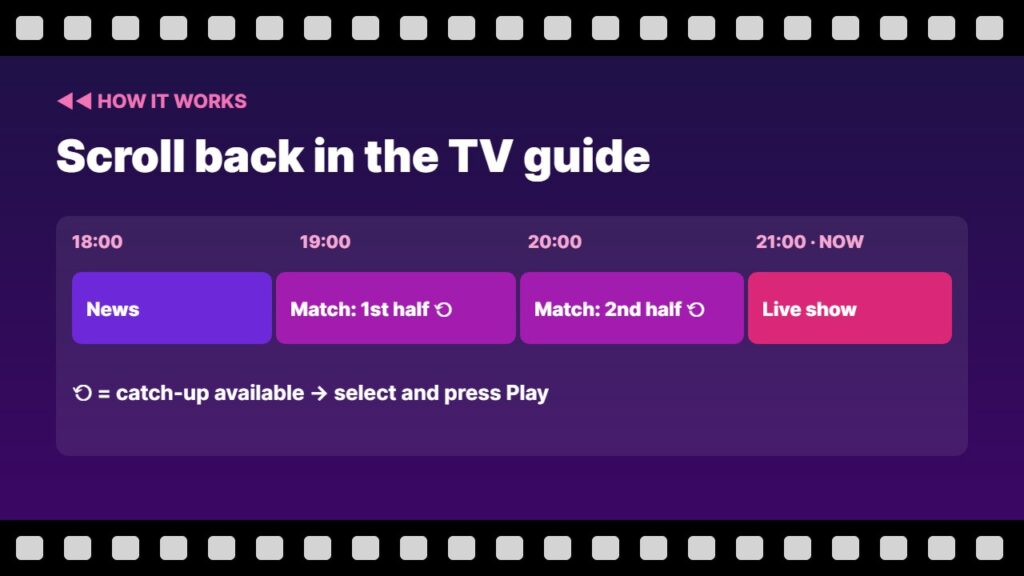
- Open the TV guide and scroll left to past programmes.
- Channels with an archive show a small catch-up icon.
- Select the past programme and choose Play.
- New to TiviMate? Follow our TiviMate setup guide.
How to use catch-up in IPTV Smarters
- Log in with your Xtream Codes details.
- On the home screen open Catch Up (if your provider supports it).
- Pick a channel, then a day and a programme.
- Problems loading it? See IPTV Smarters not working.
Catch-up not working? Quick fixes
- Check the channel actually has the catch-up icon — not every channel does.
- Use the Xtream login instead of a plain M3U link.
- Update the EPG — catch-up uses the guide to find programmes. See what is EPG.
- Check your device time and time zone are correct.
- Ask your provider how many days of archive your plan includes — see the IPTV provider checklist.
Catch-up is great for sports highlights and late matches — read IPTV for live sports for more tips, and TiviMate not working if the app has other errors.
How many days of IPTV catch-up do you get?
Most providers keep IPTV catch-up for 1 to 3 days on regular channels and up to 7 days on popular channels and sports. Check the catch-up icon in your TV guide, and ask your provider before you buy if IPTV catch-up matters to you.
Need to keep shows longer? See how to record on TiviMate.
On Formuler boxes, catch-up works inside MyTVOnline — see Formuler MyTVOnline setup.
Frequently asked questions
What does catch-up mean in IPTV?
It lets you watch programmes that already aired, from your provider’s archive, usually for 1 to 7 days back.
Do all IPTV channels have catch-up?
No. Only channels your provider archives have catch-up. They usually show a clock or rewind icon in the TV guide.
Which apps support IPTV catch-up?
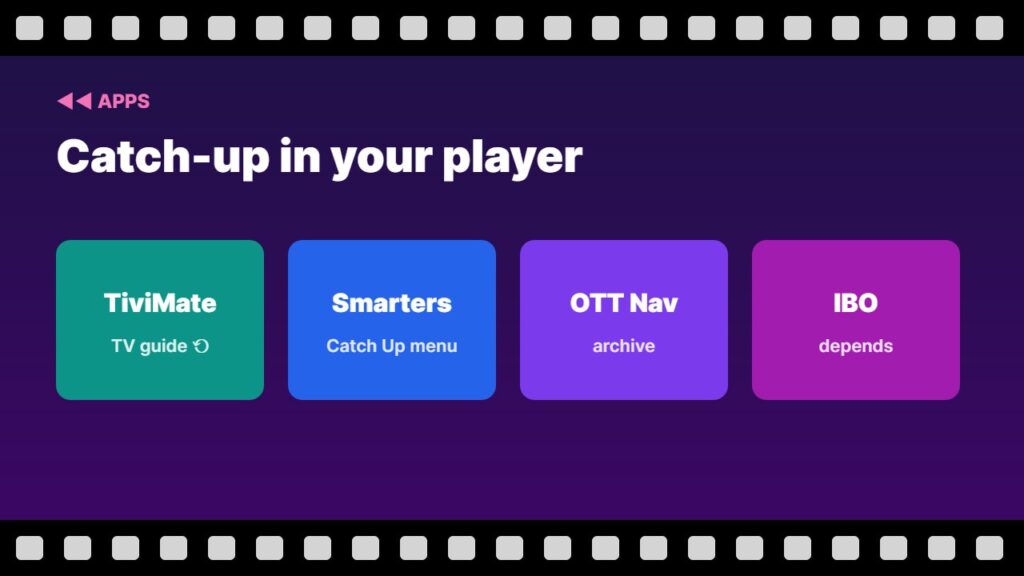
TiviMate, IPTV Smarters, OTT Navigator and most modern IPTV players support catch-up when the provider offers it.
Is catch-up the same as recording?
No. Catch-up plays from the provider’s server and needs no storage. Recording saves the programme on your own device.
Why is catch-up not working with my M3U link?
Plain M3U links often do not include catch-up information. Use your Xtream Codes login instead.
Final thoughts
IPTV catch-up turns your TV guide into a time machine: scroll back, pick a programme and press play. Make sure your provider supports it, log in with Xtream Codes, and use an app like TiviMate or IPTV Smarters.