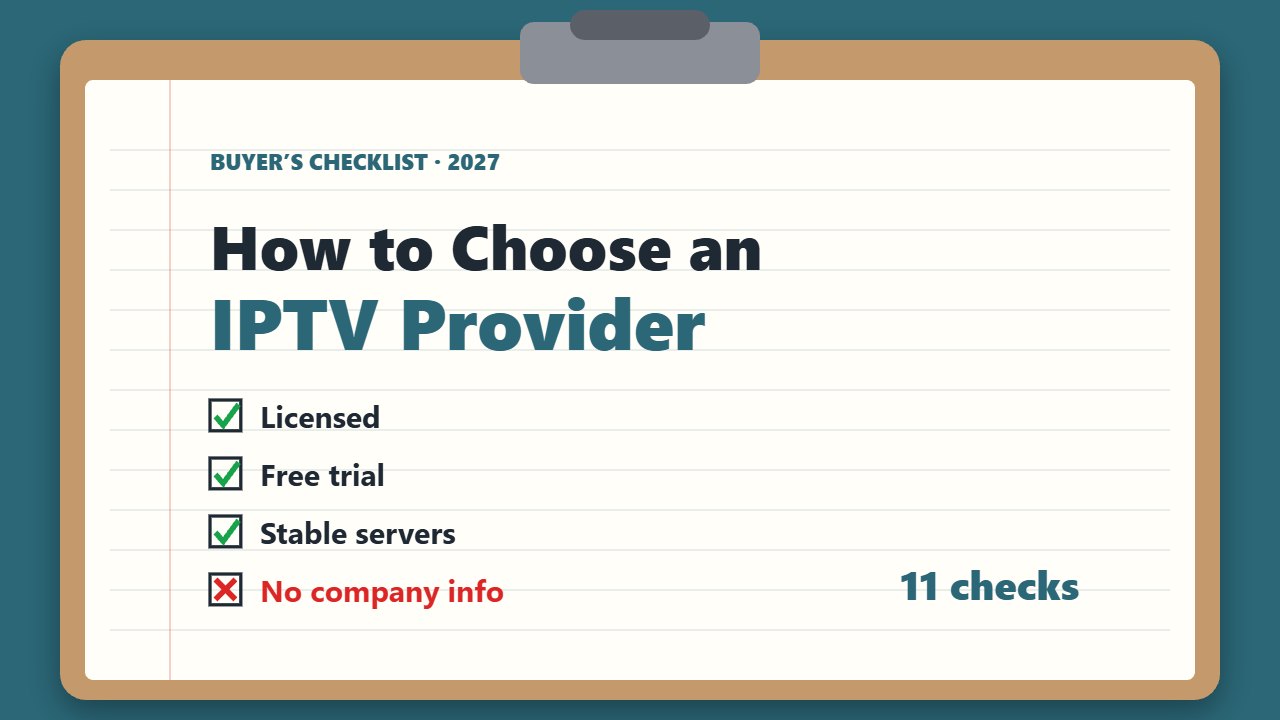
There are hundreds of IPTV services online, and the difference between a great one and a bad one shows up the first time your stream freezes during a big match. This guide explains how to choose an IPTV provider with an 11-point checklist, the red flags to avoid, and how to test a service before you commit.
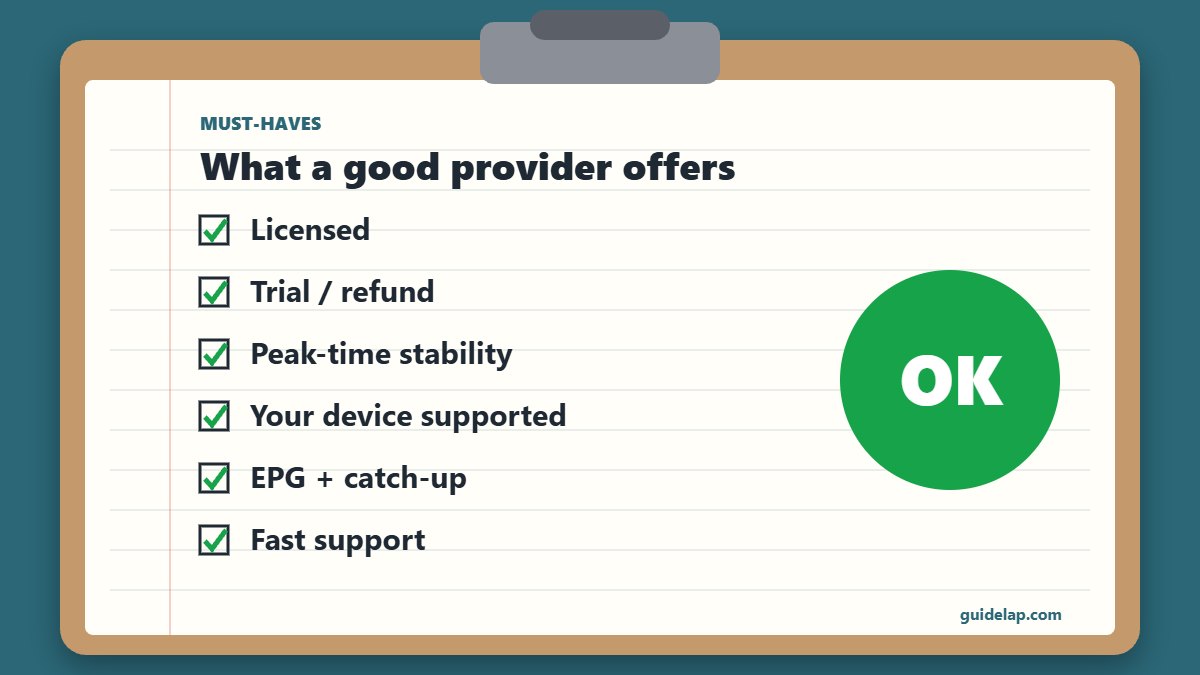
When you choose an IPTV provider, always pick one that is licensed to distribute its channels. A legal service protects you from sudden shutdowns, fines and malware — and usually offers better support.
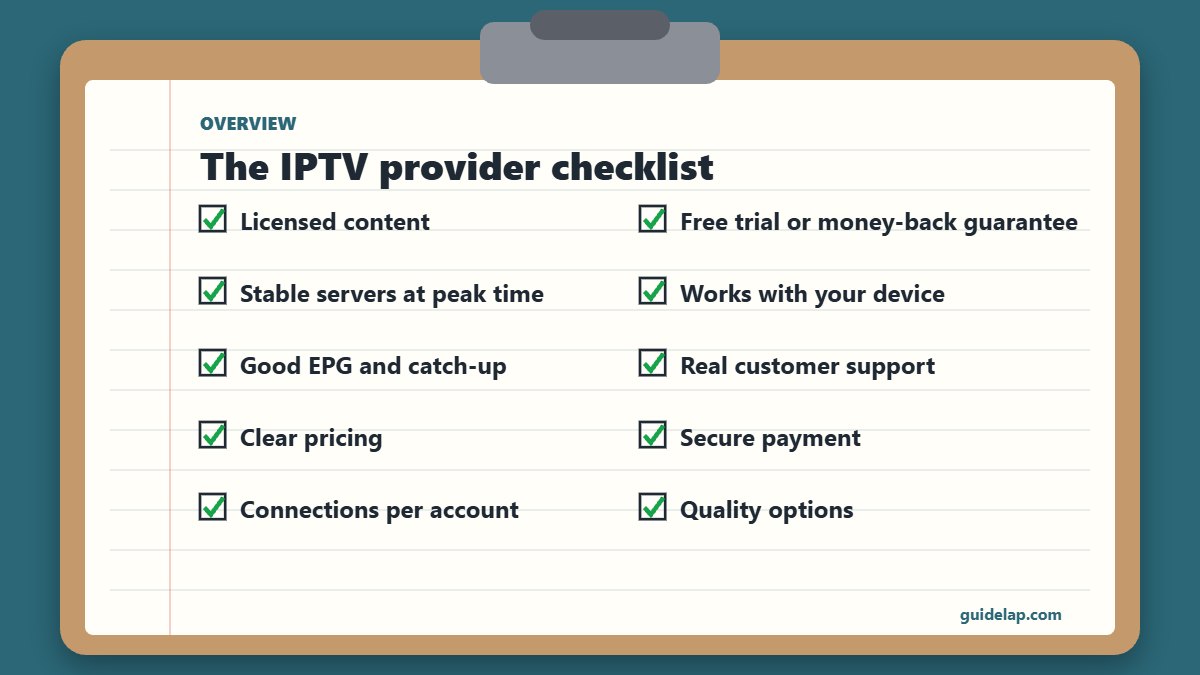
How to choose an IPTV provider: the 11-point checklist
1. Licensed content
The provider should clearly state that it has the rights to distribute its channels and show company details (name, address, contact).
2. Free trial or money-back guarantee
A trial of 12–48 hours or a refund window lets you test quality on your own network before paying — see IPTV free trial guide.
3. Stable servers at peak time
Test during big evening matches. Ask how many servers they use and whether they have anti-freeze/backup streams.
4. Works with your device
Check support for Firestick, Android TV, smart TVs, Apple and MAG boxes, and whether they give M3U, Xtream Codes or a portal URL.
5. Good EPG and catch-up
A complete TV guide and catch-up on popular channels make daily use much easier — see what is EPG.
6. Real customer support
WhatsApp, email or live chat with fast answers, plus setup guides for each device.
7. Clear pricing
Monthly, 3, 6 and 12-month plans with no hidden fees. Be careful with “lifetime” offers.
8. Secure payment
Card or PayPal with buyer protection is safer than anonymous payment methods only.
9. Connections per account
Check how many devices can watch at the same time and whether you can add more.
10. Quality options
HD, Full HD and 4K channels, with a stable bitrate your internet can handle — see internet speed for IPTV.
11. Reviews and reputation
Look for independent reviews and how long the service has existed.
Red flags when you choose an IPTV provider
| Red flag | Why it matters |
|---|---|
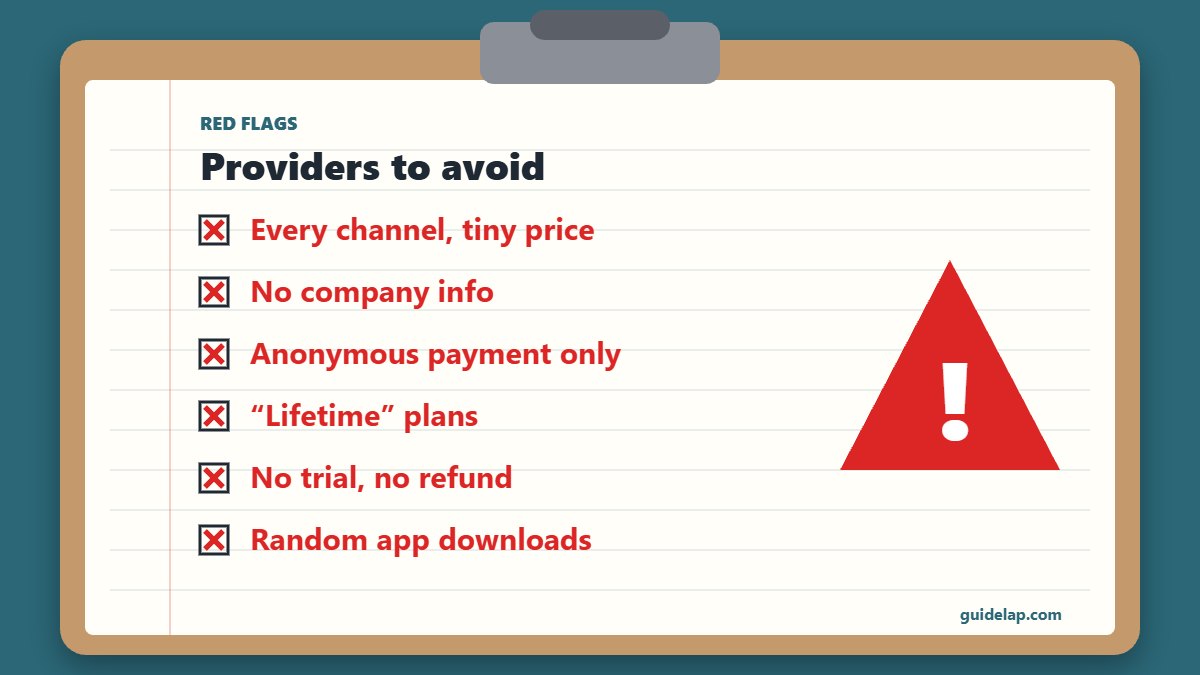
| Every premium channel in the world for a tiny price | Usually a sign the content is not licensed |
| No company name, address or terms | Nobody to contact if the service disappears |
| Only anonymous payment accepted | No buyer protection |
| “Lifetime” subscriptions | Services like this often disappear |
| No trial and no refund | You cannot test before paying |
| Asks you to install unknown apps from random links | Malware risk |
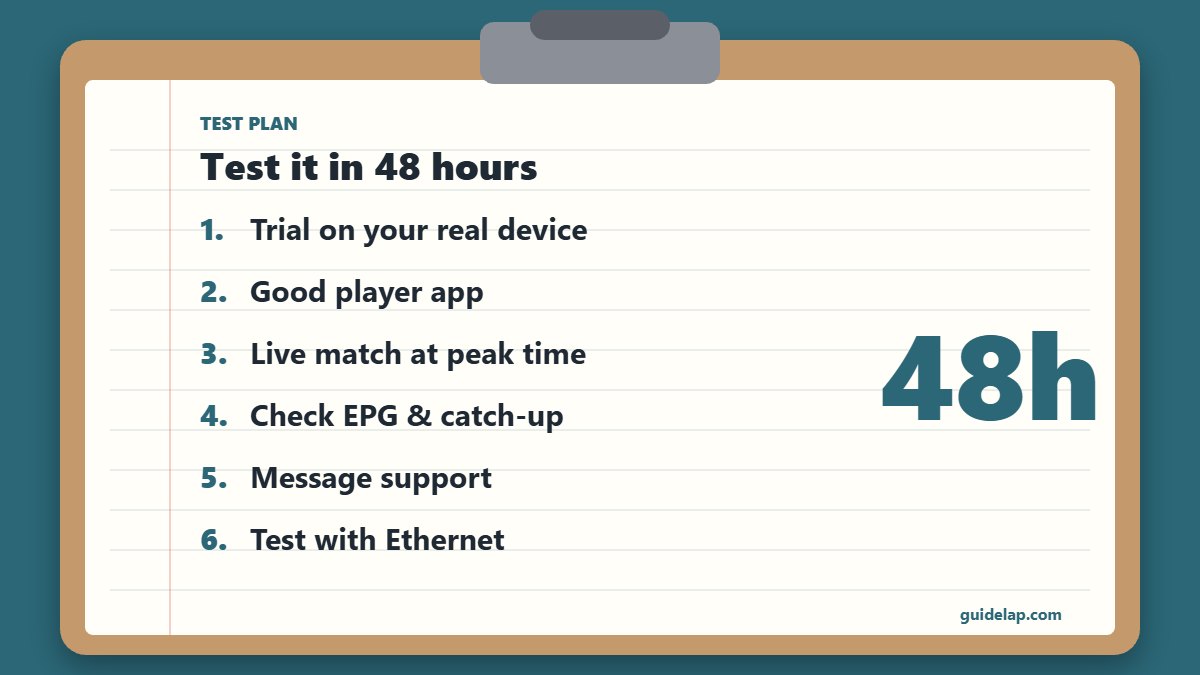
How to choose an IPTV provider by testing it in 48 hours
- Start the free trial on the device you will really use.
- Install a good player — TiviMate, IPTV Smarters or IBO Player.
- Watch a live event during peak evening hours.
- Check the EPG, catch-up and movies/series sections.
- Send a question to support and time the answer.
- If streams buffer, test with Ethernet and our buffering fixes before blaming the provider.
M3U, Xtream Codes or MAG portal: which login should you ask for?
Most apps work best with Xtream Codes because the EPG, movies and series load automatically. M3U links work everywhere, and MAG boxes use a portal URL with your MAC address. Details: M3U vs Xtream Codes and MAG box IPTV setup.
Related guides
- Watching mostly sports? Read IPTV for live sports. Need a better device? See the best Android TV box. Background on the technology: IPTV on Wikipedia.
- Sharing with family? Learn how connections work in IPTV on multiple devices.
- Still deciding whether to switch? See IPTV vs cable: honest comparison. Also check if your provider offers catch-up.
Frequently asked questions
How do I choose an IPTV provider?
Check that it is licensed, offers a trial or refund, has stable servers at peak time, supports your device, includes a good EPG and gives real customer support.
How can I tell if an IPTV service is legal?
A legal provider names its company, publishes terms and contact details, and states that it has the rights to its channels. Extremely cheap offers with every premium channel are a red flag.
Should I buy a yearly IPTV subscription?
Only after testing the service for at least a few days or a month. Start with a trial or short plan.
What internet speed do I need for IPTV?
About 10–15 Mbps per Full HD stream and 25 Mbps or more for 4K.
Which IPTV app should I use?
TiviMate on Android TV and Firestick, IBO Player Pro or Smart IPTV on Samsung/LG, and IPTV Smarters Pro on most other devices.
Final thoughts
Knowing how to choose an IPTV provider saves you money and frustration: insist on a licensed service, test it during peak hours with a free trial, and check device support, EPG and customer service before you pay for a long plan.