“Invalid username or password”, “No channels found”, a spinning wheel or a black screen — when IPTV Smarters is not working, the fix depends on the exact error. This guide lists the most common IPTV Smarters Pro problems and how to solve each one on Firestick, Android TV, phones and smart TVs.
IPTV Smarters not working: common problems and fixes
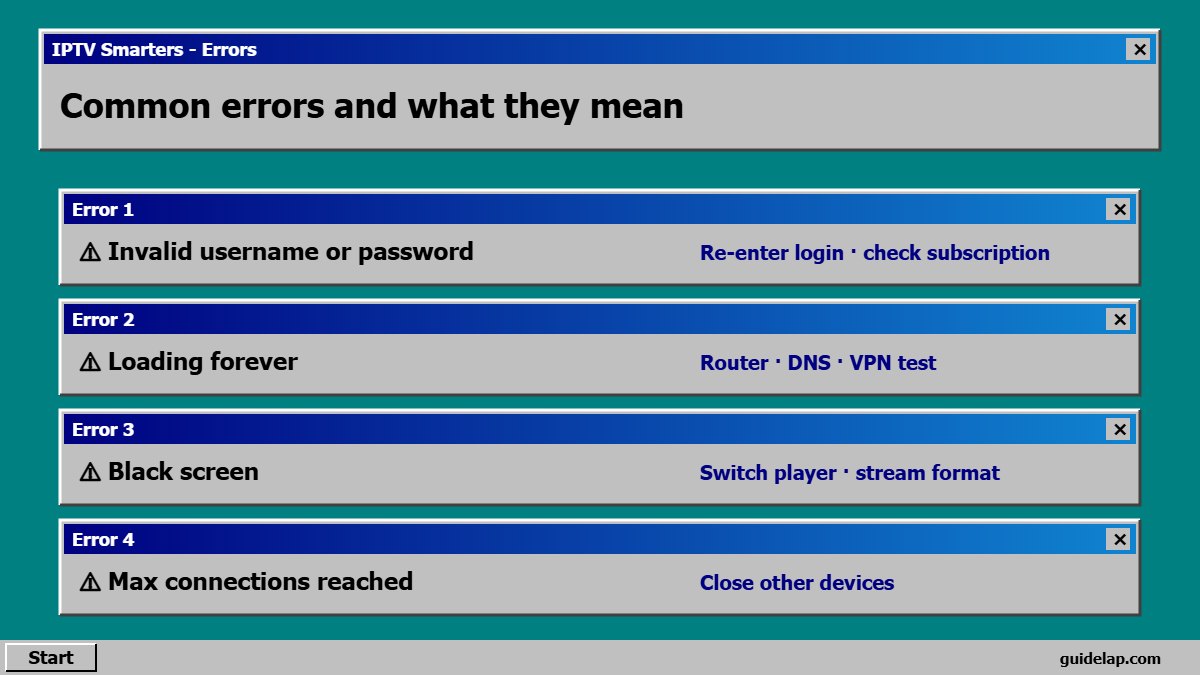
1. “Invalid username or password” or “Login failed”
- Copy the server URL, username and password again from your provider — no spaces at the end.
- Include
http://and the port (for example:8080) in the server URL if your provider gave one. - Check that the subscription is active and not expired.
- Make sure you chose the right login type — Xtream Codes vs M3U. See M3U vs Xtream Codes.
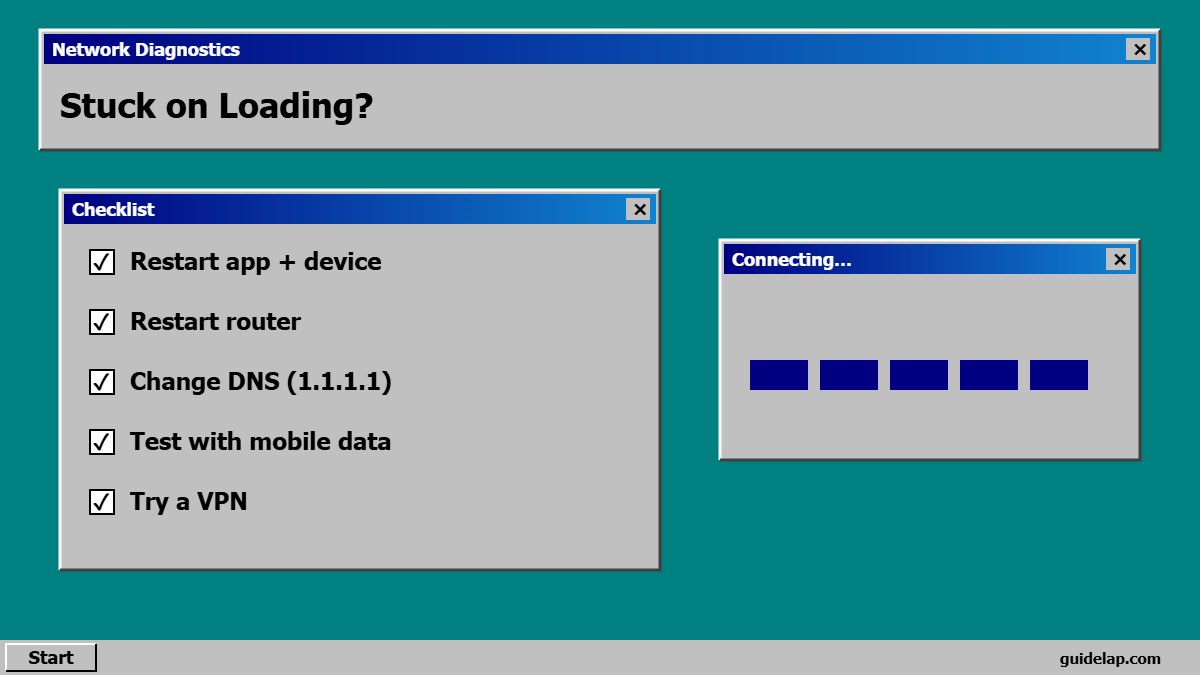
2. App stuck on “Loading” or “Connecting”
- Restart the app and your device.
- Restart the router and test another app to confirm internet works.
- Try another DNS — see change DNS on Firestick.
- If it works on mobile data but not on Wi-Fi, your internet provider may be blocking the server — test with a VPN.
3. Channels load but do not play (black screen)
- Go to Settings → Player Selection and switch between the built-in player and VLC.
- In Settings → Stream Format, switch between HLS (m3u8) and MPEGTS (ts).
- Clear cache: Settings → Applications → IPTV Smarters → Clear cache.
4. Buffering and freezing
Lower the quality, use Ethernet, and set a larger buffer in Settings. Full guide: how to fix IPTV buffering.
5. TV guide (EPG) is empty or wrong
Use Install EPG / Refresh EPG on the home screen and set your time zone. Step by step: add EPG in IPTV Smarters and what is EPG.
6. App crashes or closes
- Clear the app data (you will need to log in again).
- Reinstall the latest version from the official source — see install IPTV Smarters on Firestick or on Android TV.
- Free up storage — keep 500 MB+ free. See speed up a slow Firestick.
7. “Max connections reached”
Your account is already used on the maximum number of devices. Close the app on other devices or ask your provider for more connections — see IPTV on multiple devices.
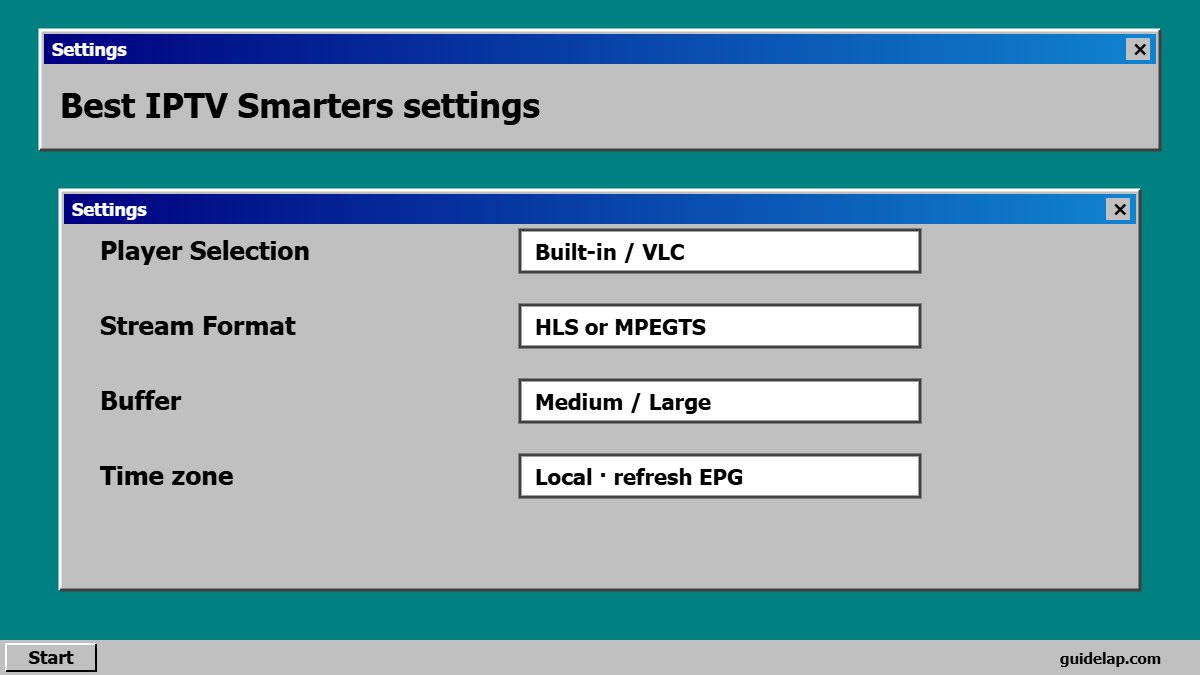
Best IPTV Smarters settings to avoid problems
| Setting | Recommended |
|---|---|
| Player Selection | Built-in player (try VLC if a channel fails) |
| Stream Format | HLS or MPEGTS — use whichever is stable |
| Buffer size | Medium or Large |
| Time zone / EPG | Your local time zone, refresh EPG daily |
| Automation | Auto-refresh channels and EPG on start |
Still stuck? Many users switch to TiviMate on Android TV/Firestick — compare in TiviMate vs IPTV Smarters. On iPhone, the official app is Smarters Player Lite — see IPTV Smarters on iPhone.
General fixes for any app: IPTV not working? 15 fixes. For background on streaming formats, see HLS on Wikipedia.
IPTV Smarters not working after an update?
If IPTV Smarters is not working right after an update, clear the app data and log in again. Still IPTV Smarters not working? Uninstall it, restart the device and install the latest version from a trusted source.
Sound or subtitle problems? Read IPTV audio & subtitles.
Frequently asked questions
Why is IPTV Smarters not working?
Usually because of wrong login details, an expired subscription, a weak connection, a blocked server or the wrong player/stream format setting.
How do I fix “Invalid username or password” in IPTV Smarters?
Copy the server URL, username and password again exactly, including http:// and the port, and check that your subscription is active.
Why do channels show a black screen in IPTV Smarters?
Switch the player in Settings → Player Selection, change the stream format between HLS and MPEGTS, and clear the cache.
How do I refresh channels in IPTV Smarters?
Open the menu on the home screen and choose Refresh/Reload channels, or log out and log back in.
Is there an alternative if IPTV Smarters keeps failing?
Yes — TiviMate on Android TV and Firestick, or IBO Player Pro and Smart IPTV on smart TVs.
Final thoughts
When IPTV Smarters is not working, match the fix to the error: re-enter your login for authorization errors, change player or stream format for black screens, and improve your connection for buffering. If it still fails, your provider’s server is the next thing to check.