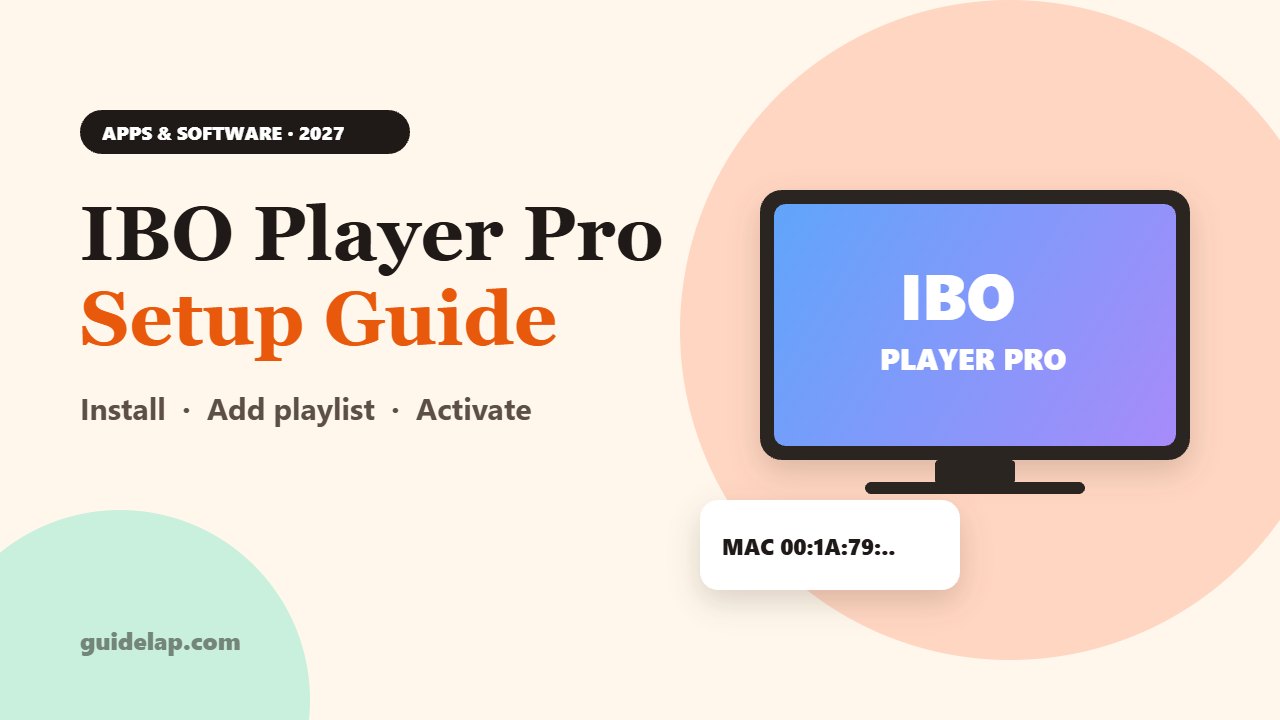
IBO Player Pro is one of the most popular IPTV players on smart TVs, phones and streaming boxes. Unlike apps where you type your login on the TV, IBO Player works with a MAC address and a device key, and you add your playlist from a website. In this IBO Player Pro setup guide, you will learn how to install it, add your playlist, activate it and fix common problems.
IBO Player Pro is a media player only. It does not include channels. Use it with an IPTV service that is licensed to distribute its content.
What is IBO Player Pro?
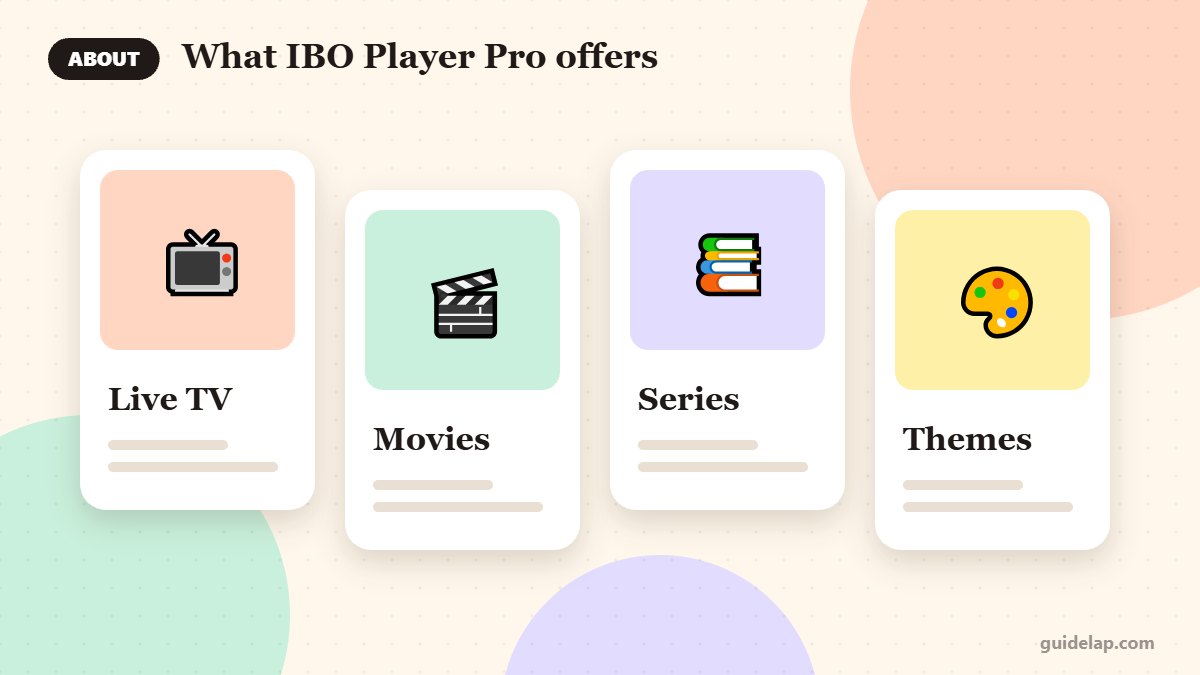
IBO Player Pro is an IPTV player that plays M3U playlists and Xtream Codes accounts. It offers Live TV, movies and series with posters, multiple themes and a built-in VLC-based player option. It is available for many platforms, including smart TVs, Android, Fire TV, iPhone, iPad, Apple TV and Mac.
Watch out for look-alikes: (see the IPTV overview on Wikipedia) several apps use similar names (IBO Player, IBO Player Pro, ibo Pro Player) and come from different developers, each with its own website and activation. Always use the website shown inside your app.
IBO Player Pro price: free trial and activation
| What to expect | |
|---|---|
| Free trial | Usually 7 days after first install |
| Activation | One-time payment per device (roughly €7–10 / $10, varies by app and region) |
| Licence | Linked to one device (its MAC address) |
| Playlists | You add your own M3U or Xtream Codes details |
Because the licence is tied to one device, you need a separate activation for each TV or box you use. Prices differ between the different “IBO” apps and app stores, so check the price shown in your app or on its official website before paying.
IBO Player Pro setup step 1: install the app
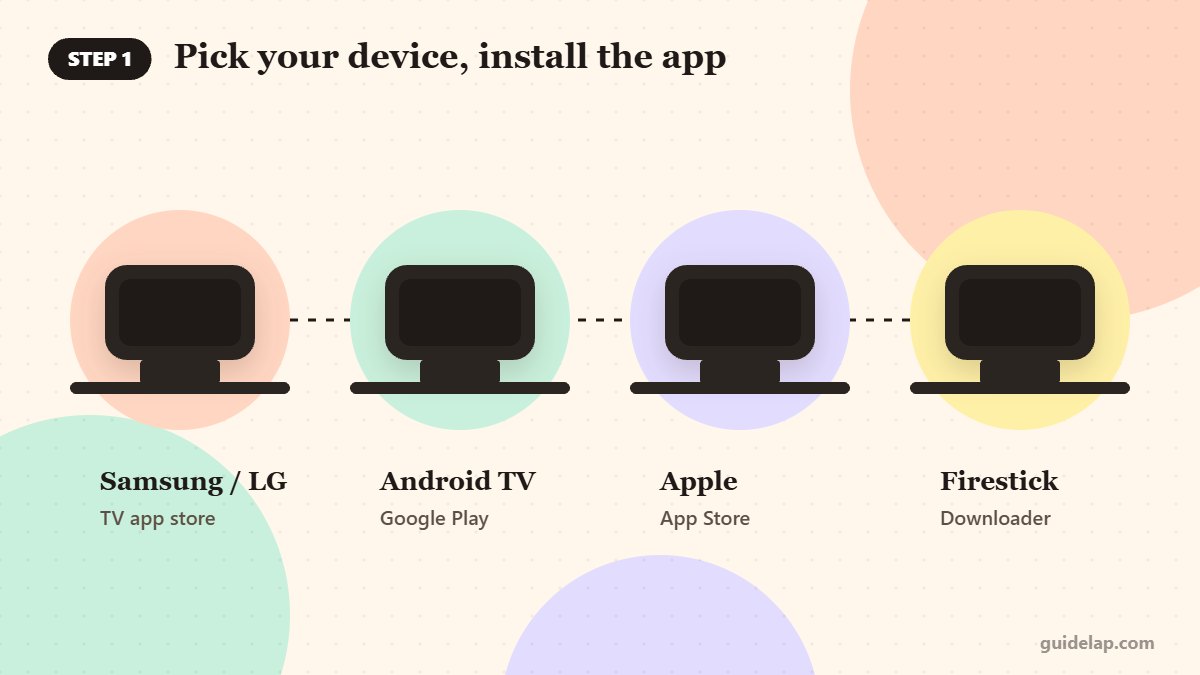
- Samsung / LG smart TVs: search for the app in your TV’s app store (availability varies by model and country).
- Android TV / Google TV: install from Google Play.
- iPhone, iPad, Apple TV, Mac: install from the App Store.
- Firestick: if it is not in the Amazon Appstore in your region, install it with Downloader from the developer’s official website (Fire OS devices only).
Step 2: Find your MAC address and device key
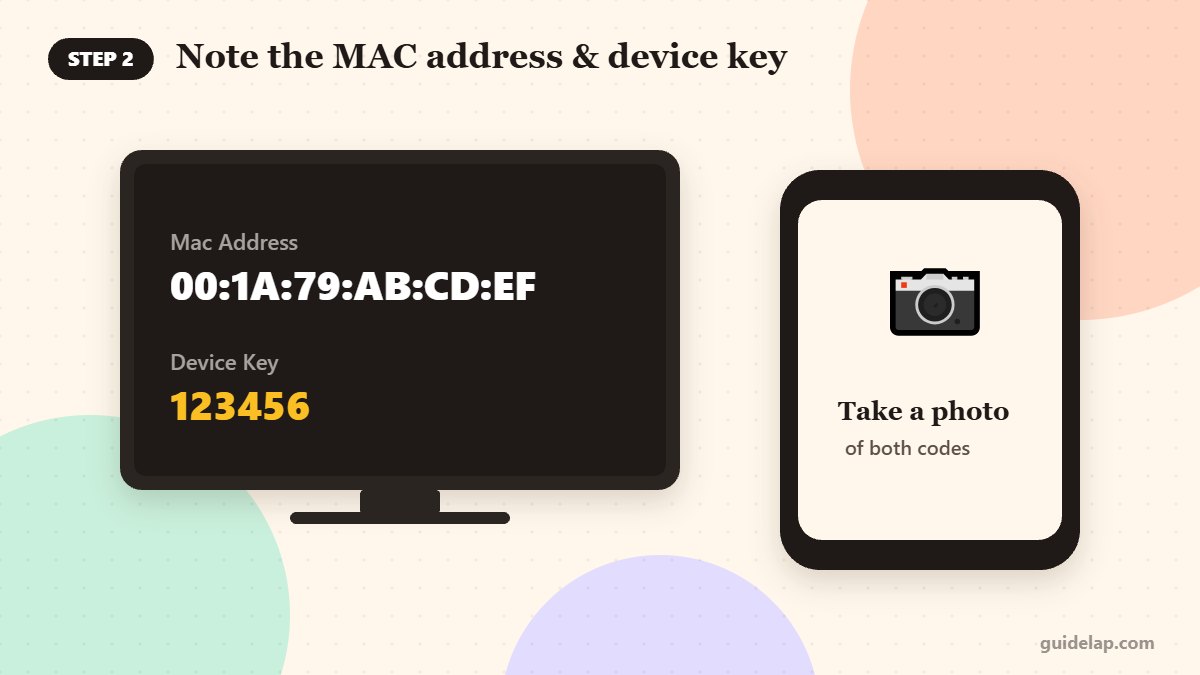
Open IBO Player Pro. The first screen shows two codes: the MAC address (for example 00:1A:79:xx:xx:xx) and a device key. Write both down or take a photo with your phone. You will need them to log in on the website.
Step 3: Add your playlist on the website
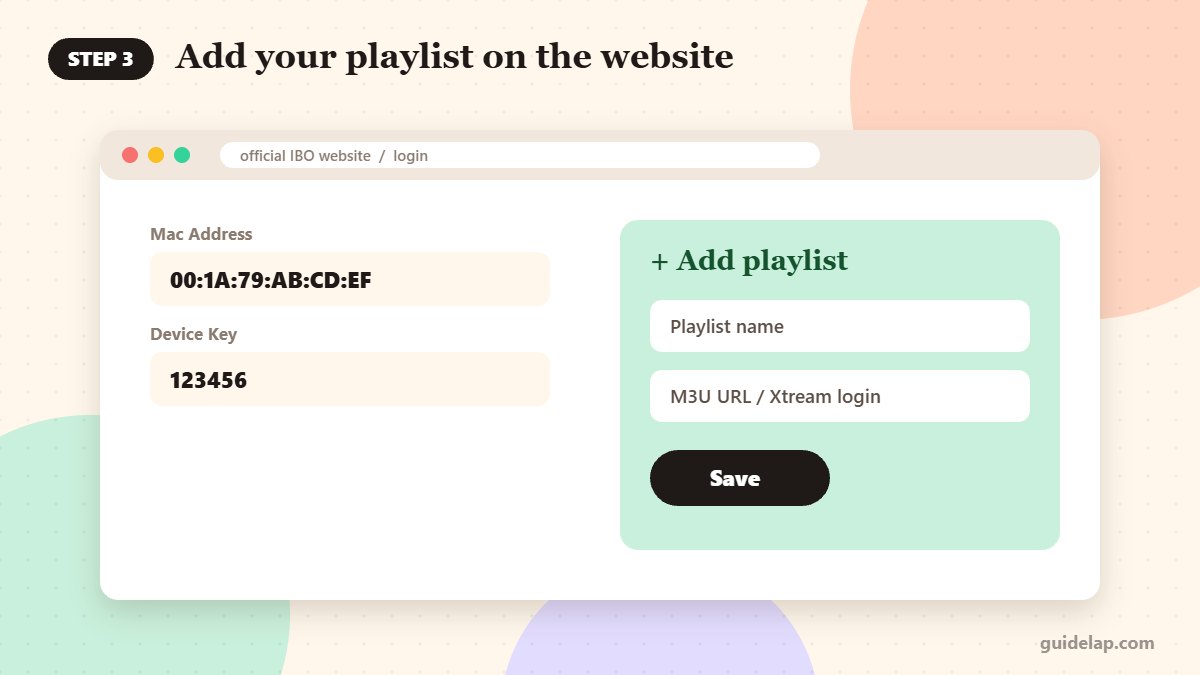
- On your phone or computer, open the official website shown in the app.
- Log in with your MAC address and device key.
- Choose Add playlist.
- Enter a playlist name and either your M3U URL or your Xtream Codes details (server URL, username, password), depending on what your provider gave you.
- Save the playlist.
- Go back to the TV and restart IBO Player Pro (or select Reload). Your channels appear.
Not sure which login type you have? Read M3U vs Xtream Codes.
Step 4: Activate the app
Before the trial ends, activate the app through the official website or the in-app purchase (on Apple devices). The activation is linked to that device’s MAC address. If you change your TV, the developer’s support can sometimes transfer the licence; contact them before buying again.
Payment safety: only pay on the official website shown in the app or through the App Store / Google Play. Avoid “activation codes” sold by unknown sellers.
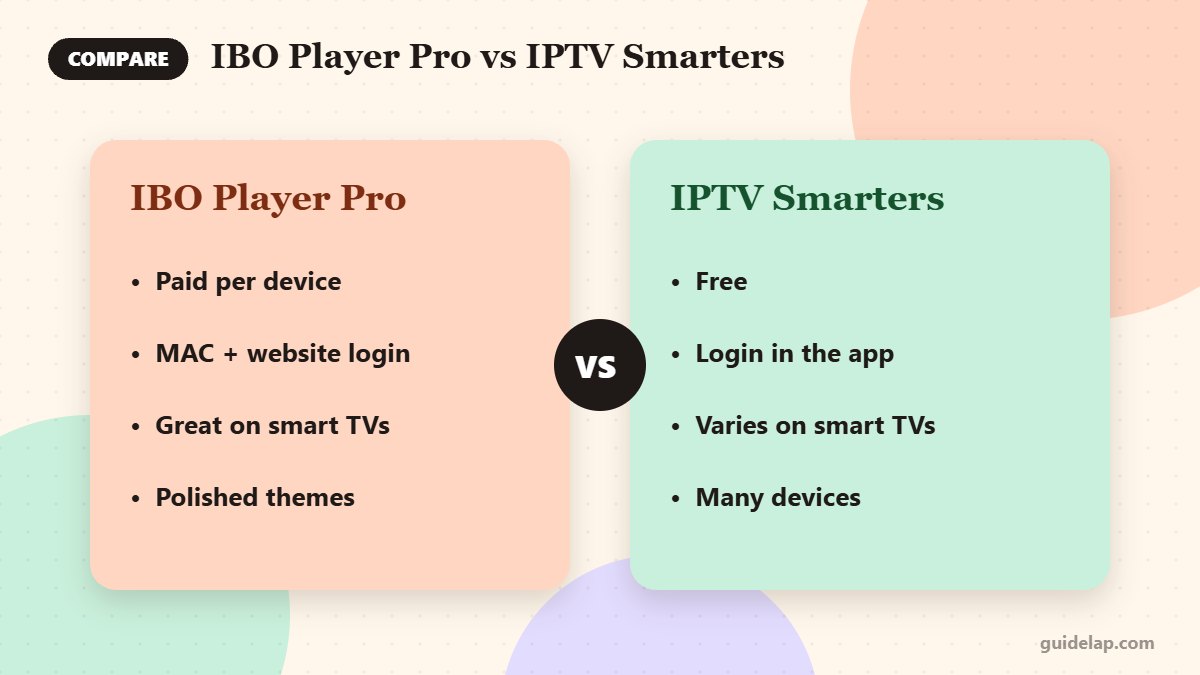
IBO Player Pro vs IPTV Smarters Pro
| IBO Player Pro | IPTV Smarters Pro | |
|---|---|---|
| Price | Paid per device after trial | Free |
| Login | MAC + device key, playlist added on website | Login typed in the app |
| Smart TVs | Widely available on Samsung / LG | Availability varies |
| Best for | Smart TV users who want a polished app | Free use on many devices |
Prefer a free app? See how to install IPTV Smarters Pro on Firestick or on Samsung & LG TVs, and our list of the best IPTV players.
IBO Player Pro setup troubleshooting
“Playlist not found” or no channels
Check that you added the playlist to the correct MAC address, then restart the app. Some playlist pages require http:// links; copy the URL exactly as your provider sent it.
Trial expired message
The free period has ended. Activate the app for that device, or remove it if you do not want to pay.
Channels buffer
Try the alternative player in the settings, and work through our IPTV buffering fixes.
Using IBO Player on Firestick? Also read how to install a VPN on Firestick. Have a Roku? See IPTV on Roku.
Compare IBO with other players in our best IPTV player apps guide.
Frequently asked questions
Is IBO Player Pro free?
It usually includes a free trial of about 7 days. After that, you need a one-time activation per device.
How much does IBO Player Pro cost?
Typically around €7–10 or about $10 per device, depending on the app version and your region. Check the official price in your app before paying.
Where do I find my IBO Player MAC address?
It is shown on the first screen when you open the app, together with the device key.
Can I use one IBO Player licence on two TVs?
No. The licence is linked to one device’s MAC address, so each TV or box needs its own activation.
Does IBO Player Pro include channels?
No. It is only a player. You add your own playlist from a licensed IPTV provider.
Final thoughts
The IBO Player Pro setup is simple once you understand the MAC address system: install the app, note the MAC and device key, add your playlist on the official website, and activate it before the trial ends. If you prefer a free player, IPTV Smarters Pro is a strong alternative.