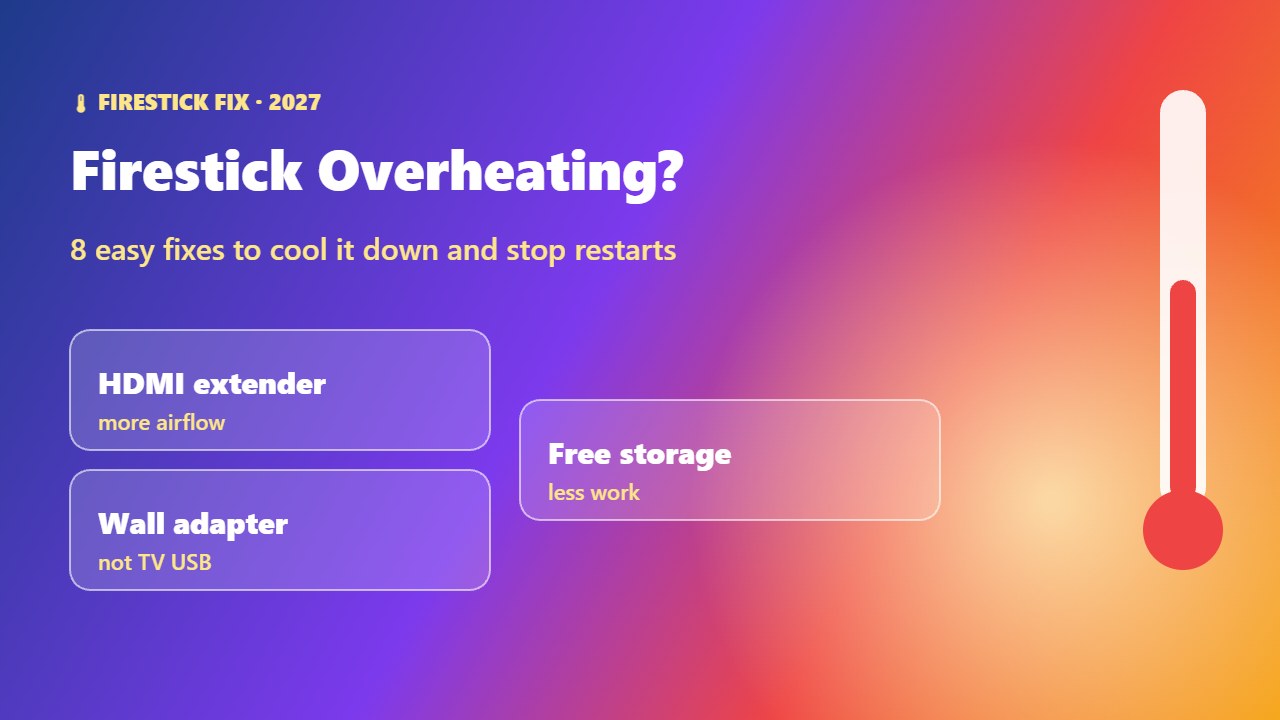
Seeing a “device overheating” warning, or does your Firestick restart in the middle of a film? Firestick overheating is common because the stick sits behind the TV with little airflow. The good news: a few simple changes usually stop it for good. Here are the causes and 8 fixes.
Signs your Firestick is overheating
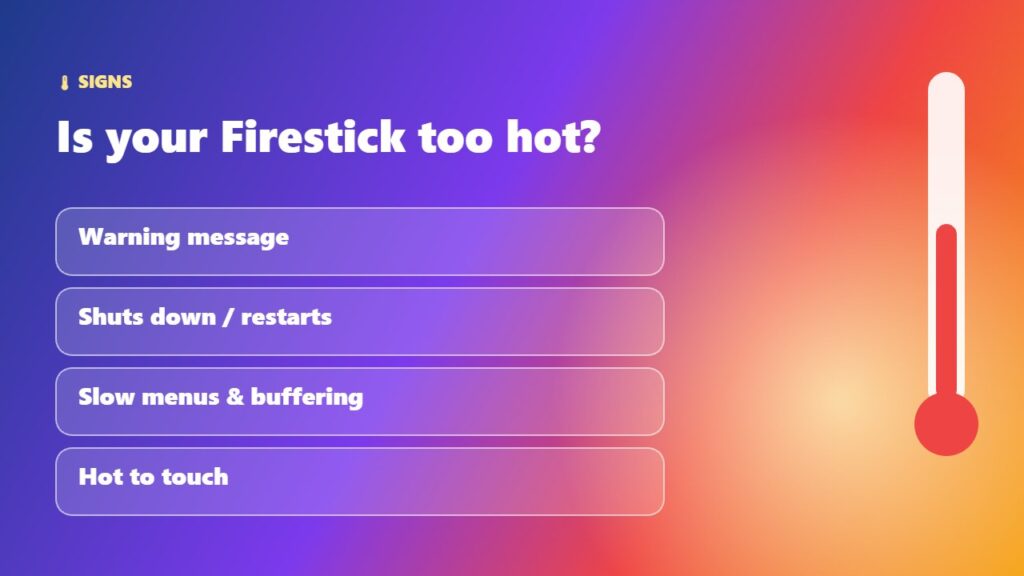
- An on-screen overheating warning.
- The stick shuts down or restarts during long streams.
- Menus become slow and apps freeze or buffer.
- The stick is very hot to touch.
A Firestick has a built-in heat sensor that shows a warning before it gets dangerously hot, so take the message seriously.
Why does a Firestick overheat?
- No airflow behind a wall-mounted TV or inside a cabinet.
- Heat from the TV’s own vents right next to the HDMI port.
- Powering it from the TV’s USB port instead of the wall adapter.
- Long sessions of 4K streaming in a warm room.
- Full storage and many background apps working the processor hard.
How to fix Firestick overheating (8 fixes)
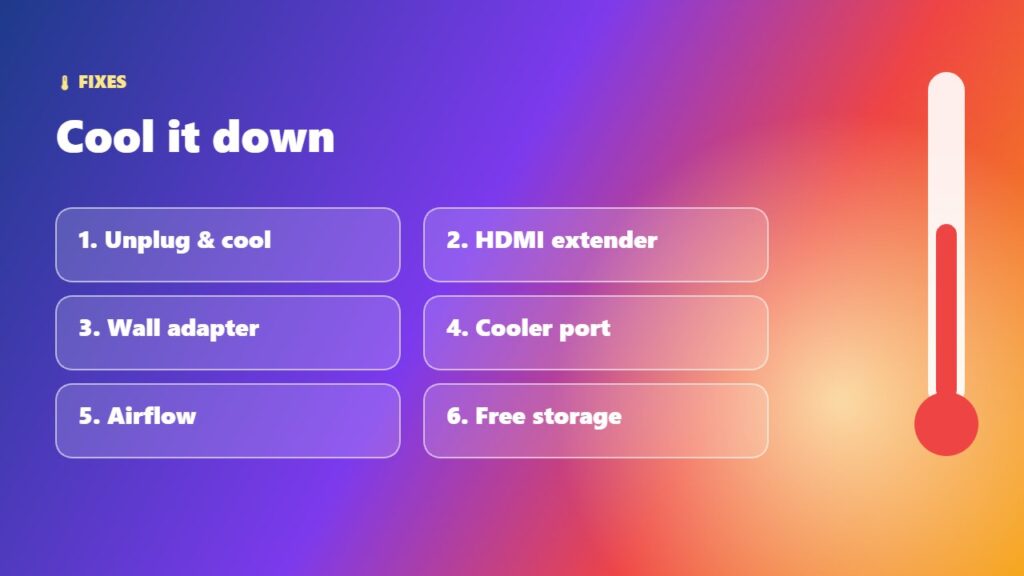
1. Unplug it and let it cool
Unplug the power for 15–30 minutes until it returns to room temperature, then plug it back in.
2. Use the HDMI extender
The small extender cable in the box moves the stick away from the hot back of the TV and improves airflow (and Wi-Fi).
3. Use the official power adapter
Plug into a wall socket with the Amazon adapter. TV USB ports can give unstable power.
4. Choose a cooler HDMI port
Side HDMI ports are often cooler than ports right next to the TV vents.
5. Improve airflow around the TV
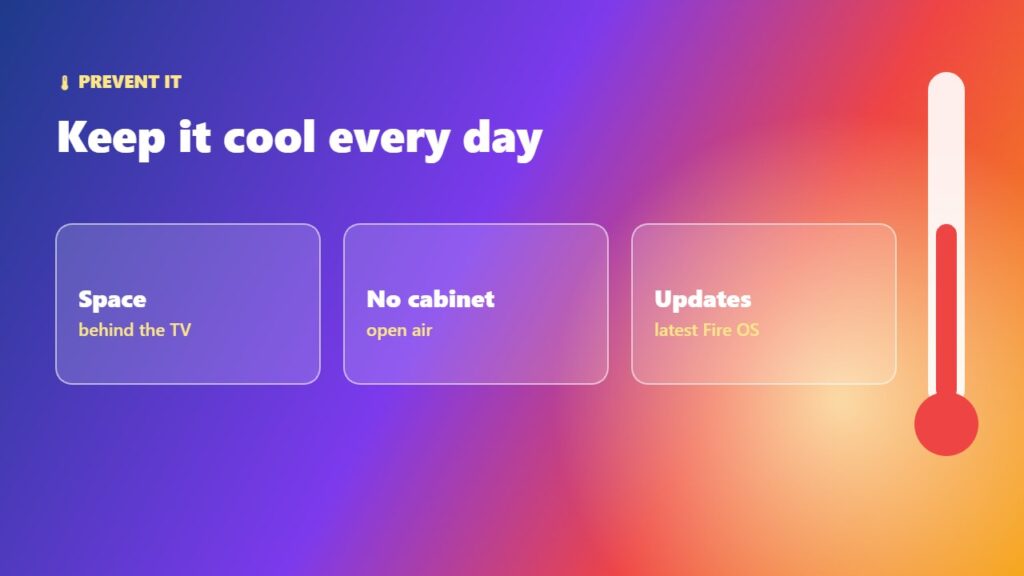
Leave space behind a wall-mounted TV, and avoid closed cabinets or placing the stick near a soundbar or console vent.
6. Free up storage and close apps
A full stick works harder. Follow Firestick storage full and clear cache on Firestick.
7. Turn off features you do not use
Disable auto-playing previews and background data collection — see Firestick settings to change.
8. Update or reset
Install the latest Firestick update. If problems continue, try a factory reset as a last resort.
If the stick overheats even in a cool room with the extender, contact Amazon support — the device may be faulty.
Overheating, black screen or restarts?
Overheating often shows up as other problems. If the picture disappears, read Firestick black screen; if it is just slow, see speed up a slow Firestick. Thinking of upgrading? Compare Fire TV Stick 4K vs 4K Max. Learn more about the device: Amazon Fire TV.
Frequently asked questions
Why does my Firestick keep overheating?
Usually poor airflow behind the TV, heat from the TV vents, or power from the TV’s USB port. Use the HDMI extender and the wall adapter.
Is it normal for a Firestick to get warm?
Yes, it is normal to feel warm. A warning message, shutdowns or restarts mean it is too hot.
Does the HDMI extender help with overheating?
Yes. It moves the Firestick away from the hot back of the TV and improves airflow.
Can overheating damage my Firestick?
Long-term heat can shorten its life. The built-in warning helps protect it, so cool it down when you see the message.
Should I unplug my Firestick when not in use?
It is not necessary every day, but unplugging it in a hot room or when you are away helps it run cooler.
Final thoughts
Firestick overheating is usually a placement and power problem. Use the HDMI extender, power it from the wall, give the TV some breathing space and keep storage free — your Firestick will run cooler and stop restarting.