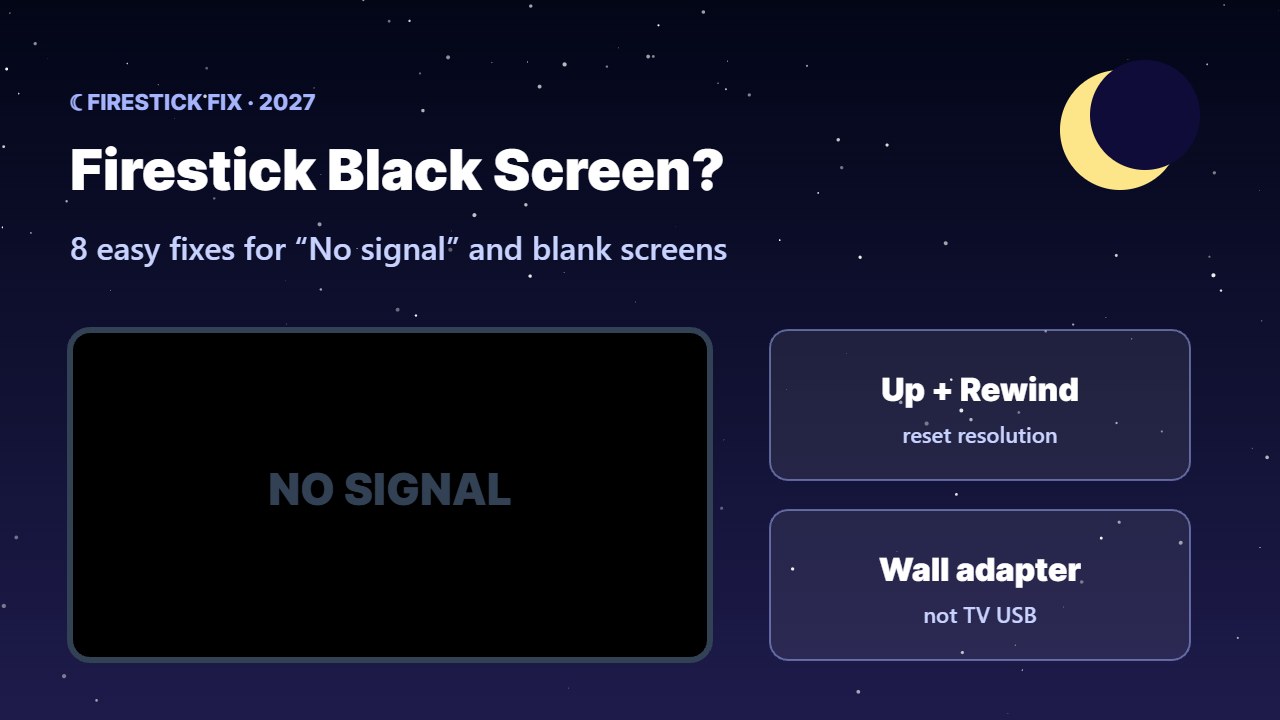
Turned on the TV and see only a Firestick black screen or a “No signal” message? Don’t worry — this is one of the most common Fire TV problems, and it is usually caused by power, HDMI or display settings, not a broken stick. Work through these fixes in order and your picture will be back in minutes.
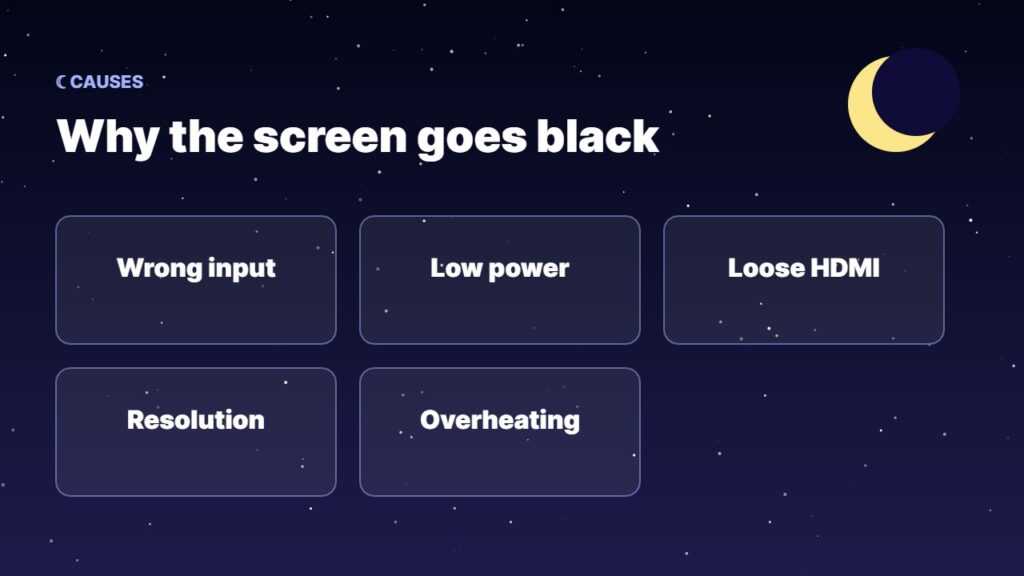
Why does my Firestick show a black screen?
- Wrong HDMI input selected on the TV.
- Not enough power — the stick is powered from the TV’s USB port instead of the wall adapter.
- Loose HDMI connection or a faulty port.
- Display resolution the TV cannot show.
- Overheating or a stuck software update.
How to fix a Firestick black screen (8 fixes)
1. Check the TV input
Press the Input / Source button on the TV remote and choose the HDMI port the Firestick is plugged into.
2. Use the official power adapter
Plug the Firestick into a wall socket with the adapter that came in the box. TV USB ports often do not give enough power, which causes black screens and restarts.
3. Restart the Firestick
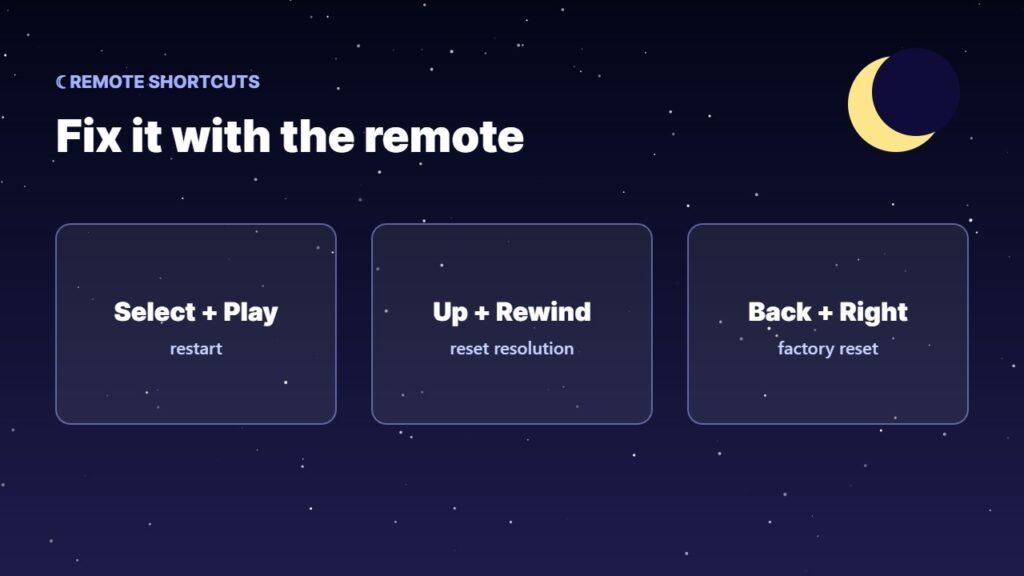
Unplug the power cable, wait 60 seconds, then plug it back in. You can also hold Select + Play/Pause on the remote for about 5 seconds to restart.
4. Reset the display resolution
If you hear sound or see a flicker but no picture, press and hold Up + Rewind on the remote for about 5 seconds. The Firestick will cycle through resolutions — select one when the picture appears.
5. Try another HDMI port or the extender
Move the stick to another HDMI port and use the small HDMI extender from the box. It improves the connection and Wi-Fi.
6. Turn off HDCP / HDMI CEC problems
Turn the TV off and on, then disable and re-enable HDMI-CEC (Anynet+, SimpLink, Bravia Sync) in the TV settings.
7. Let it cool down
If the stick is very hot, unplug it for 15 minutes and keep it away from the back of the TV vents.
8. Factory reset (last resort)
Hold Back + Right for 10 seconds to start a reset, or see how to factory reset a Firestick. This erases apps and settings.
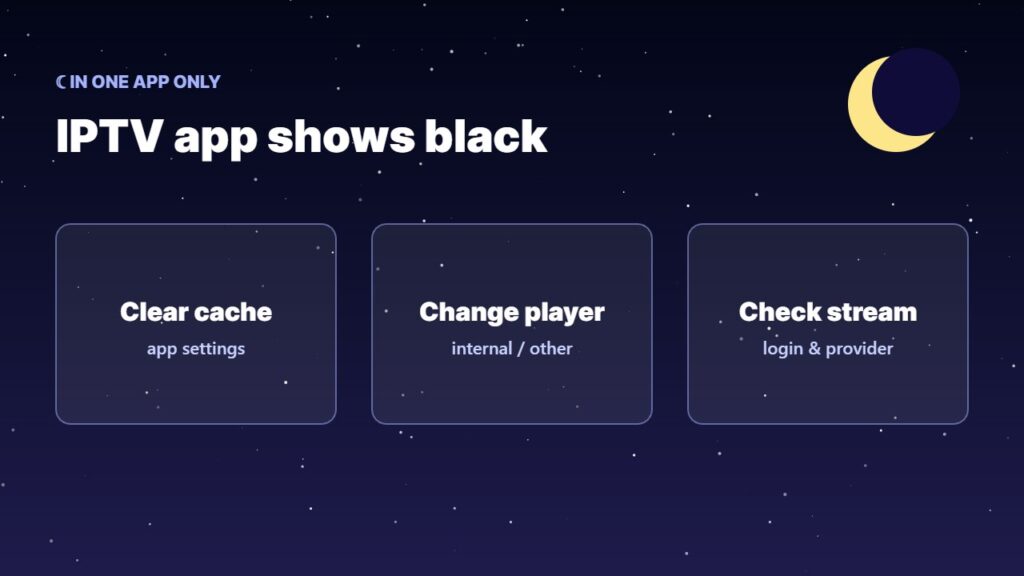
Black screen only inside one app (like an IPTV player)? The Firestick is fine — the problem is the app or stream. See the fixes below.
Black screen in an IPTV app only
- Clear the app cache — see clear cache on Firestick.
- Change the player in the app settings (for example, from internal to another player).
- Check the stream and your login — read IPTV not working and TiviMate not working.
More Firestick help: Firestick remote not working, speed up a slow Firestick and update your Firestick. Background on the device: Amazon Fire TV on Wikipedia.
Stick very hot? See Firestick overheating: 8 fixes.
Frequently asked questions
Why is my Firestick on but the screen is black?
Usually the TV is on the wrong input, the stick does not get enough power, or the resolution is not supported. Check the input, use the wall adapter and reset the resolution with Up + Rewind.
How do I reset the Firestick resolution?
Press and hold Up and Rewind together for about 5 seconds. The Firestick cycles through resolutions so you can pick one that works.
Can a TV USB port power a Firestick?
Often not enough. Low power can cause a black screen or restarts. Use the original power adapter in a wall socket.
Why do I hear sound but see no picture?
This is usually a resolution or HDCP issue. Reset the resolution with Up + Rewind and try another HDMI port.
Is my Firestick broken if the screen stays black?
Not always. Try another TV and another HDMI cable or port first. If it stays black everywhere, contact Amazon support.
Final thoughts
A Firestick black screen is almost always fixable: pick the right input, use the wall adapter, restart, and reset the resolution with Up + Rewind. Only use a factory reset if nothing else works.