MAG boxes are simple set-top boxes made for IPTV: no apps to install, no logins to type — just a portal URL and your MAC address. This MAG box IPTV setup guide works for MAG 322, 420, 424, 524 and older models like the 254 and 256.
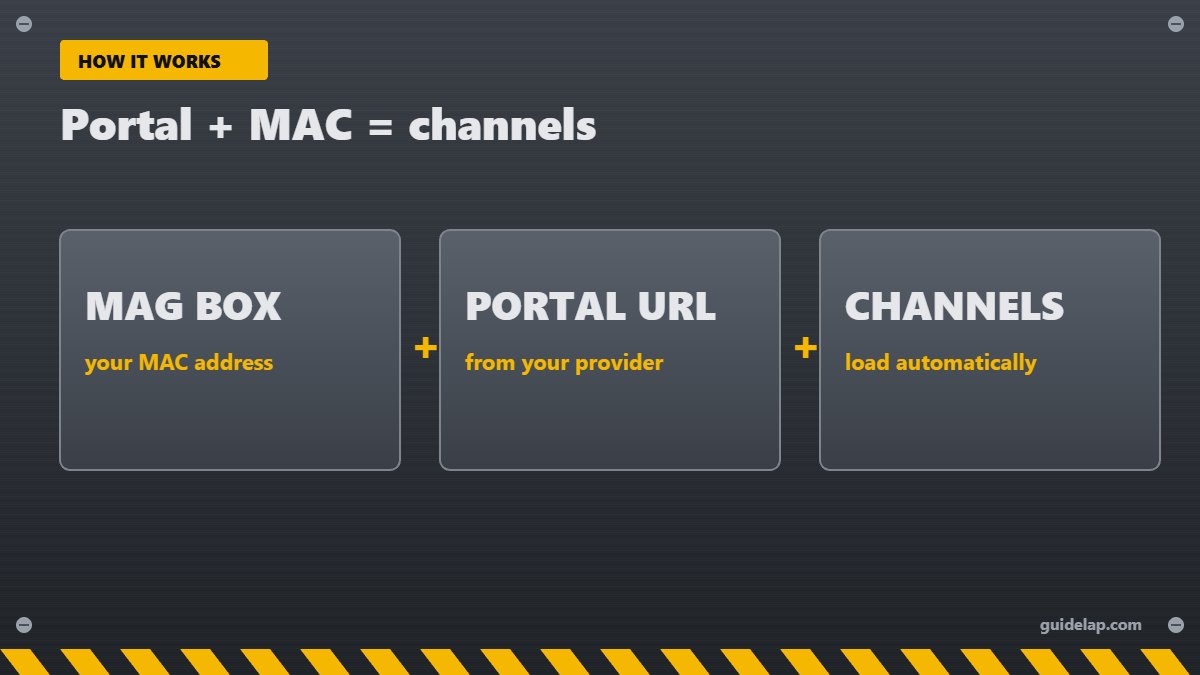
MAG box IPTV setup: what you need
- A MAG box with its remote and power supply.
- HDMI cable and an internet connection (Ethernet recommended).
- The portal URL from your IPTV provider.
- Your box’s MAC address registered with the provider.
Step 1: Find your MAC address
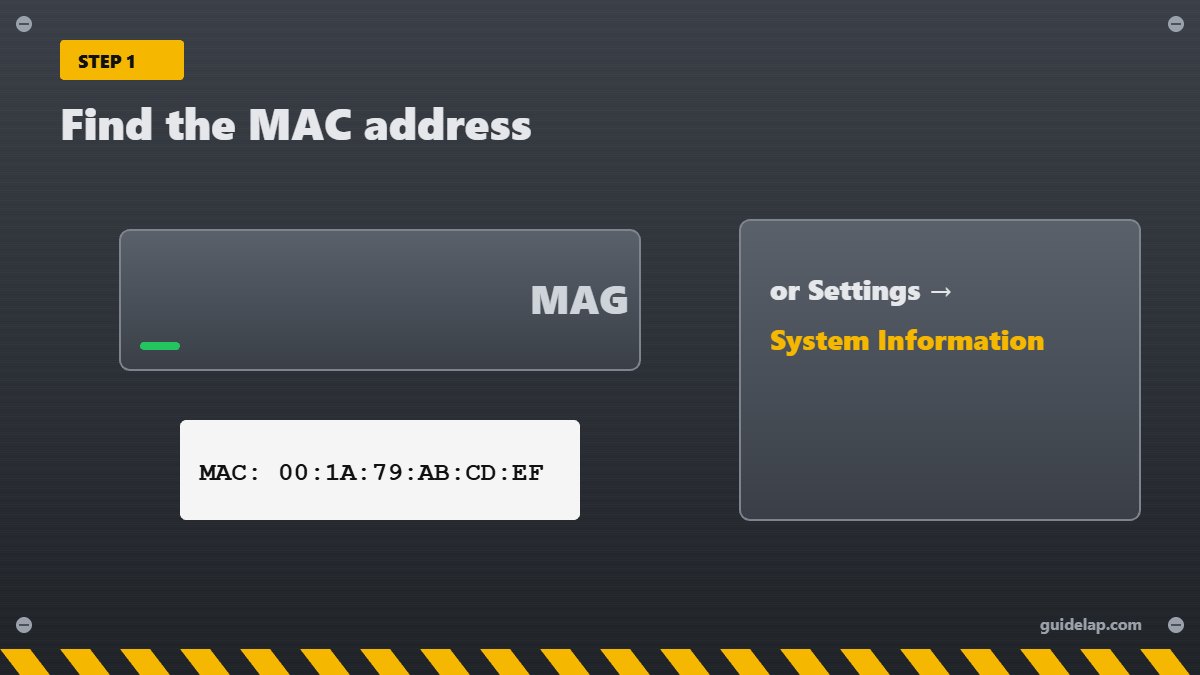
The MAC address is printed on the sticker under the box and usually starts with 00:1A:79. You can also find it in Settings → System Information (on some models: Device Info / About). Send it to your provider — they activate the portal for that MAC.
Step 2: Connect to the internet
Plug in an Ethernet cable (best), or go to Settings → System settings → Network and choose Wi-Fi on models that support it.
Step 3: Enter the portal URL
- Press SETUP / SET on the remote (or open Settings from the main screen).
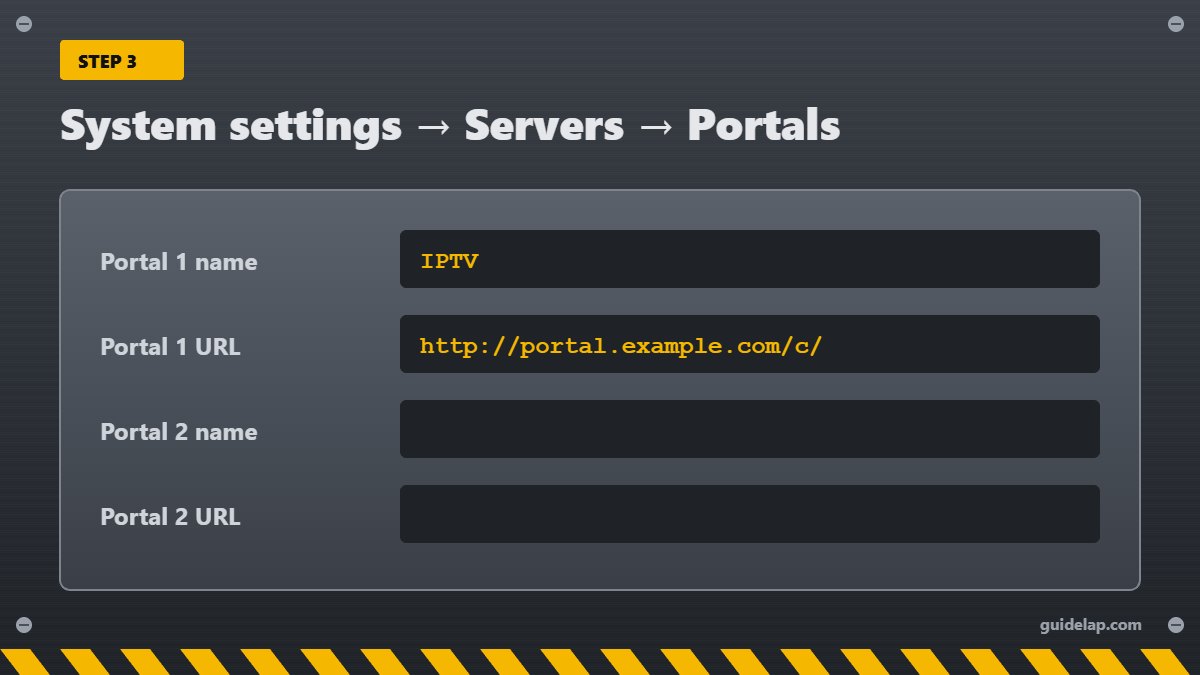
- Open System settings → Servers → Portals.
- In Portal 1 name, type any name (for example “IPTV”).
- In Portal 1 URL, enter the exact portal address from your provider. Use the KB button to open the on-screen keyboard.
- Press OK to save, then go back and choose Restart portal (or reboot the box).
This is the standard Infomir menu path — see the Infomir wiki, the maker of MAG boxes.
Step 4: Wait for the portal to load
On the first start, the box contacts the provider’s server and downloads the channel list and TV guide. This can take up to a minute. After that, live TV, VOD and the EPG appear in the portal.
Best settings after MAG box IPTV setup
| Setting | Recommended |
|---|---|
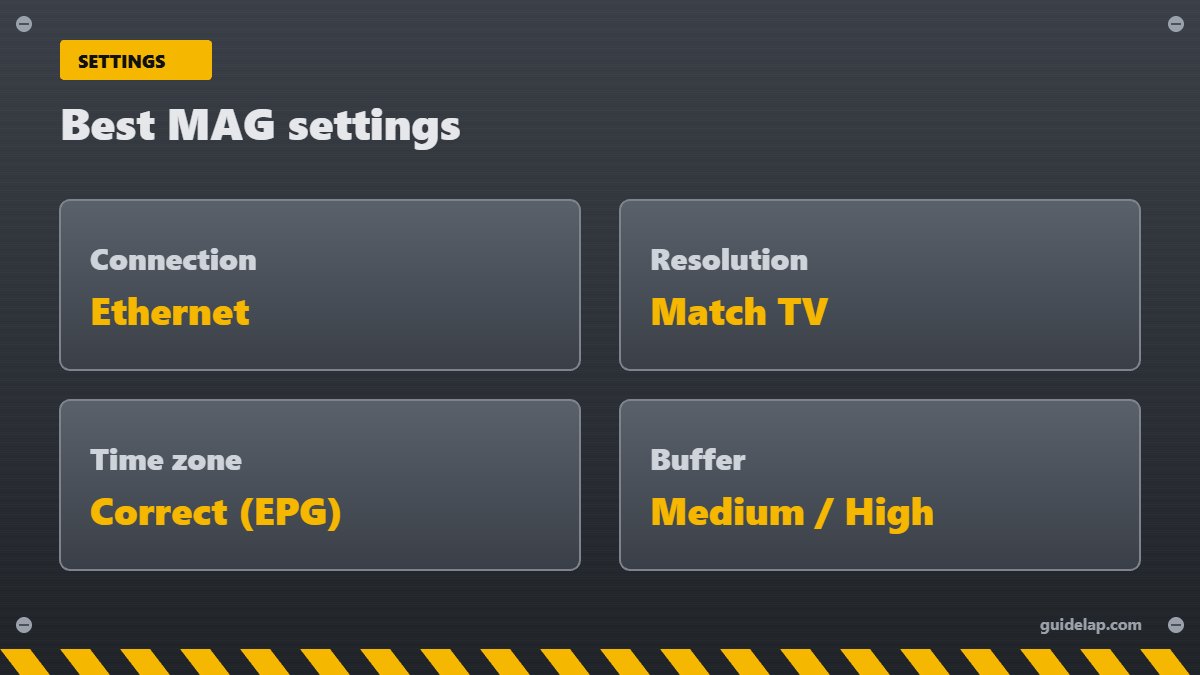
| Connection | Ethernet cable |
| Video → Output resolution | Match your TV (1080p or 4K) |
| Servers → NTP / time zone | Your correct time zone (fixes EPG times) |
| Playback buffer | Medium or High if streams freeze |
| Software update | Keep the box firmware up to date |
MAG box IPTV setup troubleshooting
- “Loading portal…” forever: check the portal URL for typos and confirm your MAC is activated.
- “STB blocked” or “MAC not registered”: contact your provider with your MAC address.
- No channels after changing provider: replace the Portal 1 URL and restart the portal.
- Buffering: use Ethernet, check internet speed for IPTV and our buffering fixes.
- Wrong guide times: set the correct time zone in system settings.
Prefer apps instead of a portal box? See the best Android TV box and the best IPTV player apps. Not sure which login type your provider uses? Read M3U vs Xtream Codes and our IPTV provider checklist.
Several boxes at home? See IPTV on multiple devices.
Have a Formuler box? See Formuler MyTVOnline setup.
Frequently asked questions
How do I set up IPTV on a MAG box?
Send your MAC address to the provider, then go to Settings → System settings → Servers → Portals, enter the portal URL in Portal 1 URL, save and restart the portal.
Where is the MAC address on a MAG box?
On the sticker under the box (starting 00:1A:79) or in Settings → System Information.
Can I use M3U playlists on a MAG box?
MAG boxes are made for portal URLs. Some models can play M3U files, but most IPTV providers give a portal URL for MAG.
Why does my MAG box say “STB blocked”?
The MAC address is not activated or the subscription has expired. Contact your provider.
Which MAG box is best in 2027?
Newer models like the MAG 524 or 424 support 4K and HEVC and are faster than older 254/256 boxes.
Final thoughts
MAG box IPTV setup takes five minutes: register your MAC address, enter the portal URL under System settings → Servers → Portals, restart the portal and enjoy live TV. Use Ethernet and the right time zone for the smoothest experience.