Nothing is worse than a frozen picture during a penalty. Live sport is the hardest test for any IPTV setup: high bitrate, millions of viewers at the same time and no second chance. Here are 10 practical tips for watching IPTV for live sports smoothly — from your connection and device to player settings and choosing the right provider.
Watch sports through a licensed provider or the official sports streaming apps in your country. Licensed services have the capacity and the rights to deliver big events reliably.
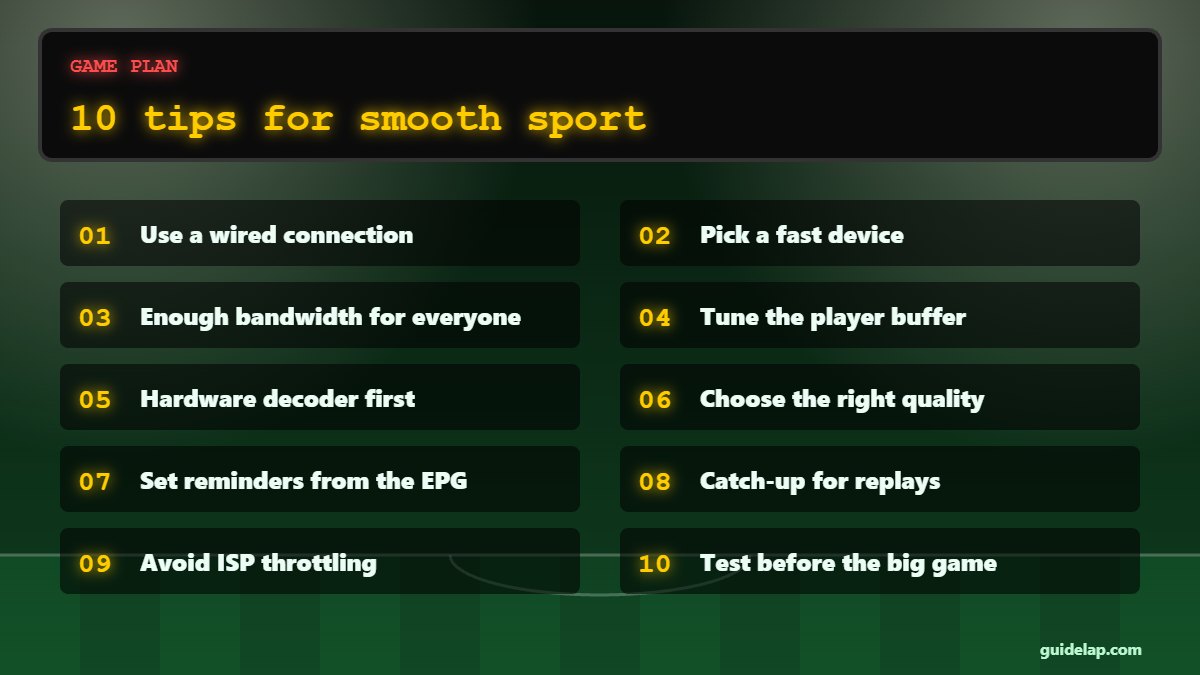
10 tips for IPTV for live sports
1. Use a wired connection
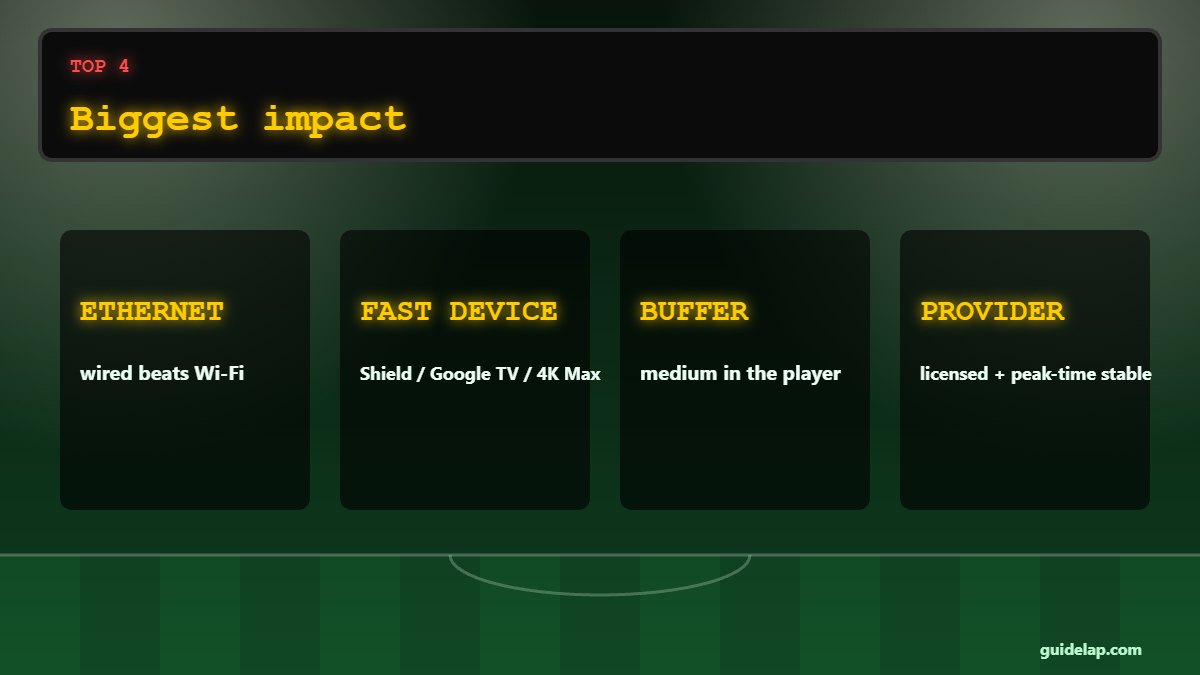
Ethernet beats Wi-Fi for live sport. On a Firestick, use an Ethernet adapter.
2. Pick a fast device
A Google TV Streamer, Nvidia Shield or Fire TV Stick 4K Max handles high-bitrate sport channels better than old sticks. Compare in best Android TV box.
3. Enough bandwidth for everyone
Big matches are when the whole family streams — plan 25 Mbps+ for 4K and add the other devices. Use our internet speed calculator guide.
4. Tune the player buffer
In TiviMate or IPTV Smarters, a medium or large buffer reduces freezes at the cost of a few seconds of delay.
5. Hardware decoder first
Use the hardware video decoder; switch to software only if the picture glitches.
6. Choose the right quality
If 4K freezes, an FHD feed of the same match is often smoother.
7. Set reminders from the EPG
Long-press a programme in the guide to set a reminder so you never miss kick-off.
8. Catch-up for replays
If your provider offers catch-up, you can rewatch the match or start from the beginning.
9. Avoid ISP throttling
If streams only fail in the evening, a VPN may help — see our VPN guide. See best VPN for IPTV.
10. Test before the big game
Check your channel 30 minutes before kick-off, not at the whistle.
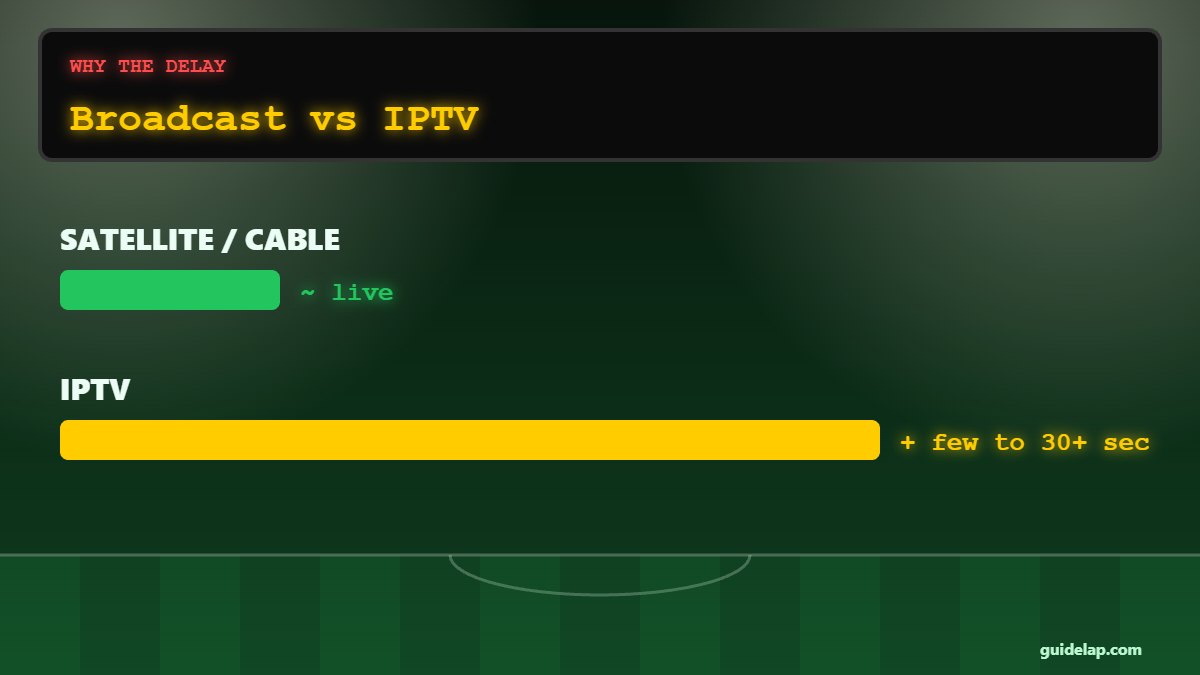
Why is IPTV behind the live TV broadcast?
Streams are encoded, sent over the internet and buffered by your player, so IPTV is often a few seconds — sometimes 30 seconds or more — behind satellite or cable. A smaller buffer reduces the delay but can increase freezing. If friends are messaging about goals before you see them, turn off notifications during the match.
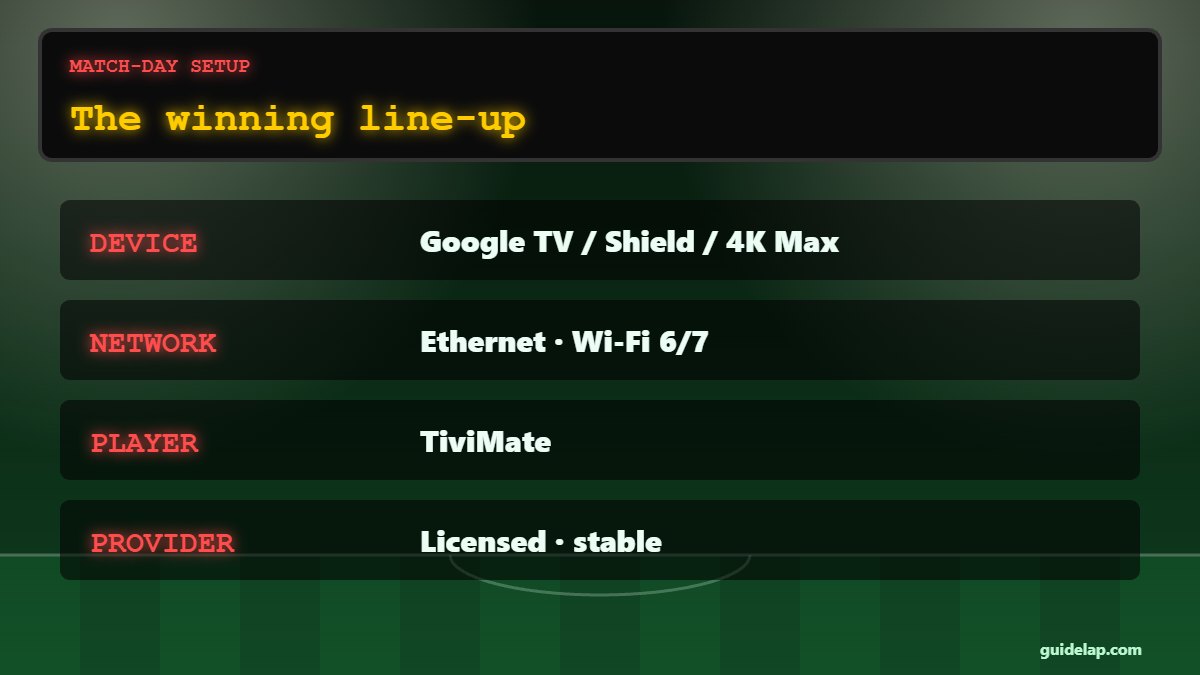
Best setup for watching sports on IPTV
| Part | Recommended |
|---|---|
| Device | Google TV Streamer, Nvidia Shield TV Pro or Fire TV Stick 4K Max (Fire OS) |
| Connection | Ethernet (or 5 GHz Wi-Fi close to the router) |
| Player | TiviMate or another top IPTV player |
| Router | A modern Wi-Fi 6/7 router — see best router for streaming |
| Provider | Licensed, with stable servers at peak time — see how to choose an IPTV provider |
Match-day checklist
- Restart your device an hour before the match.
- Close other apps and pause big downloads at home.
- Open the channel 30 minutes early and check quality.
- Keep a backup channel or feed ready in your favourites.
- If it buffers, follow our IPTV buffering fixes.
For reference, Netflix recommends 15 Mbps or more for 4K streaming (Netflix Help Center) — live sport on IPTV usually needs more headroom.
Frequently asked questions
Missed the match? Use IPTV catch-up to watch it later.
Want another commentary language? See change IPTV audio & subtitles.
Thinking of leaving cable for sports? Read IPTV vs cable.
How do I stop IPTV freezing during live sports?
Use Ethernet, a fast device, a medium buffer in your player, the right quality level and a licensed provider with stable servers at peak time.
What internet speed do I need for live sports on IPTV?
About 10–15 Mbps for one Full HD stream and 25 Mbps or more for 4K, plus extra for other devices in the house.
Why is IPTV delayed compared to TV?
Encoding, internet delivery and player buffering add a delay of a few seconds up to about 30 seconds or more.
Which IPTV app is best for sports?
TiviMate is popular on Android TV and Firestick because of its fast zapping, EPG reminders and catch-up support.
Does a VPN help with sports streaming?
It can help if your internet provider throttles video at busy times. It does not fix an overloaded IPTV server.
Final thoughts
Great IPTV for live sports comes down to preparation: a wired connection, a capable device, sensible player settings and a licensed provider that can handle peak demand. Test before kick-off and keep a backup feed ready, and you will rarely miss a moment.