Setting up IPTV on LG TV takes about ten minutes. LG smart TVs run webOS, which cannot install Android apps — but the LG Content Store has several good IPTV players. Here are the best ones, how to install them, and how to fix the most common problems.
Does LG TV support IPTV?
Yes. Any LG smart TV with webOS can play IPTV through a player app from the LG Content Store. You add your provider’s M3U link or Xtream Codes login, and the app shows your live channels, EPG and VOD. Which apps you see depends on your TV model, webOS version and country.
Player apps do not include channels. Use a licensed IPTV provider and never share your login.
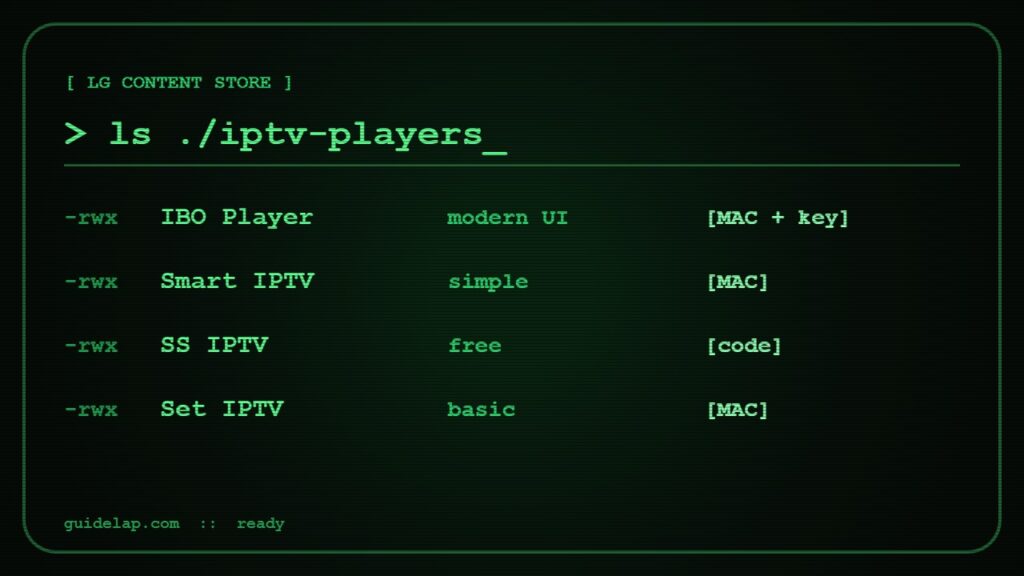
Best IPTV apps for LG TV
| App | How you add the playlist | Cost |
|---|---|---|
| IBO Player / IBO Player Pro | Website, using MAC address + device key | Free trial, then one-time activation |
| Smart IPTV (SIPTV) | Upload M3U on the SIPTV website with your MAC | Free trial, then one-time activation |
| SS IPTV | Playlist code or link inside the app | Free |
| Set IPTV / Net IPTV | Website, using MAC address | Trial, then activation |
See how they compare with Android players in best IPTV player apps.
How to install IPTV on LG TV
- Press Home on the Magic Remote and open the LG Content Store (or “Apps”).
- Search for the player, for example “IBO Player” or “SS IPTV”.
- Select Install, then Launch.
- Note the MAC address (and device key if shown).
- On your phone or computer, open the app’s official website and add your M3U link or Xtream login for that MAC.
- Restart the app on the TV and wait for channels and EPG to load.
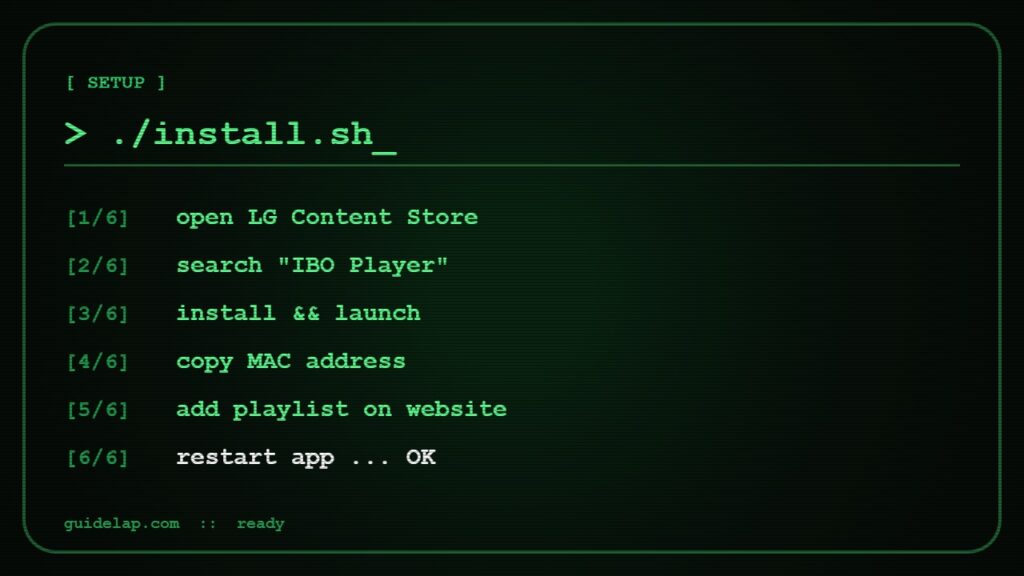
Step-by-step screenshots for two apps: IBO Player Pro setup and Smart IPTV setup.
LG TV IPTV not working? Quick fixes
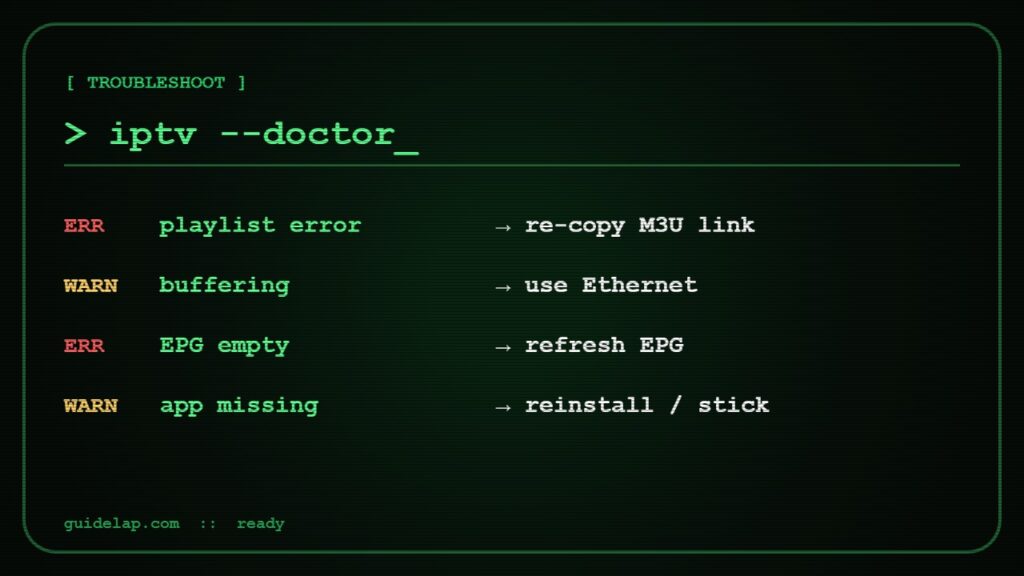
- Channels not loading: check the playlist on the website, then restart the app.
- “Playlist error”: re-copy the M3U link — one wrong character breaks it.
- Buffering: use Ethernet and turn off “Quick Start+” if the TV is slow after waking up.
- App disappeared: it may have been removed from the store in your region — reinstall from “My Apps” or use a streaming stick.
- EPG empty: refresh the EPG in the app settings — see what is EPG.
More fixes in IPTV not working: 15 fixes.
Better option: add a streaming stick
If you want TiviMate, catch-up or recording, plug a Fire TV Stick or Google TV Streamer into the LG TV. It gives you the full Android app choice — compare them in Fire TV Stick 4K Max vs Google TV Streamer or our best streaming device list.
Still choosing a service? Use our IPTV provider checklist and try an IPTV free trial on your LG TV first. Samsung owner too? See IPTV on Samsung TV.
IPTV on LG TV: Ethernet or Wi-Fi?
For IPTV on LG TV, a wired Ethernet cable is the most stable choice. If you must use Wi-Fi, connect to the 5 GHz band and keep the router close. Good internet makes IPTV on LG TV start faster and buffer less.
Hisense owner? See IPTV on Hisense TV.
Shopping for a new TV? Read best TV for IPTV.
Frequently asked questions
What is the best IPTV app for LG TV?
IBO Player, Smart IPTV and SS IPTV are the most used IPTV apps on LG webOS TVs. IBO Player has the most modern interface; SS IPTV is free.
Can I install TiviMate on LG TV?
No. TiviMate only runs on Android devices. Plug a Fire TV Stick or Google TV device into your LG TV to use it.
Where do I find the MAC address on LG TV?
Most IPTV apps show it on the first screen. You can also find it in Settings → General → About This TV / Network.
Is SS IPTV free on LG TV?
Yes, SS IPTV is free to use. You still need a paid subscription from an IPTV provider for the channels.
Why did my IPTV app disappear from LG TV?
Apps are sometimes removed from the LG Content Store in certain countries. Already installed apps usually keep working; otherwise use another player or a streaming stick.
Final thoughts
IPTV on LG TV works well with the right player: install IBO Player, Smart IPTV or SS IPTV from the LG Content Store, add your playlist with the MAC address, and use Ethernet for a stable picture. Want more apps and features? Add a streaming stick.