When you set up an IPTV app, it usually asks how you want to log in: with an M3U playlist or with Xtream Codes API. Both connect your player to your provider, but they work differently. In this guide we explain M3U vs Xtream Codes in plain language (new to all this? read what is IPTV first), compare them side by side, and help you choose the best one.
What is an M3U playlist?
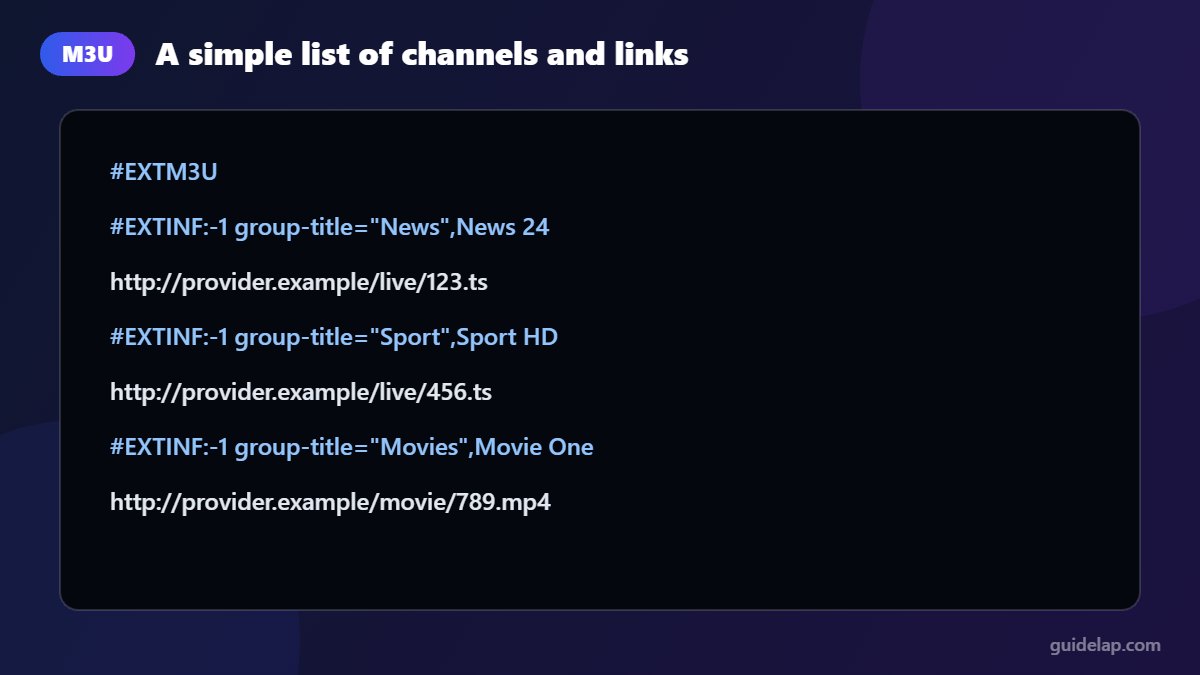
An M3U file is a simple text list of streams. Each line contains a channel name and a link to the stream. Your provider gives you an M3U URL, and the app downloads the whole list. M3U is a universal format: almost every player in the world understands it, including VLC.
What is Xtream Codes API?
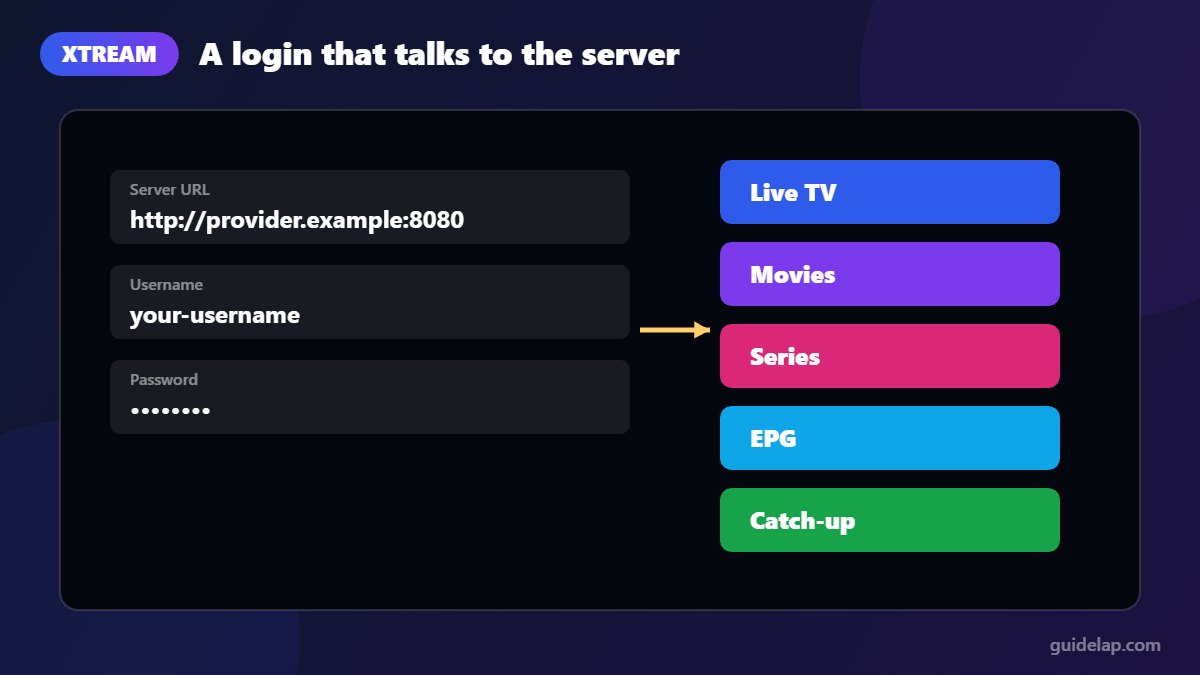
Xtream Codes API is a login method rather than a file. You enter a server URL, a username and a password. The app then asks the server for live channels, movies, series and TV guide data separately, and keeps them organised in categories.
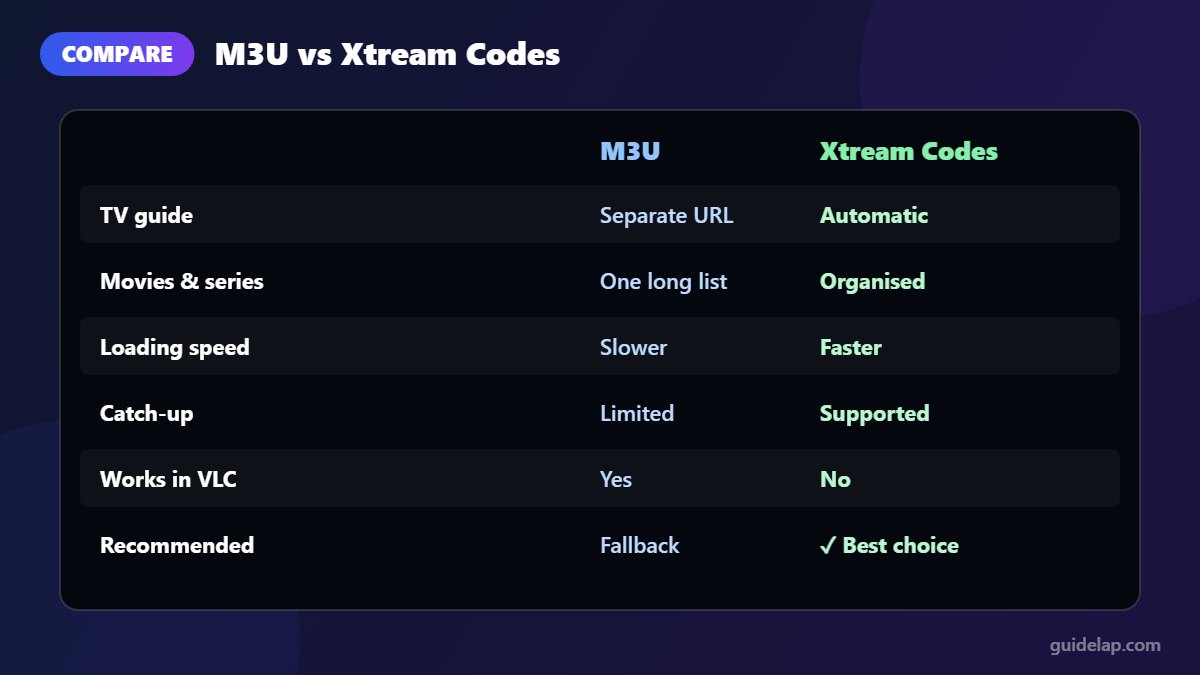
M3U vs Xtream Codes: side-by-side comparison
| Feature | M3U playlist | Xtream Codes API |
|---|---|---|
| What you enter | One long URL | Server URL + username + password |
| TV guide (EPG) | Needs a separate EPG URL | Usually loads automatically |
| Movies & series | Mixed into one long list | Separate, organised sections |
| Catch-up | Limited | Supported when the provider offers it |
| Loading speed | Slower with big lists | Faster, loads per category |
| Account info (expiry, connections) | Not shown | Shown in many apps |
| Compatibility | Almost every player | Most IPTV players (Smarters, TiviMate…) |
| Best for | Simple players, VLC, smart TV apps | IPTV Smarters Pro, TiviMate, OTT Navigator |
Which one should you use?
Use Xtream Codes whenever your app and provider support it. You get faster loading, an automatic TV guide, organised movies and series, and catch-up. This is the recommended method in apps like IPTV Smarters Pro and TiviMate.
Use M3U when your player does not support Xtream Codes (for example VLC or some smart TV apps), or when your provider only gives you a playlist link.
Tip: an M3U link from many providers already contains your username and password inside the URL. Never share it publicly — anyone with the link could use your account.
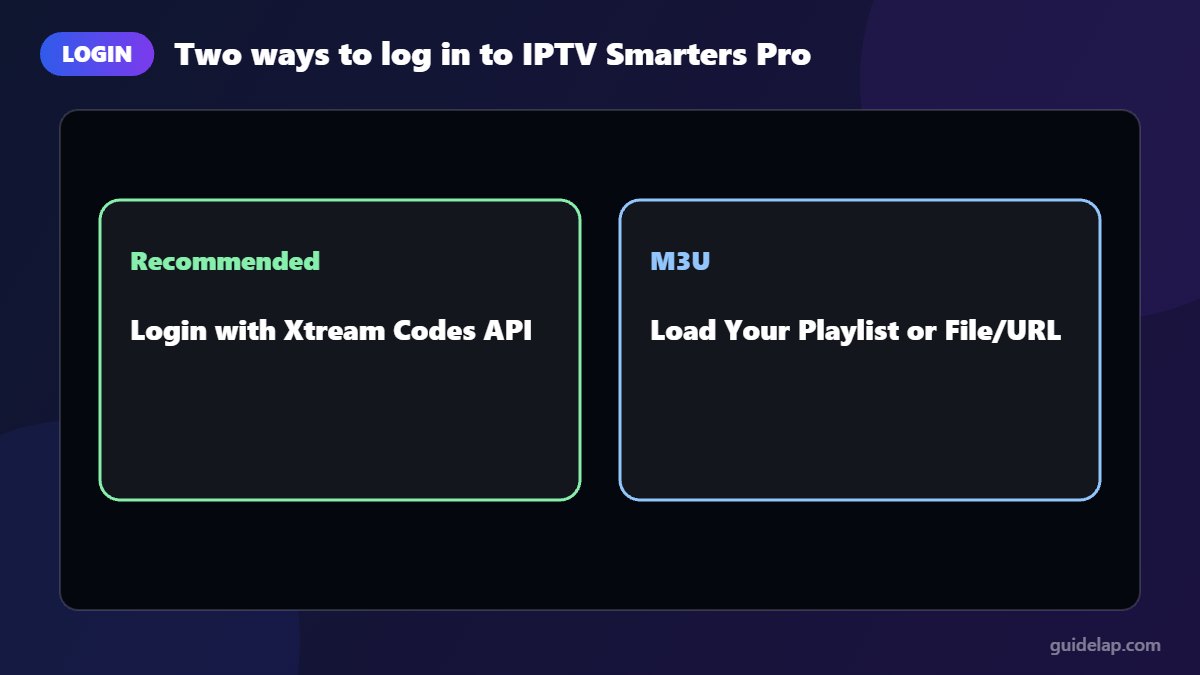
How to log in with each method in IPTV Smarters Pro
Xtream Codes API
- Select Login with Xtream Codes API.
- Enter any name, your username, password and server URL (with
http://and the port). - Select Add User, then Install EPG on the home screen.
M3U playlist
- Select Load Your Playlist or File/URL.
- Choose M3U URL and paste the link.
- Add your EPG URL if the app asks for it, then select Add User.
Need the full setup? See how to install IPTV Smarters Pro on Firestick and add EPG in IPTV Smarters Pro.
Common problems
“Invalid username or password” with Xtream Codes
Check for extra spaces, the correct capital letters, and that the server URL includes the port number (for example :8080). Confirm your subscription is active.
M3U playlist takes forever to load
Very large playlists are slow on weak devices. Switch to Xtream Codes if possible, use a wired connection, and clear the app cache (how to clear cache on Firestick).
No TV guide with M3U
M3U playlists need a separate EPG (XMLTV) link. Ask your provider for it and follow our EPG guide.
Have an M3U link and a Roku? Here is how to watch IPTV on Roku.
Frequently asked questions
Is Xtream Codes better than M3U?
For most users, yes. Xtream Codes loads faster, organises movies and series, loads the TV guide automatically and supports catch-up. M3U is more universal but simpler.
Can I convert an M3U link to Xtream Codes?
Many M3U links from IPTV providers contain the server URL, username and password inside the link, so you can often read those details from it. Ask your provider if you are unsure.
Does VLC support Xtream Codes?
No. VLC plays M3U playlists only. Use an IPTV player such as IPTV Smarters Pro or TiviMate for Xtream Codes.
Which login should I use on a Firestick?
Xtream Codes, if your provider offers it. It works best in the top IPTV players for Firestick.
Is it safe to share my M3U link?
No. The link usually contains your login details, so anyone who has it could use your account.
Final thoughts
In the M3U vs Xtream Codes debate, Xtream Codes is the better everyday choice: faster, more organised and with an automatic TV guide. Keep M3U for simple players or devices that do not support Xtream Codes, and always keep both your link and login private.