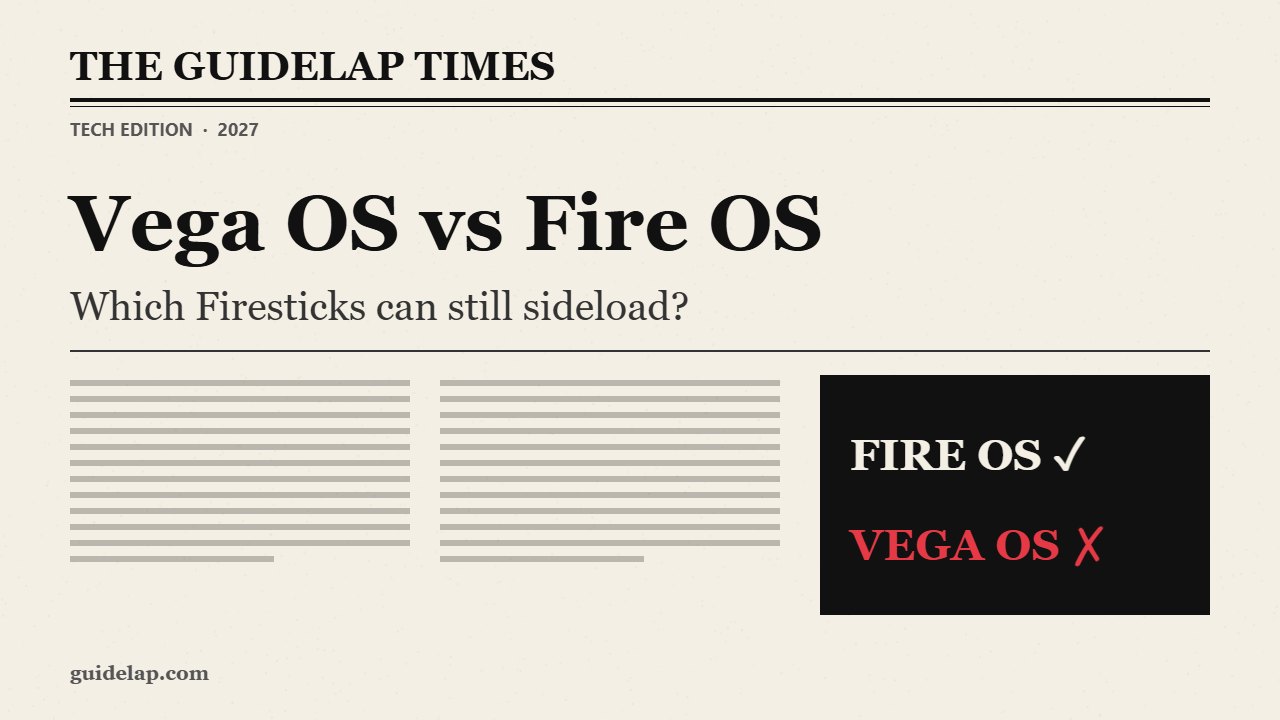
Bought a new Fire TV Stick and Downloader is missing? You probably have a device running Amazon’s new operating system. This Vega OS vs Fire OS guide explains the difference, lists which Fire TV models run each system, shows how to check yours in 30 seconds, and tells you which stick to buy if you want to install apps like IPTV Smarters, TiviMate or Kodi.
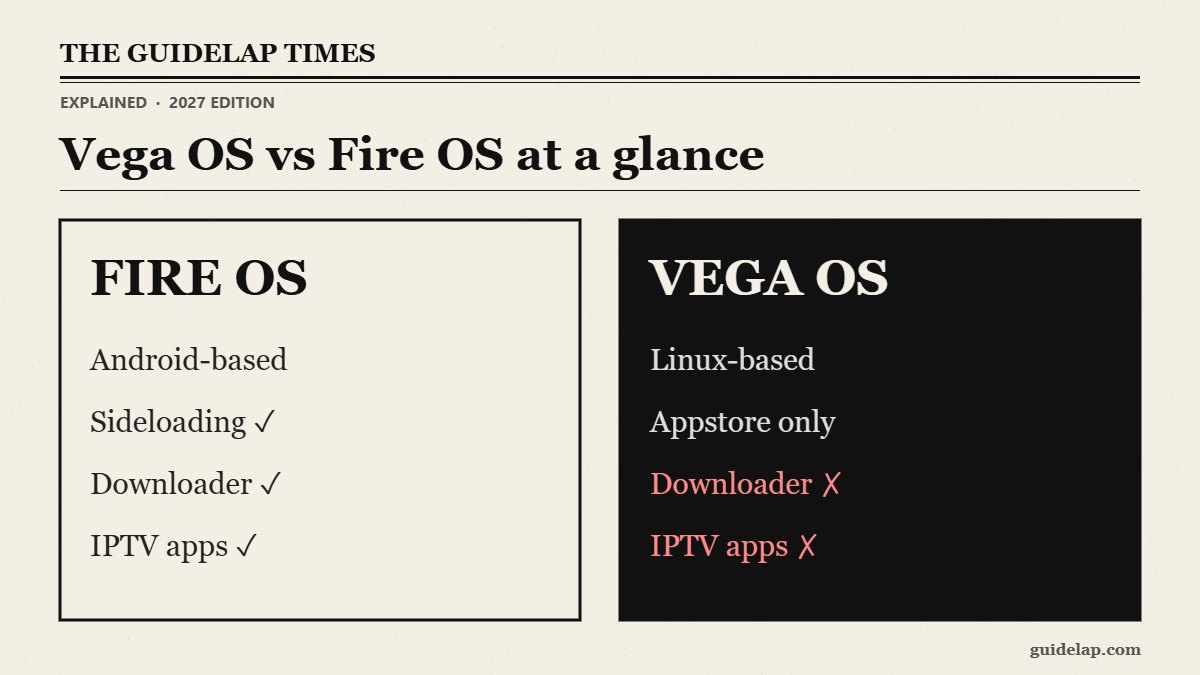
Vega OS vs Fire OS: the short answer
| Fire OS | Vega OS | |
|---|---|---|
| Based on | Android | Linux (Amazon in-house) |
| Apps from | Amazon Appstore + sideloading | Amazon Appstore only |
| Downloader app | ✓ Supported | ✗ Not supported |
| IPTV Smarters / TiviMate / Kodi | ✓ Can be installed | ✗ Cannot be installed |
| Custom launchers | ✓ | ✗ Blocked |
| Software version starts with | 3, 5, 6, 7, 8 or 14 | 1. |
Fire OS is the Android-based system Fire TV has used since 2014. Vega OS is a Linux-based system that only installs apps from the Amazon Appstore, and Vega apps use a different package format (.vpkg), so Android APK files simply do not run on it. Sources: AFTVnews and 9to5Google.
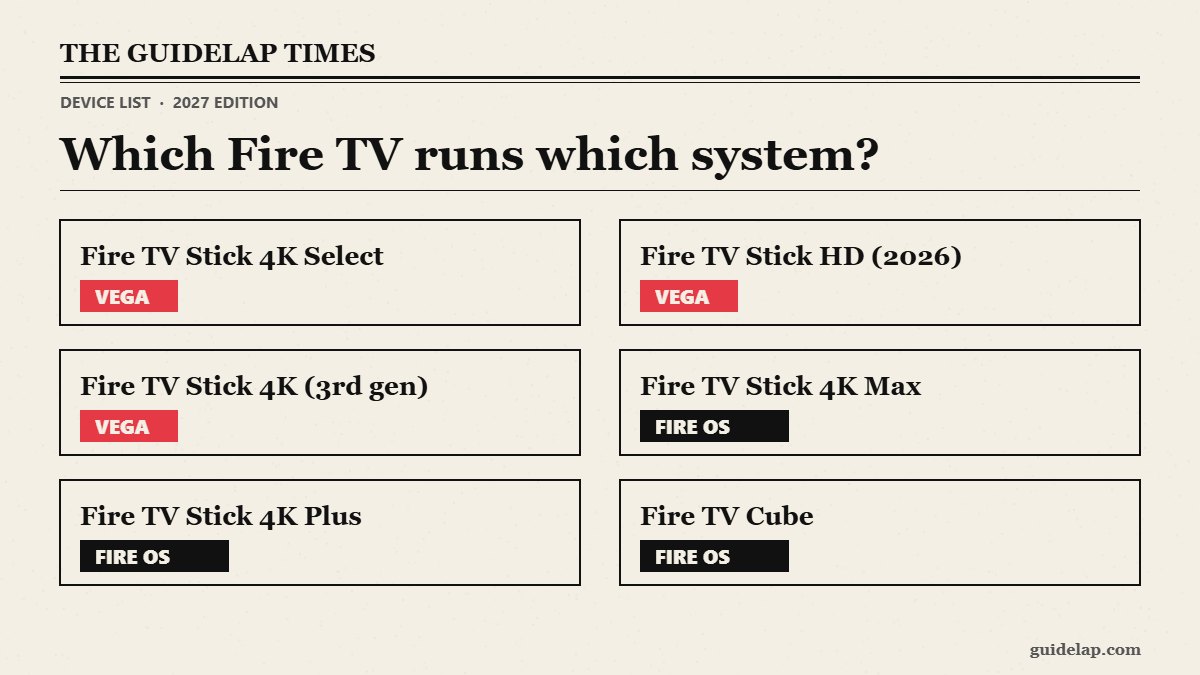
Vega OS vs Fire OS: which Fire TV devices run each system?
| Device | System | Sideloading |
|---|---|---|
| Fire TV Stick 4K Select (2025) | Vega OS | ✗ |
| Fire TV Stick HD (2026 model) | Vega OS | ✗ |
| Fire TV Stick 4K (3rd gen, 2026) | Vega OS | ✗ |
| Fire TV Stick HD (2024 model) | Fire OS | ✓ |
| Fire TV Stick 4K Plus | Fire OS | ✓ |
| Fire TV Stick 4K Max | Fire OS | ✓ |
| Fire TV Cube | Fire OS | ✓ |
| Smart TVs with Fire TV built in | Fire OS | ✓ |
Watch the names: there are two different “Fire TV Stick HD” models and more than one “Fire TV Stick 4K”. Any model with Select in the name runs Vega OS. Amazon has said future Fire TV Sticks will use Vega, so always check before you buy.
Vega OS vs Fire OS: how to check your Fire TV
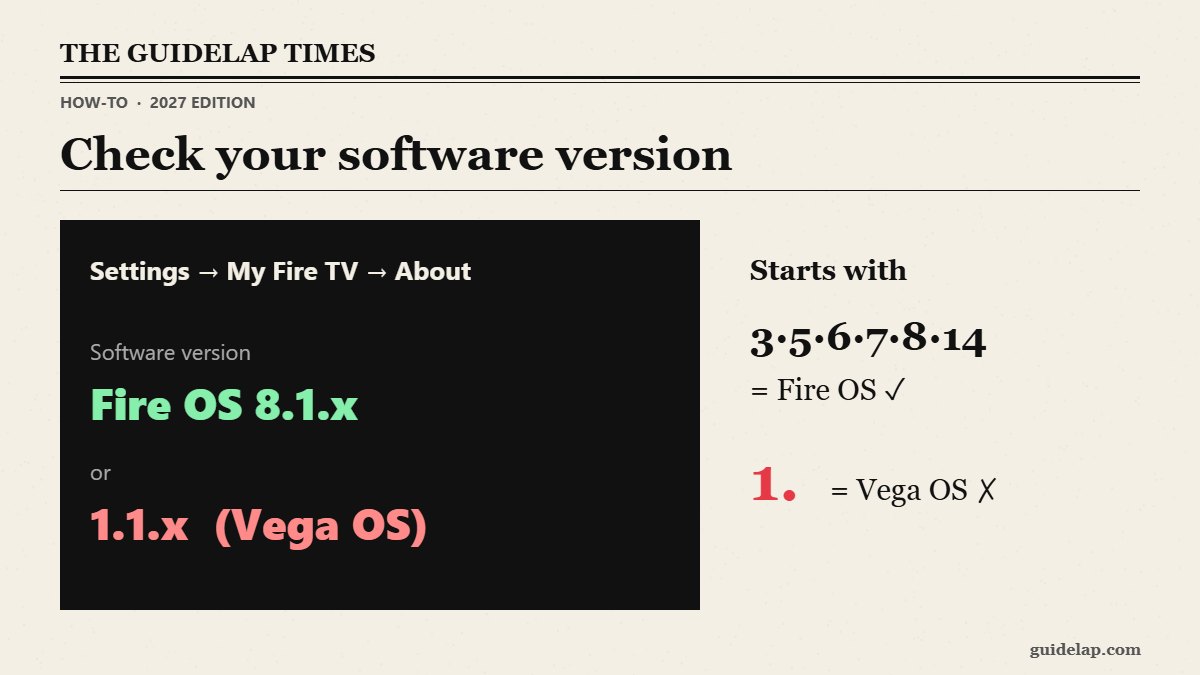
- Press Home on the remote.
- Open Settings → My Fire TV → About.
- Look at the software version.
- If it says Fire OS with a number starting with 3, 5, 6, 7, 8 or 14, you have Fire OS.
- If the version starts with “1.”, you have Vega OS.
What you can still do on a Vega OS stick
- Install any app available in the Amazon Appstore — Netflix, Prime Video, YouTube, Disney+ and many more.
- Use official IPTV-style apps if they publish a Vega version in the Appstore, and free services — see free streaming apps for Firestick.
- Use a VPN from the Appstore (NordVPN, Surfshark, ExpressVPN and others have Vega apps).
- Developers can enable Developer Mode to install test apps from a computer over USB — this is not a normal way to add apps.
Vega OS vs Fire OS: which should you buy?
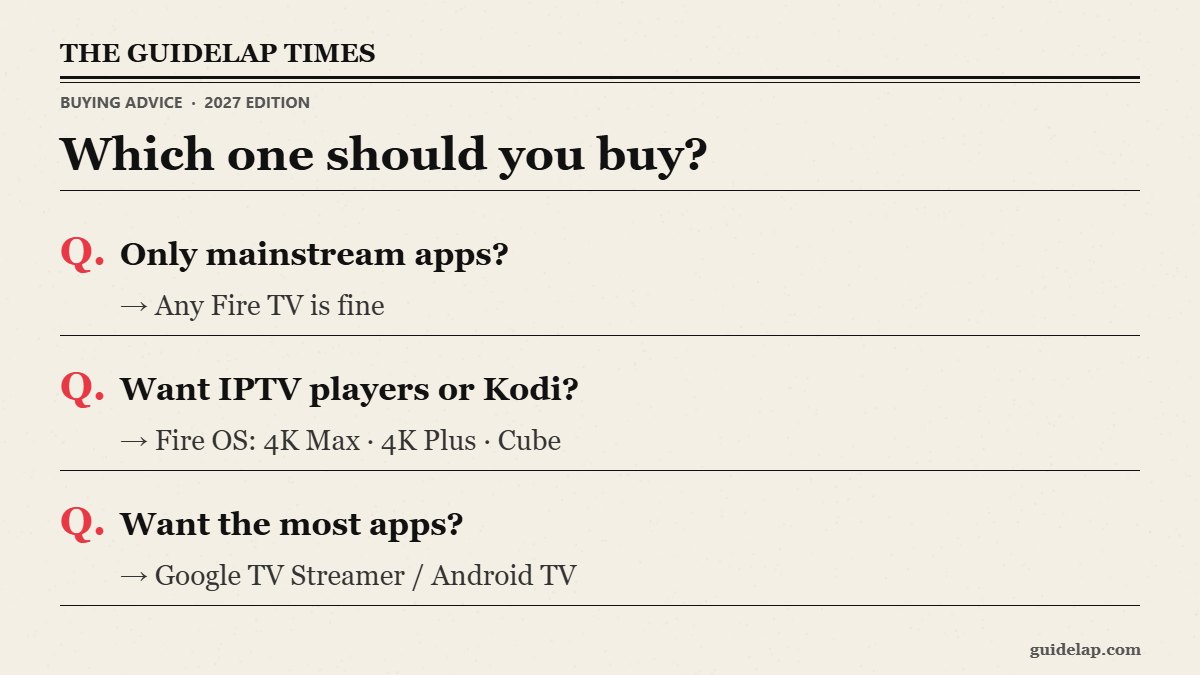
When comparing Vega OS vs Fire OS for buying, remember: if you only use mainstream apps, a Vega stick is fine and often cheap. If you want IPTV players, Kodi or a custom launcher, buy a Fire OS model (4K Max, 4K Plus, Cube) or a Google TV / Android TV device instead — compare them in our best streaming device guide.
Will Amazon remove sideloading from Fire OS devices?
Vega OS vs Fire OS is not a change for existing owners: there is currently no sign that existing Fire OS devices will be converted to Vega or lose sideloading. The change affects new sticks you buy. Keep your Fire OS device updated as usual.
Related guides
- Already on Fire OS? Install Downloader, then follow our guides for IPTV Smarters, TiviMate or Kodi.
- Need sideloading? Google TV still supports it — see sideload apps on Google TV.
- Choosing between the top two? Read Fire TV Stick 4K Max vs Google TV Streamer.
- Looking for a Fire OS stick for IPTV? Compare Fire TV Stick 4K vs 4K Max.
Frequently asked questions
What is the difference between Vega OS and Fire OS?
Fire OS is Android-based and allows sideloading apps. Vega OS is Amazon’s Linux-based system that only installs apps from the Amazon Appstore.
Can I install Downloader on Vega OS?
No. Vega OS devices do not support the Downloader app or normal APK sideloading.
Which Fire TV Sticks run Vega OS?
The Fire TV Stick 4K Select, the 2026 Fire TV Stick HD and the 3rd-gen Fire TV Stick 4K (2026). Check the software version to be sure.
How do I know if my Firestick is Vega OS?
Go to Settings → My Fire TV → About. If the software version starts with “1.”, it is Vega OS.
Which Fire TV should I buy for IPTV apps?
A Fire OS model such as the Fire TV Stick 4K Max, 4K Plus or Fire TV Cube, or a Google TV device.
Final thoughts
In the Vega OS vs Fire OS question, the key difference is sideloading: Fire OS still lets you install apps like IPTV Smarters, TiviMate and Kodi, while Vega OS only allows Amazon Appstore apps. Check your software version before following any sideloading guide, and choose a Fire OS or Google TV device if those apps matter to you.