An IPTV free trial is the smartest way to test a service before paying. In a few hours you can see whether channels load fast, whether the streams stay stable during big events and whether the provider’s support actually answers. This guide explains how IPTV trials work, how to get one, and exactly what to test.
Only request trials from licensed IPTV providers. A trial from an unknown service that offers every premium channel for almost nothing is a warning sign, not a bargain.
How an IPTV free trial works
| Typical trial | |
|---|---|
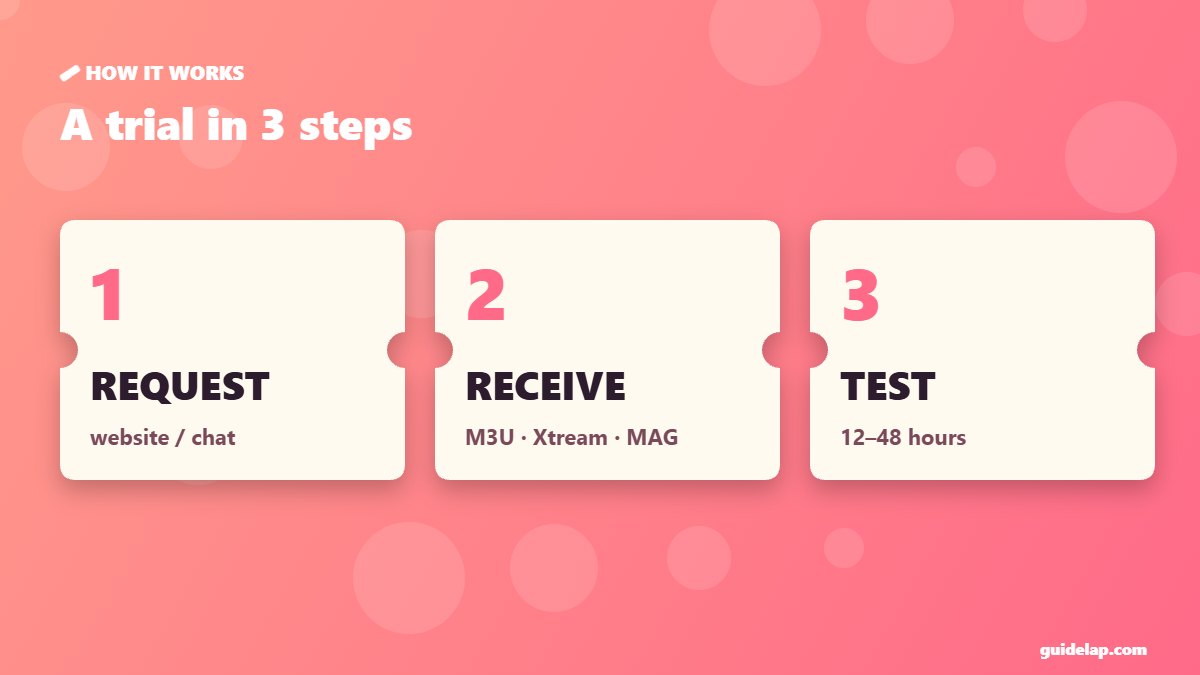
| Length | 12 to 48 hours |
| What you get | A test M3U link, Xtream Codes login or MAG portal activation |
| Price | Free, sometimes a small paid test (e.g. 1–3 days) |
| Devices | Usually 1 connection |
| How to request | Form on the website, WhatsApp, email or live chat |
How to get an IPTV free trial
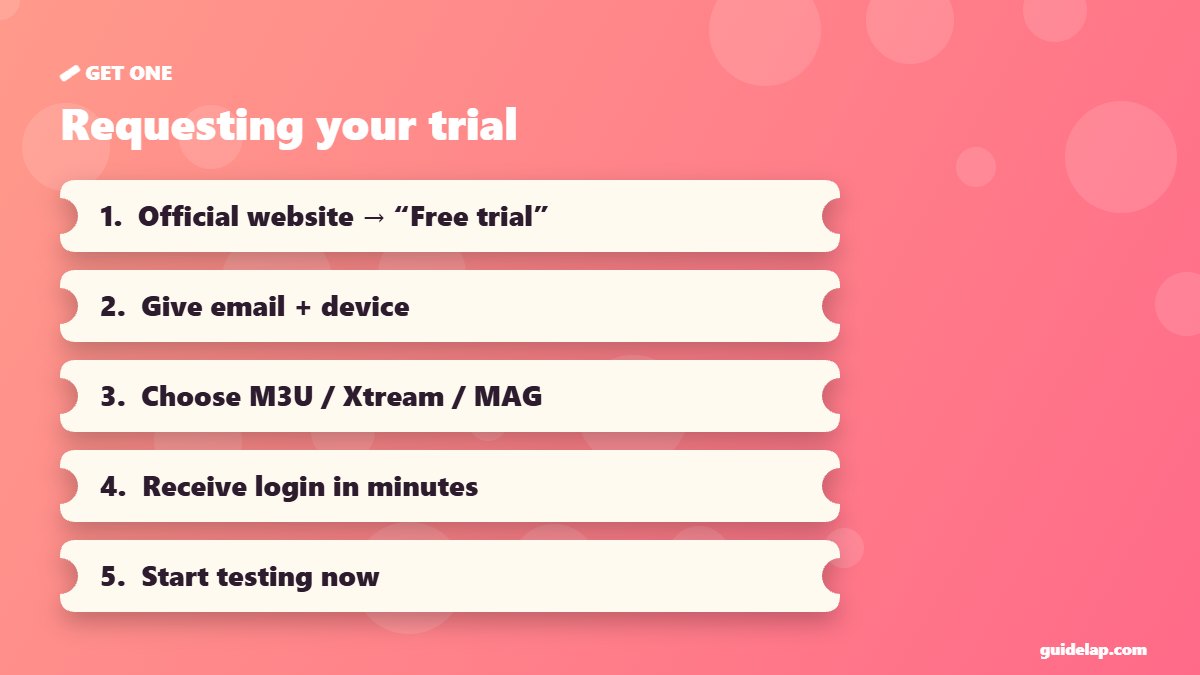
- Visit the provider’s official website and look for “Free trial” or “Test”.
- Fill in the form or contact support with your email and device type.
- Tell them which login you need: M3U, Xtream Codes or MAG (MAC address).
- Receive your test details by email or chat — usually within minutes.
- Set up your player and start testing straight away, because the clock is running.
What to test during your IPTV free trial
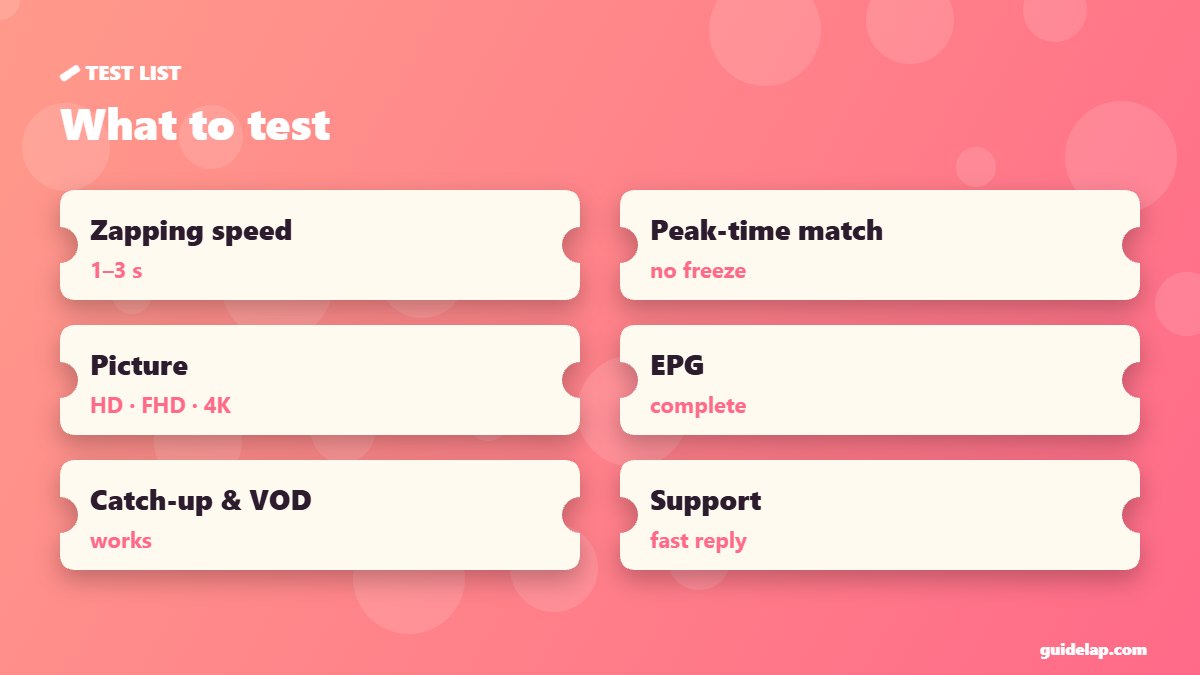
- Channel loading speed: zapping between channels should take 1–3 seconds.
- Peak-time stability: watch a live match in the evening — that is when weak servers fail.
- Picture quality: compare HD, Full HD and 4K channels on your TV.
- EPG: is the TV guide complete and correct? See what is EPG.
- Catch-up and VOD: try a few movies, series and catch-up programmes.
- Support: ask a question and time the answer.
Get the most from a short trial
- Prepare your device first: install TiviMate, IPTV Smarters or IBO Player Pro before requesting the trial.
- Request the trial when you have time to watch — ideally the day of a big event.
- Use Ethernet or 5 GHz Wi-Fi, so your home network is not the bottleneck — check internet speed for IPTV.
- Write down any channel that fails and send it to support.
After the trial: which plan to choose?
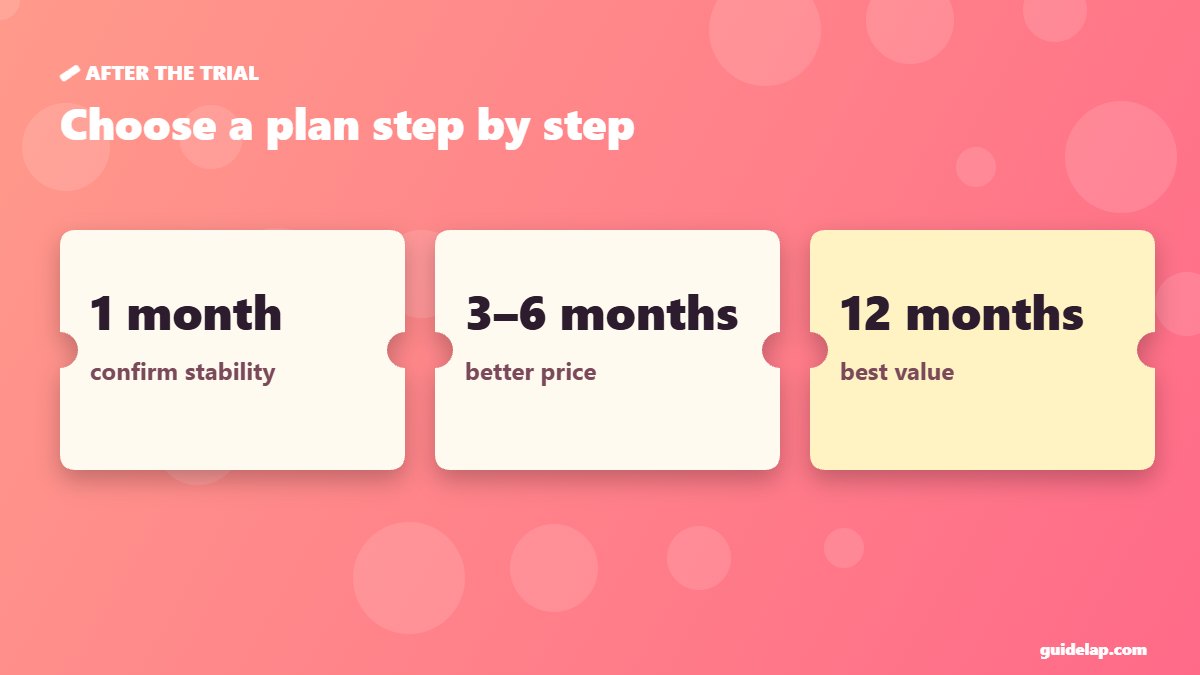
If the trial went well, start with a 1-month plan to confirm stability over time, then move to a longer plan for a better price. Compare providers with our IPTV provider checklist. MAG box owners should read MAG box IPTV setup.
New to IPTV? Learn the basics on Wikipedia’s IPTV page.
Frequently asked questions
Need several screens? Read IPTV on multiple devices before choosing a plan.
Comparing with your current package? Read IPTV vs cable.
How long is an IPTV free trial?
Usually 12 to 48 hours. Some providers offer a small paid test for 1–3 days instead.
How do I get an IPTV free trial?
Request it on the provider’s official website, WhatsApp or chat, and tell them your device and the login type you need.
Is an IPTV free trial safe?
Yes, if it comes from a licensed provider and you use a trusted player app from an official store.
What should I test during an IPTV trial?
Channel loading speed, stability during peak evening hours, picture quality, EPG, catch-up, VOD and how fast support replies.
Can I get several IPTV free trials?
Most providers allow one trial per person or device, so prepare your setup before requesting it.
Final thoughts
An IPTV free trial tells you more than any review: prepare your player, test during peak hours, check EPG and support, and only then choose a plan. Start with a licensed provider and a short plan, and upgrade once you are sure.