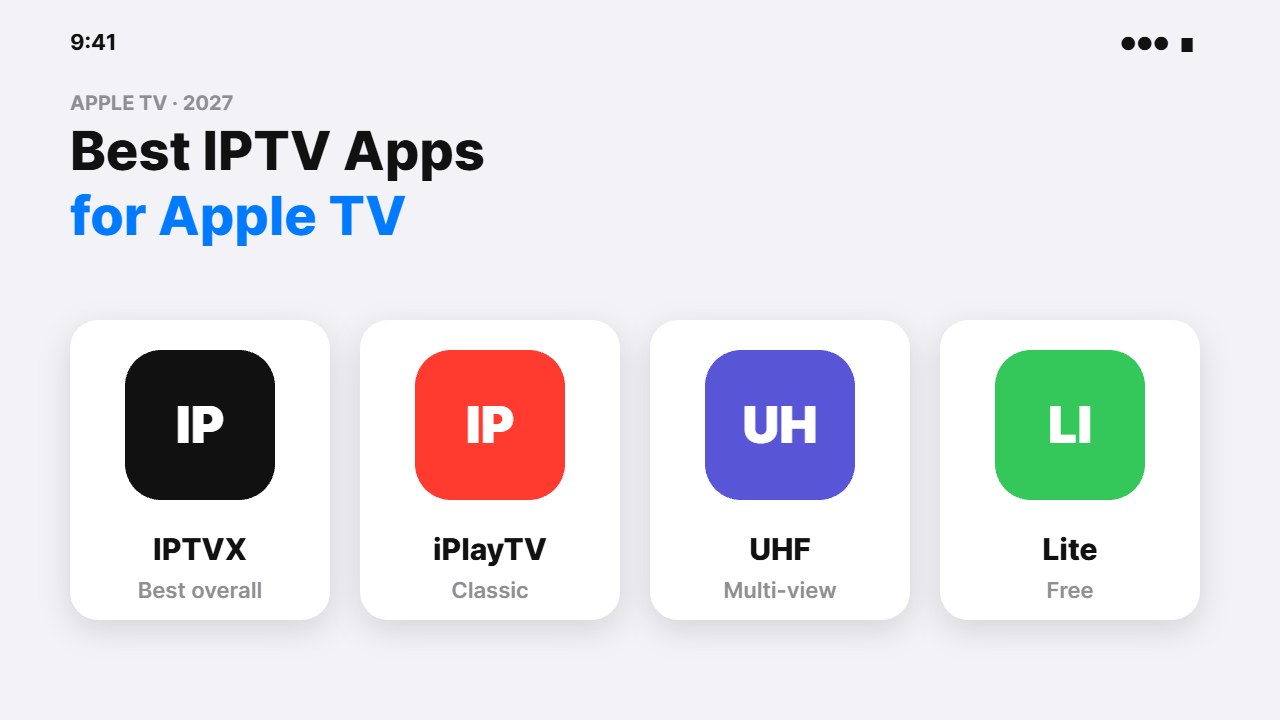
Looking for the best IPTV apps for Apple TV? Apple TV 4K is one of the smoothest streaming boxes you can buy, and the App Store now has several excellent IPTV players. We compare the top options — IPTVX, iPlayTV, UHF, Smarters Player Lite and more — and show you how to set them up.
What to look for in an Apple TV IPTV app
- Login support: M3U playlist, Xtream Codes, or both.
- EPG: a clear TV guide grid that is fast with the Siri Remote.
- Sync: iCloud sync of playlists and favourites between iPhone, iPad and Apple TV.
- Playback: stable 4K, audio track and subtitle choice.
- Price: one-time purchase vs subscription.
These apps are players only — they do not include channels. Use them with a licensed IPTV provider or your own legal playlists.
Best IPTV apps for Apple TV (2027)
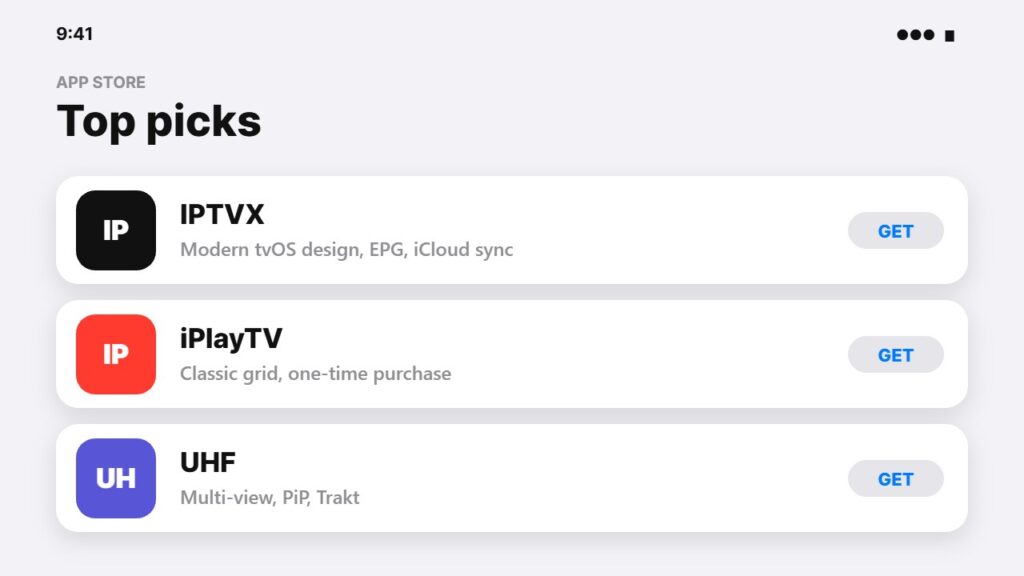
1. IPTVX — best overall
IPTVX has a modern, native tvOS design, a fast EPG and iCloud sync across your Apple devices. It supports M3U and Xtream logins. A basic version is free, with a paid upgrade for extra features.
2. iPlayTV — best classic player
iPlayTV is built only for Apple TV, with a clean channel grid that works well with the remote. It is a one-time paid app on the App Store (iPlayTV listing), with no subscription.
3. UHF — best for multi-view and casting
UHF is a newer player with picture-in-picture, multi-view, Trakt support and a polished design on iPhone, iPad and Apple TV. Its developer asks users to only play legal content (UHF on the App Store).
4. IPTV Smarters Player Lite — best if you already use Smarters
Smarters Player Lite looks like the IPTV Smarters app many providers recommend, so it is easy if you already use it on another device. It is free. See our IPTV Smarters on iPhone guide for the login steps.
5. GSE Smart IPTV and Chillio — alternatives
GSE Smart IPTV supports many playlist formats and has been around for years; Chillio is another simple player. Both are worth trying if the apps above do not suit you.
| App | M3U | Xtream | iCloud sync | Price model |
|---|---|---|---|---|
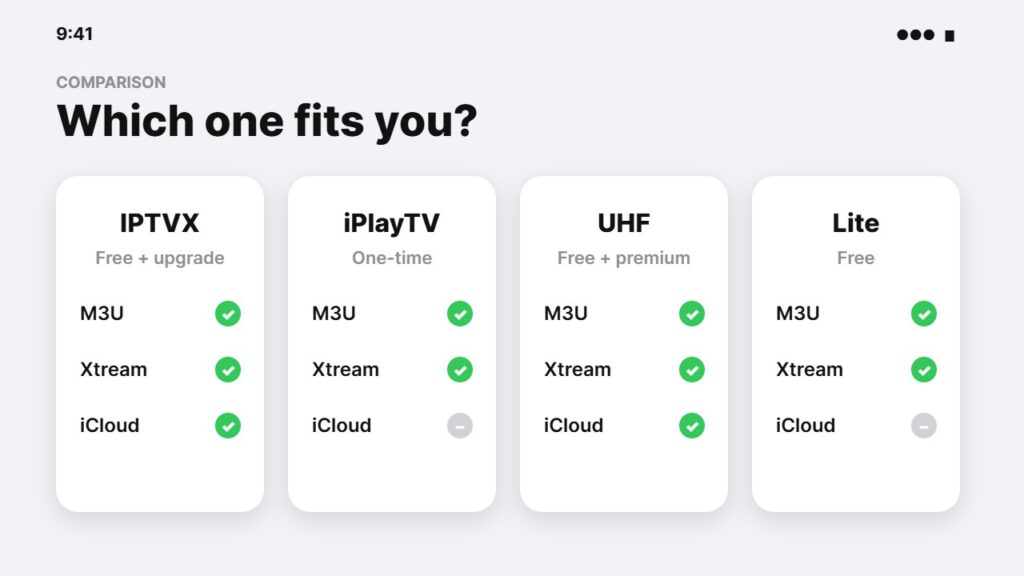
| IPTVX | Yes | Yes | Yes | Free + upgrade |
| iPlayTV | Yes | Yes | — | One-time purchase |
| UHF | Yes | Yes | Yes | Free + premium |
| Smarters Player Lite | Yes | Yes | — | Free |
| GSE Smart IPTV | Yes | Yes | — | Free + in-app |
Prices and features change — check the App Store listing in your country before buying.
How to set up IPTV on Apple TV
- Open the App Store on Apple TV and search for the player (e.g. “IPTVX”).
- Select Get or the price to install.
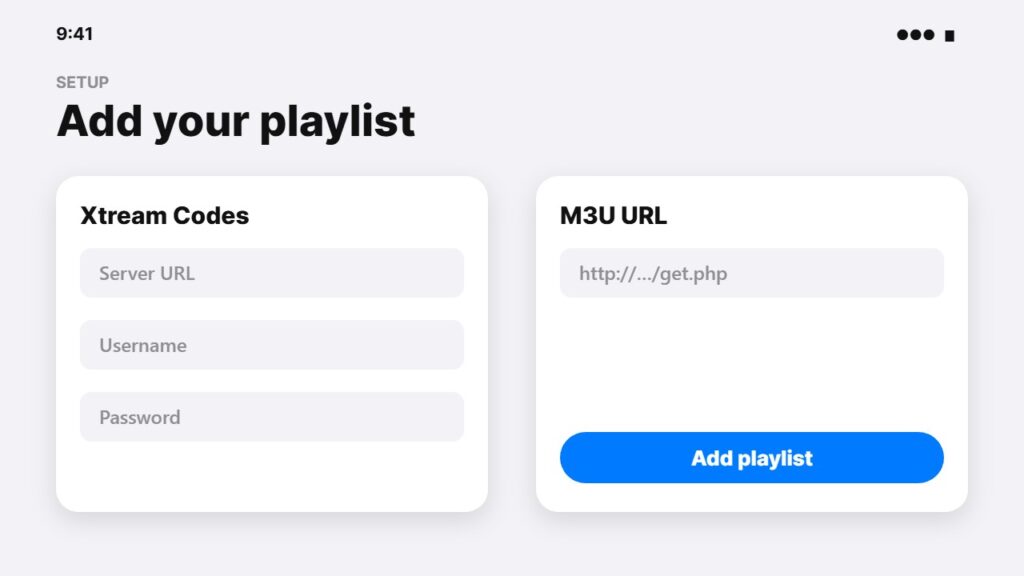
- Open the app and choose Add playlist.
- Pick Xtream Codes (server, username, password) or M3U URL.
- Tip: many apps let you type the login on your iPhone, which is much faster than the Siri Remote.
- Add the EPG URL if it does not load automatically.
Apple TV vs other devices for IPTV
With the best IPTV apps for Apple TV installed, Apple TV 4K is fast, private and has no ads on the home screen, but it costs more and cannot run Android apps like TiviMate. Compare it with other options in best devices for streaming and best streaming device. For a smooth picture, check the internet speed for IPTV and consider a VPN on your router.
Problems after setup? Read IPTV not working, and compare all platforms in best IPTV player apps.
Free vs paid IPTV apps for Apple TV
Among the best IPTV apps for Apple TV, free options like Smarters Player Lite are fine for simple playlists. Paid IPTV apps for Apple TV, like IPTVX premium or iPlayTV, add a faster EPG, better design and sync. Try a free version first, then upgrade if you watch every day.
Casting from a phone instead? See how to cast IPTV to TV.
Frequently asked questions
What is the best IPTV app for Apple TV?
IPTVX is the best all-round choice for most people thanks to its modern design, EPG and iCloud sync. iPlayTV is a great one-time-purchase alternative.
Is there a free IPTV app for Apple TV?
Yes. Smarters Player Lite is free, and IPTVX, UHF and GSE Smart IPTV have free versions with optional paid upgrades.
Can I install TiviMate on Apple TV?
No. TiviMate is only available for Android TV devices. On Apple TV, use IPTVX, iPlayTV or UHF instead.
Does Apple TV support M3U playlists?
Not by itself, but IPTV player apps from the App Store support M3U links and Xtream Codes logins.
Which Apple TV is best for IPTV?
Any Apple TV 4K works well. The newer models are faster and support Ethernet on the higher-storage version, which helps for stable IPTV.
Final thoughts
The best IPTV apps for Apple TV are IPTVX for most people, iPlayTV for a simple one-time purchase, and UHF for multi-view. Install one from the App Store, add your licensed provider’s login, and Apple TV becomes a fast, clean IPTV box.