Want to watch IPTV on Samsung TV without buying another box? Samsung smart TVs run Tizen, so they cannot install Android apps like TiviMate — but several IPTV players are available right in the Samsung app store. This guide shows the best apps, how to install them, and what to do if your model does not have one.
Can you watch IPTV on a Samsung smart TV?
Yes. Samsung TVs use their own system, Tizen, with apps from the Samsung Smart Hub store. IPTV players there let you load the M3U link or Xtream Codes login from your provider. The choice is smaller than on Android TV, and app availability depends on your TV model, year and country.
An IPTV player is only the app — it has no channels. Use a licensed IPTV provider and keep your login private.
Best IPTV apps for Samsung TV
| App | Login type | Price model | Best for |
|---|---|---|---|
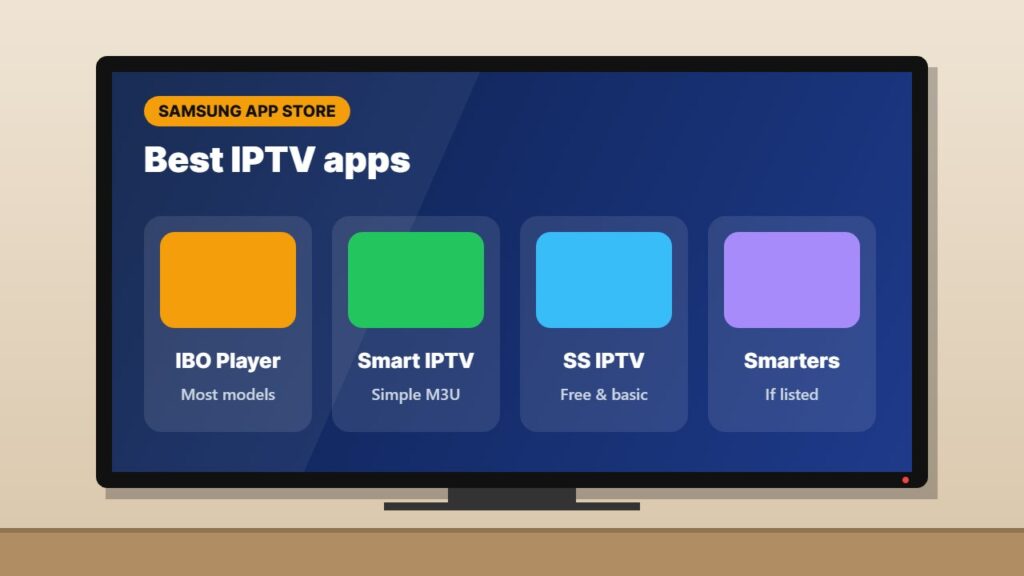
| IBO Player / IBO Player Pro | M3U or Xtream (via device key) | Free trial, then one-time activation | Most Samsung models |
| Smart IPTV (SIPTV) | M3U (uploaded on website) | Free trial, then one-time activation | Simple playlists |
| SS IPTV | M3U / playlist code | Free | Basic use |
| IPTV Smarters (if listed) | Xtream Codes | Depends on provider | Same app as your phone |
Not sure which one to choose? Our best IPTV player apps guide compares them across devices.
How to install IPTV on Samsung TV (step by step)
- Connect the TV to the internet — Ethernet is best for IPTV.
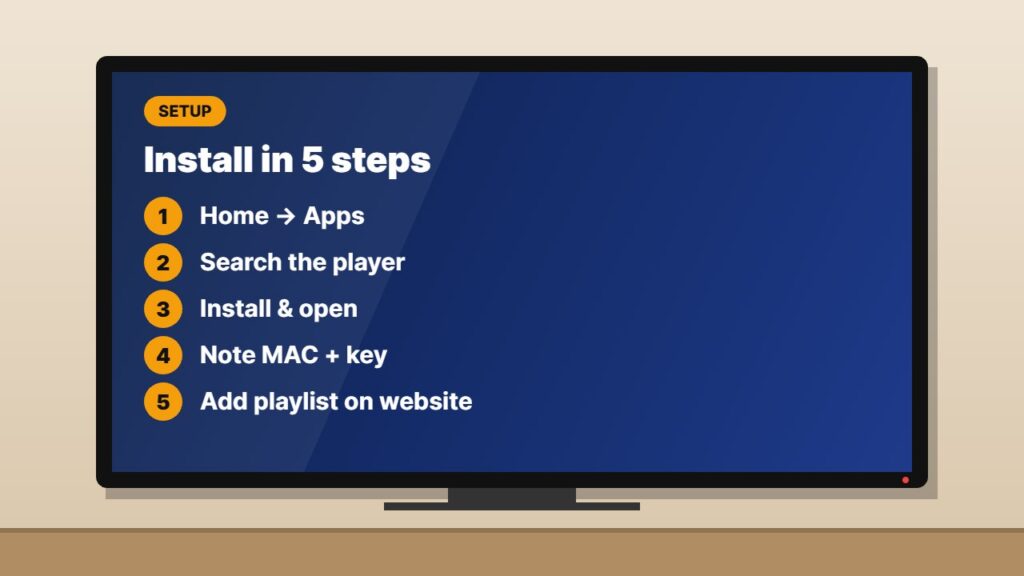
- Press Home on the remote and open Apps.
- Select the search icon and type the player name, for example “IBO Player”.
- Select the app and press Install, then Open.
- Write down the MAC address and device key shown on screen.
- On your phone or PC, open the app’s official website, enter the MAC and key, and add your M3U link or Xtream login.
- Restart the app on the TV — your channels and EPG will load.
Detailed guides for the two most popular apps: IBO Player Pro setup and Smart IPTV app setup.
Samsung TV IPTV app not in the store?
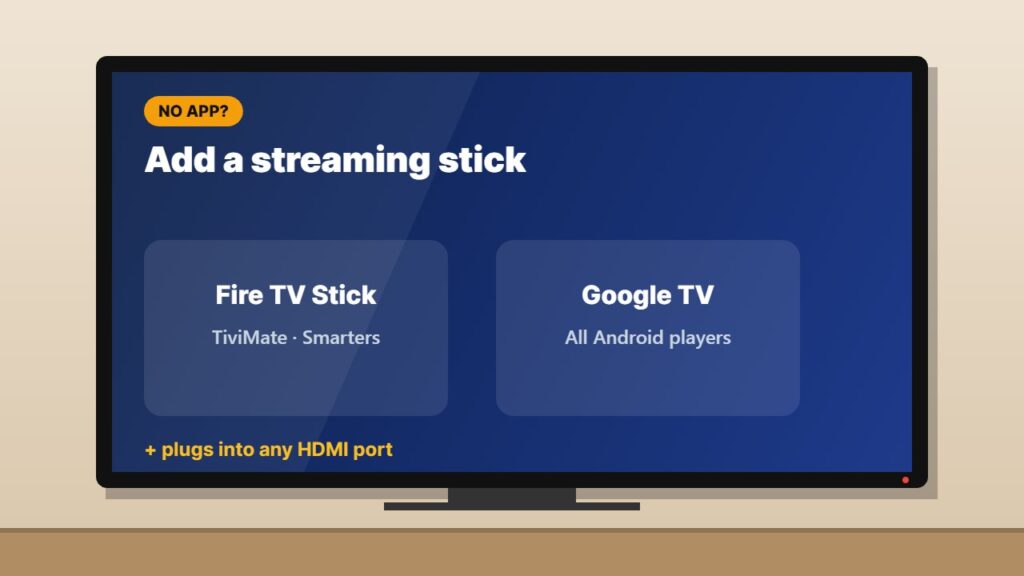
Older Samsung TVs (roughly before 2017) and some regions may not list any IPTV player. In that case the easiest solution is a small streaming stick in the HDMI port:
- A Fire TV Stick or Google TV Streamer gives you TiviMate, Smarters and many more apps — see our best streaming device guide.
- An Android TV box is another option — compare models in best Android TV box.
- Screen mirroring from a phone works, but quality and stability are lower.
Tips for smooth IPTV on Samsung TV
- Update the TV: Settings → Support → Software Update.
- Use a wired connection or strong 5 GHz Wi-Fi. Check the internet speed for IPTV you need.
- Turn off “Auto Motion Plus” for sports if the picture looks unnatural.
- Close other apps before watching — some Samsung models have limited memory.
- Load the EPG for a TV guide — see what is EPG in IPTV.
Related guides
- Channels still not playing? Follow our IPTV not working checklist, and if you are still shopping for a service, read the IPTV provider checklist.
- Hisense owner? See IPTV on Hisense TV.
- Buying a new TV? Read best TV for IPTV first.
Frequently asked questions
Can I install TiviMate on a Samsung TV?
No. TiviMate is an Android app and Samsung TVs run Tizen. Use a Fire TV Stick or Google TV device if you want TiviMate.
What is the best IPTV app for Samsung TV?
IBO Player and Smart IPTV are the most common choices on Samsung TVs. Both let you load an M3U playlist or Xtream login after activating the TV.
Is IPTV on Samsung TV free?
Most player apps offer a free trial and then charge a small one-time activation fee. The IPTV subscription itself is paid separately to your provider.
Why can’t I find IPTV apps on my Samsung TV?
Availability depends on the TV model, year and country. Update the TV software, or use a streaming stick in the HDMI port instead.
Do I need a VPN for IPTV on Samsung TV?
Samsung TVs do not run VPN apps. If you want a VPN, set it up on your router or use a streaming stick that supports VPN apps.
Final thoughts
Watching IPTV on Samsung TV is easy: install a player like IBO Player or Smart IPTV from the Samsung store, activate it with the MAC and key, and add your provider’s login. If your TV has no IPTV app, a cheap streaming stick unlocks every player.