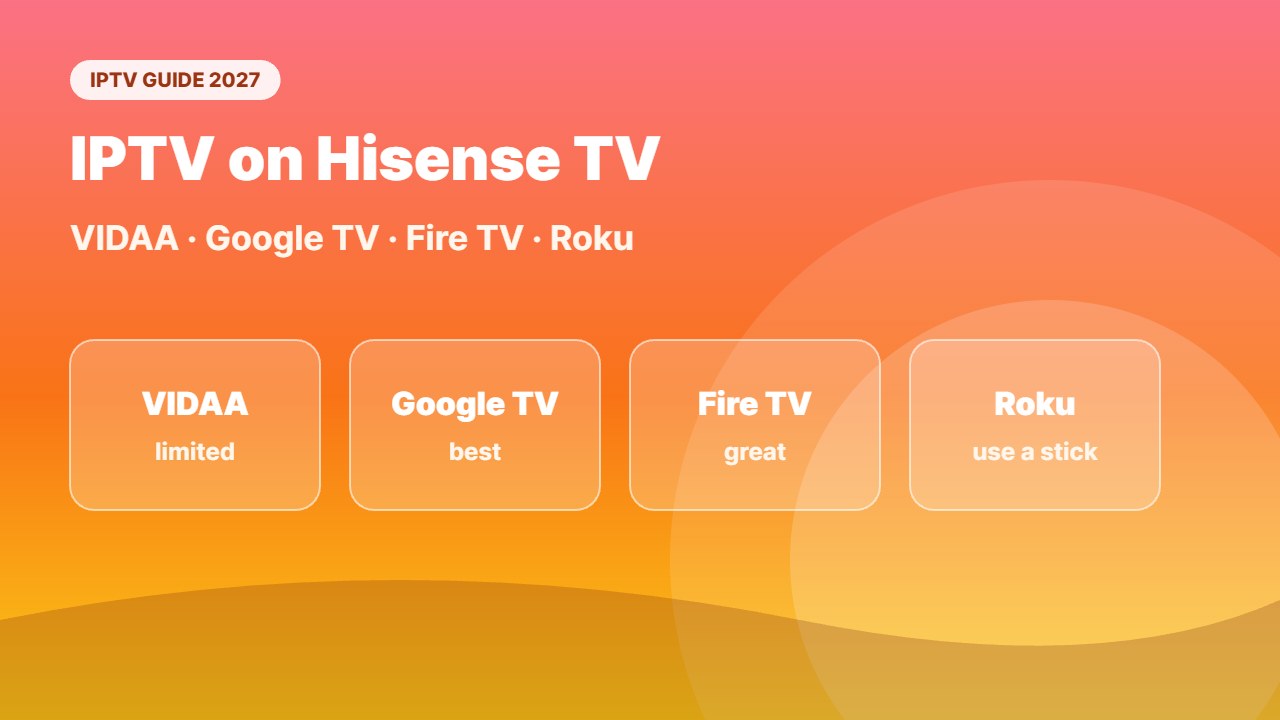
Want to watch IPTV on Hisense TV? The answer depends on which system your Hisense runs: VIDAA, Google TV / Android TV, Fire TV or Roku. Each one installs IPTV apps differently. This guide shows how to find your system and set up IPTV step by step on each one.
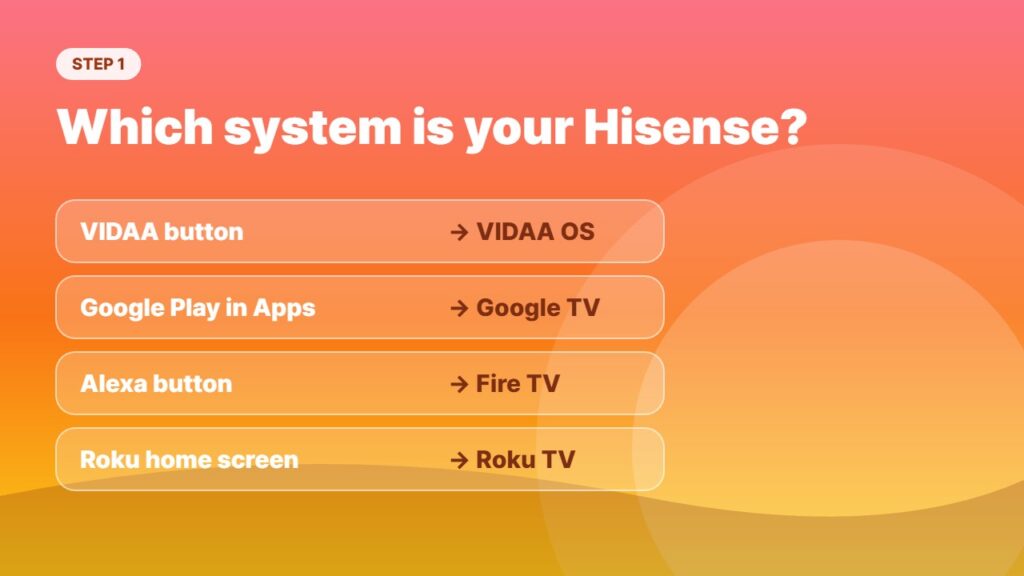
Step 1: Find out which system your Hisense TV runs
| How it looks | System | IPTV options |
|---|---|---|
| “VIDAA” button or VIDAA app store | VIDAA OS | Limited — some players in the VIDAA store, or use a stick |
| Google Play Store in Apps | Google TV / Android TV | Best — TiviMate, Smarters and more |
| Alexa button / Amazon Appstore | Fire TV edition | Very good — Downloader + any player |
| Roku home screen | Roku TV | Poor — use a stick or mirroring |
Not sure? Open Settings → System / About on the TV to see the system name.
IPTV on Hisense VIDAA TV
VIDAA is Hisense’s own system. It runs web apps from the curated VIDAA App Store, so you cannot install Android apps. Depending on your country and model, you may find IPTV players such as Smart IPTV, SET IPTV or similar MAC-based apps.
- Press Home and open the App Store.
- Search for an IPTV player.
- Install it and note the MAC address shown on screen.
- Add your playlist on the app’s official website using that MAC.
- If there is no IPTV app, plug in a streaming stick — see the option below.
IPTV players do not include channels. Use a licensed provider and keep your M3U link private.
IPTV on Hisense Google TV / Android TV
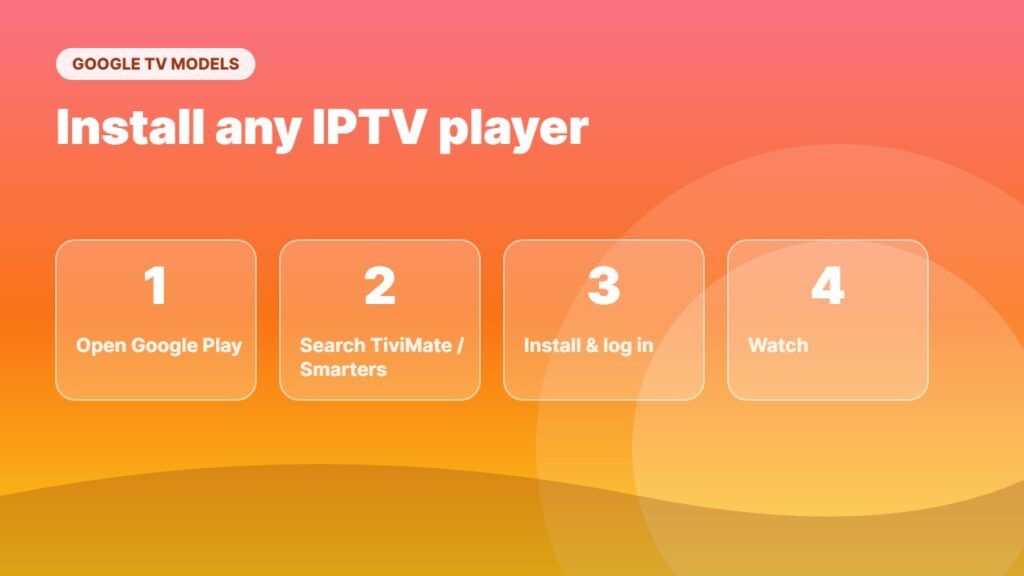
This is the easiest case. Open the Google Play Store, install an IPTV player and log in. TiviMate or IPTV Smarters work great — see install IPTV Smarters on Android TV or the TiviMate setup guide. Apps that are not in the store can be added with sideloading on Google TV.
IPTV on Hisense Fire TV edition
Hisense Fire TV models work like a Firestick: install the Downloader app and then your IPTV player. Follow how to install Downloader and IPTV Smarters on Firestick.
IPTV on Hisense Roku TV
Roku has very few IPTV options. The best fix is a cheap streaming stick in a free HDMI port — read IPTV on Roku for all methods.
Easiest option for any Hisense TV: add a streaming stick
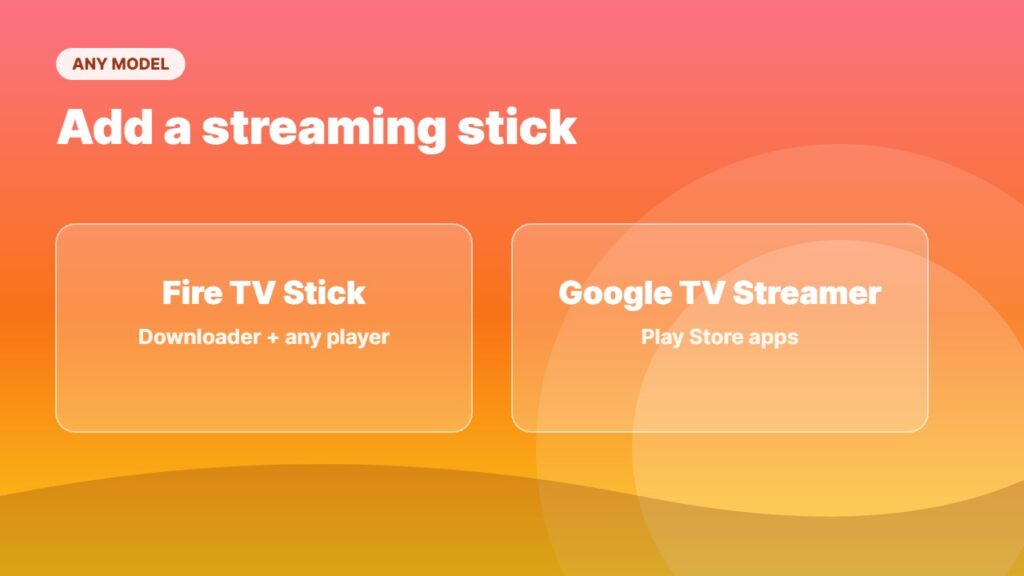
If your Hisense has limited apps, a Fire TV Stick or Google TV Streamer gives you every IPTV player for a small price. Compare them in Fire TV Stick 4K Max vs Google TV Streamer and best streaming device.
Other TV brands? See IPTV on Samsung TV and IPTV on LG TV. Channels not loading? Try IPTV not working: 15 fixes.
Tips for smooth IPTV on Hisense TV
For the best IPTV on Hisense TV, use an Ethernet cable or strong 5 GHz Wi-Fi, keep the TV software updated, and close other apps before watching. These simple steps make IPTV on Hisense TV start faster and buffer less.
Choosing a new TV? See best TV for IPTV.
No IPTV app on your TV? You can also cast IPTV to TV from your phone.
Frequently asked questions
Can I watch IPTV on a Hisense smart TV?
Yes. Google TV and Fire TV models can install any IPTV player. VIDAA models have fewer options, and Roku models usually need a streaming stick.
What is the best IPTV app for Hisense VIDAA?
It depends on your country and model. Look in the VIDAA App Store for MAC-based IPTV players; if none are available, a Fire TV Stick or Google TV device is the easiest solution.
Can I install TiviMate on a Hisense TV?
Yes on Hisense Google TV / Android TV models. Not on VIDAA or Roku models.
How do I know if my Hisense is VIDAA or Google TV?
If you see the Google Play Store in Apps, it is Google TV / Android TV. If you see a VIDAA app store and a VIDAA button on the remote, it is VIDAA.
Do I need a VPN for IPTV on Hisense TV?
VIDAA TVs cannot run VPN apps. Use a VPN on your router or on a streaming stick — see best VPN for IPTV.
Final thoughts
IPTV on Hisense TV is easy once you know your system: Google TV and Fire TV models can run any player, VIDAA models have a few MAC-based apps, and Roku models need a stick. When in doubt, a streaming stick gives you the best IPTV experience on any Hisense.