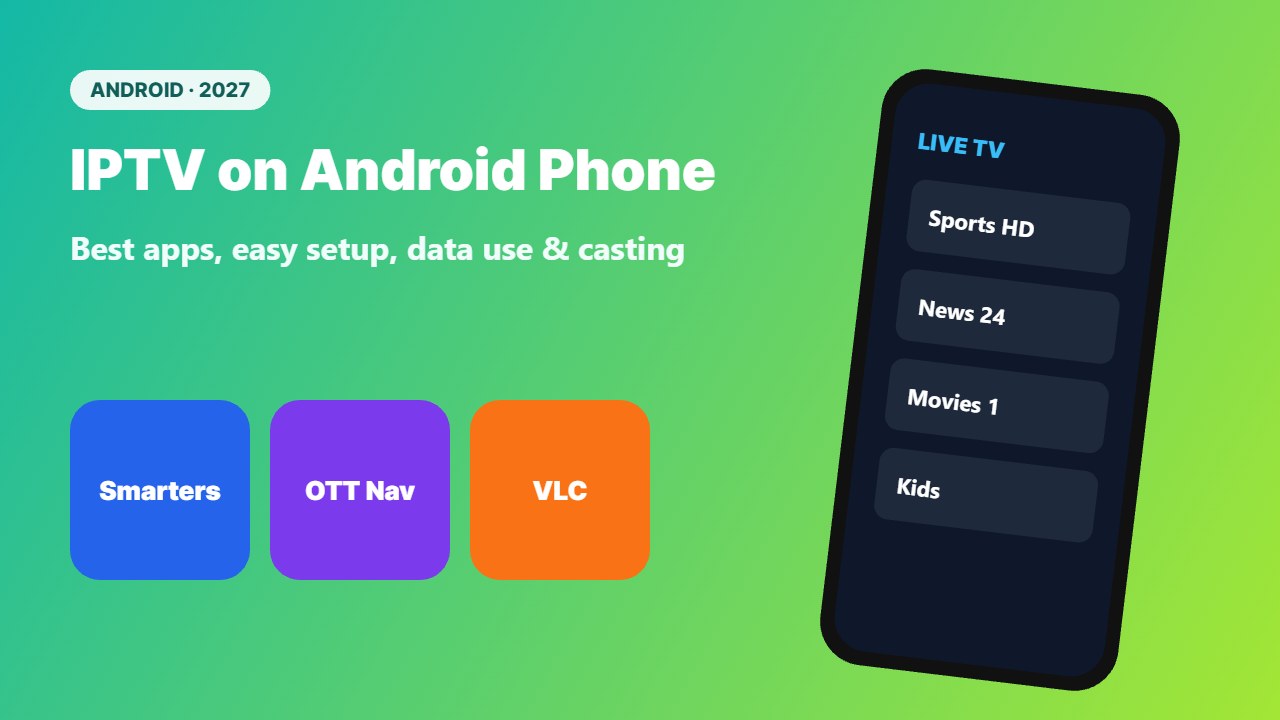
Want to watch live TV on the go? IPTV on Android phone and tablet is easy: install a player app, add your login, and your channels go wherever you go. This guide covers the best apps, setup steps, mobile data use and how to send the picture to your TV.
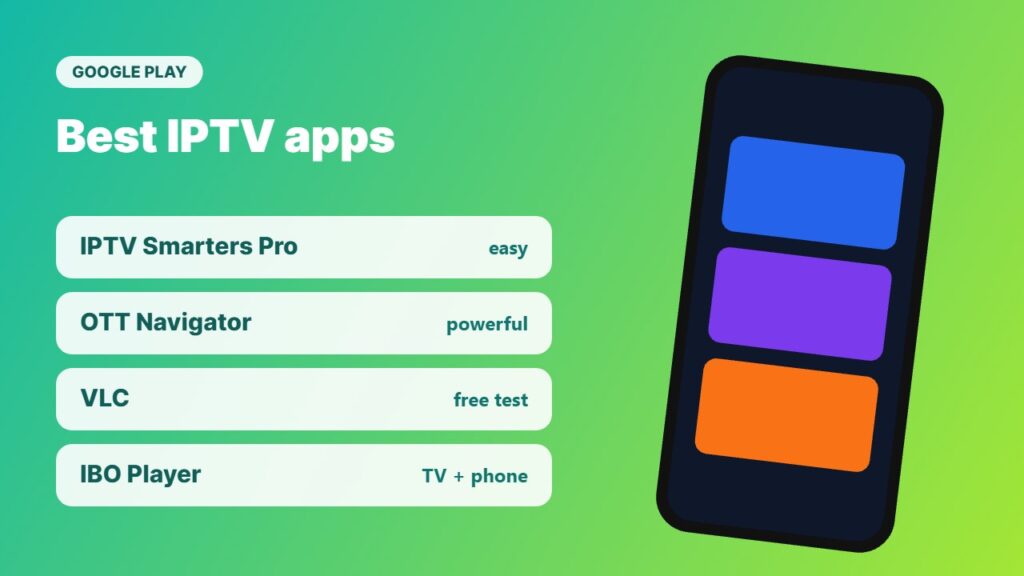
Best IPTV apps for Android phones
| App | Login types | Why choose it |
|---|---|---|
| IPTV Smarters Pro | Xtream, M3U | Easy, same app as many TVs |
| OTT Navigator | Xtream, M3U, portal | Powerful guide, many free features |
| VLC | M3U | Free, quick testing |
| IBO Player | Xtream, M3U via website | Same app on TVs and phones |
Player apps contain no channels. Use a licensed IPTV provider and keep your login private.
How to set up IPTV on Android phone
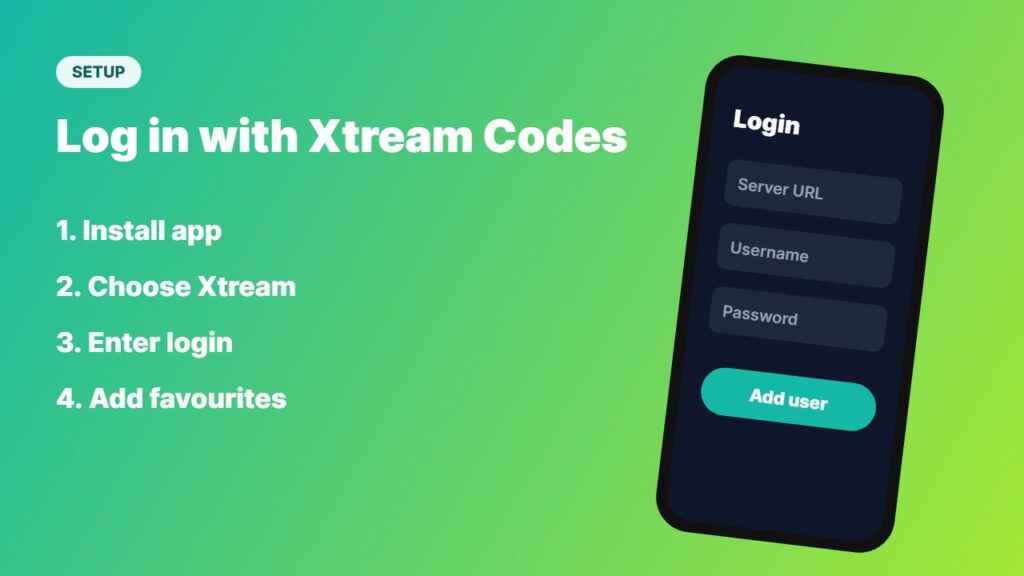
- Open the Google Play Store and install a player, for example IPTV Smarters Pro or OTT Navigator.
- Open the app and choose Login with Xtream Codes (or add an M3U link).
- Enter the server URL, username and password from your provider.
- Wait for channels, EPG and VOD to load.
- Add favourites so your main channels are one tap away.
Detailed guides: OTT Navigator setup and M3U vs Xtream Codes. Quick test? Use VLC.
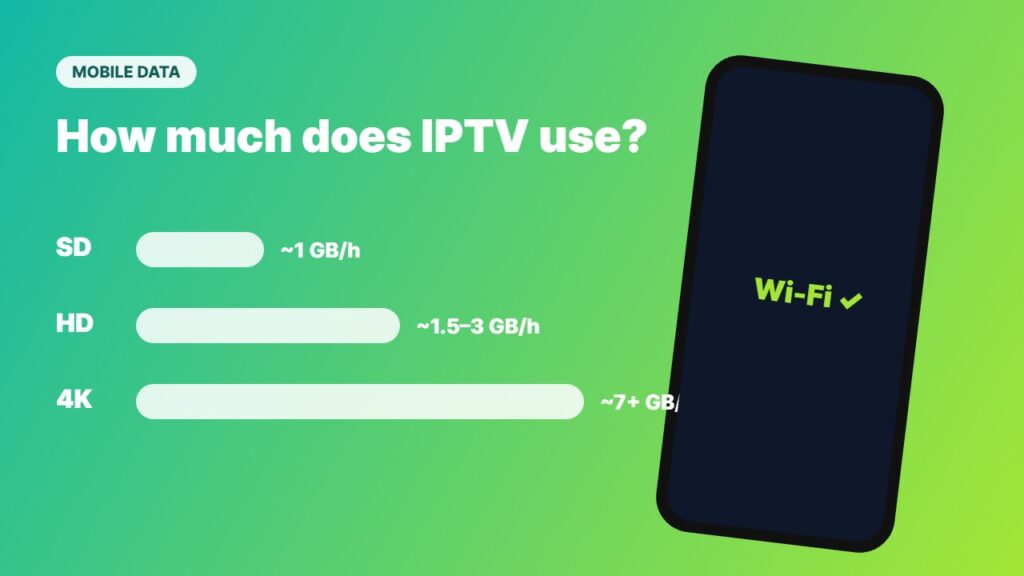
How much mobile data does IPTV use?
| Quality | Data per hour (approx.) |
|---|---|
| SD | ~0.7–1 GB |
| HD (720p/1080p) | ~1.5–3 GB |
| 4K | ~7 GB or more |
On mobile data, choose a lower quality in the app settings and use Wi-Fi whenever possible.
Tips for IPTV on Android phone
- Use Wi-Fi at home and lower quality on 4G/5G.
- Turn on picture-in-picture if your app supports it.
- Watch on the big screen by casting — see how to cast IPTV to TV.
- Using the same login on TV and phone? Check your plan’s connections — read IPTV on multiple devices.
- Protect your privacy on public Wi-Fi with a VPN for IPTV.
Problems? See IPTV Smarters not working and IPTV not working. iPhone user? Read IPTV Smarters on iPhone. More on the platform: Android.
Phone or tablet: which is better for IPTV?
A tablet gives a bigger picture and longer battery life, so it is better for watching full matches or films in bed. A phone is perfect for checking scores and news on the go. The same IPTV apps and login work on both Android phones and tablets.
Frequently asked questions
What is the best IPTV app for Android phone?
IPTV Smarters Pro is the easiest for most people. OTT Navigator has more features, and VLC is great for quick testing.
Can I use TiviMate on my phone?
TiviMate is designed for Android TV, not phones. On a phone, IPTV Smarters or OTT Navigator are better choices.
How much data does IPTV use on mobile?
Roughly 1.5–3 GB per hour in HD and much more in 4K. Lower the quality on mobile data.
Can I watch IPTV on my phone and TV at the same time?
Only if your plan includes 2 or more connections. A 1-connection plan allows one stream at a time.
Can I cast IPTV from my phone to my TV?
Yes. Many players have a cast button for Chromecast or Google TV devices, or you can use screen mirroring.
Final thoughts
IPTV on Android phone takes just a few minutes: install IPTV Smarters or OTT Navigator, log in with your licensed provider’s details and add favourites. Watch on Wi-Fi to save data, and cast to the TV when you get home.